Software Introduction
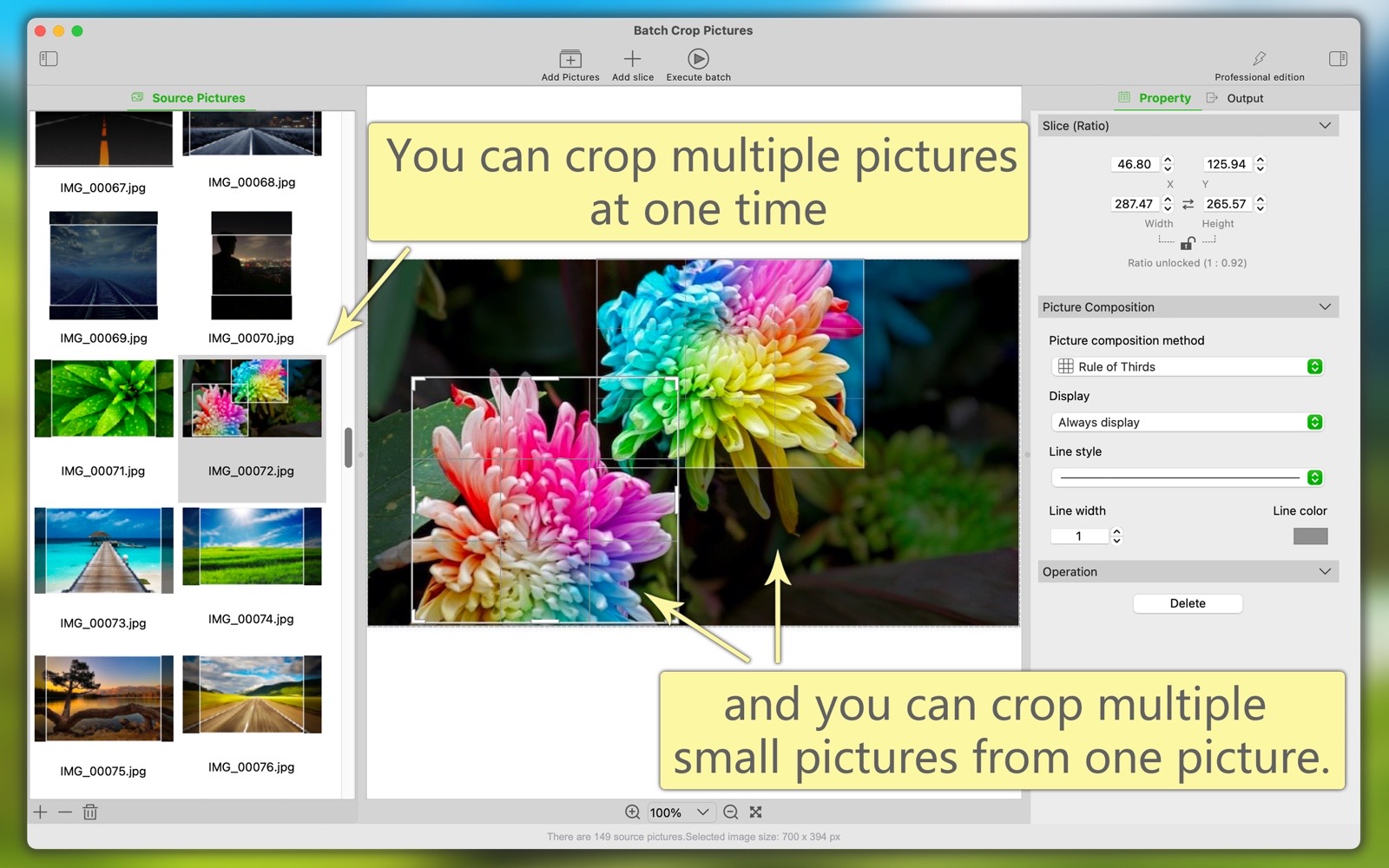
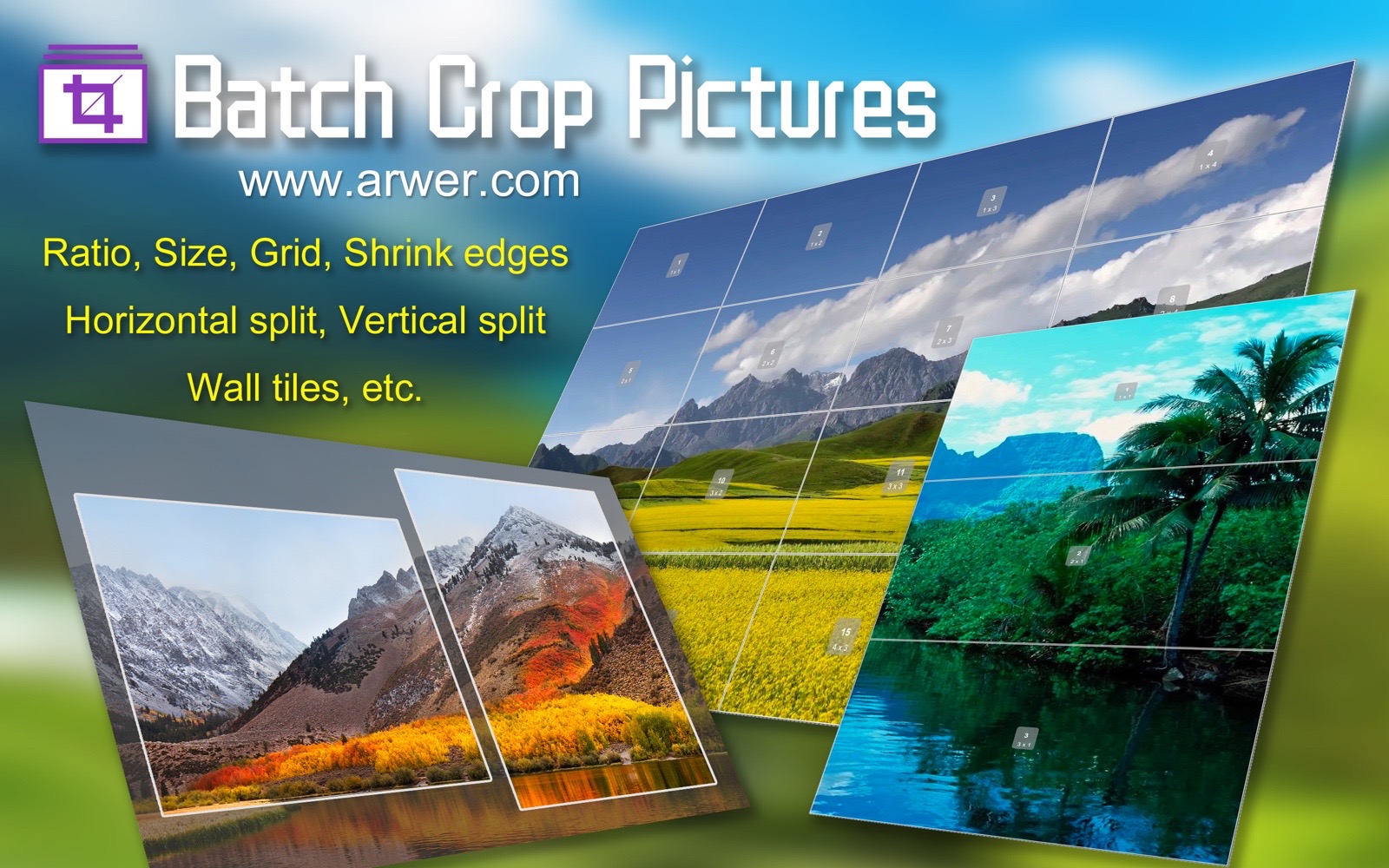
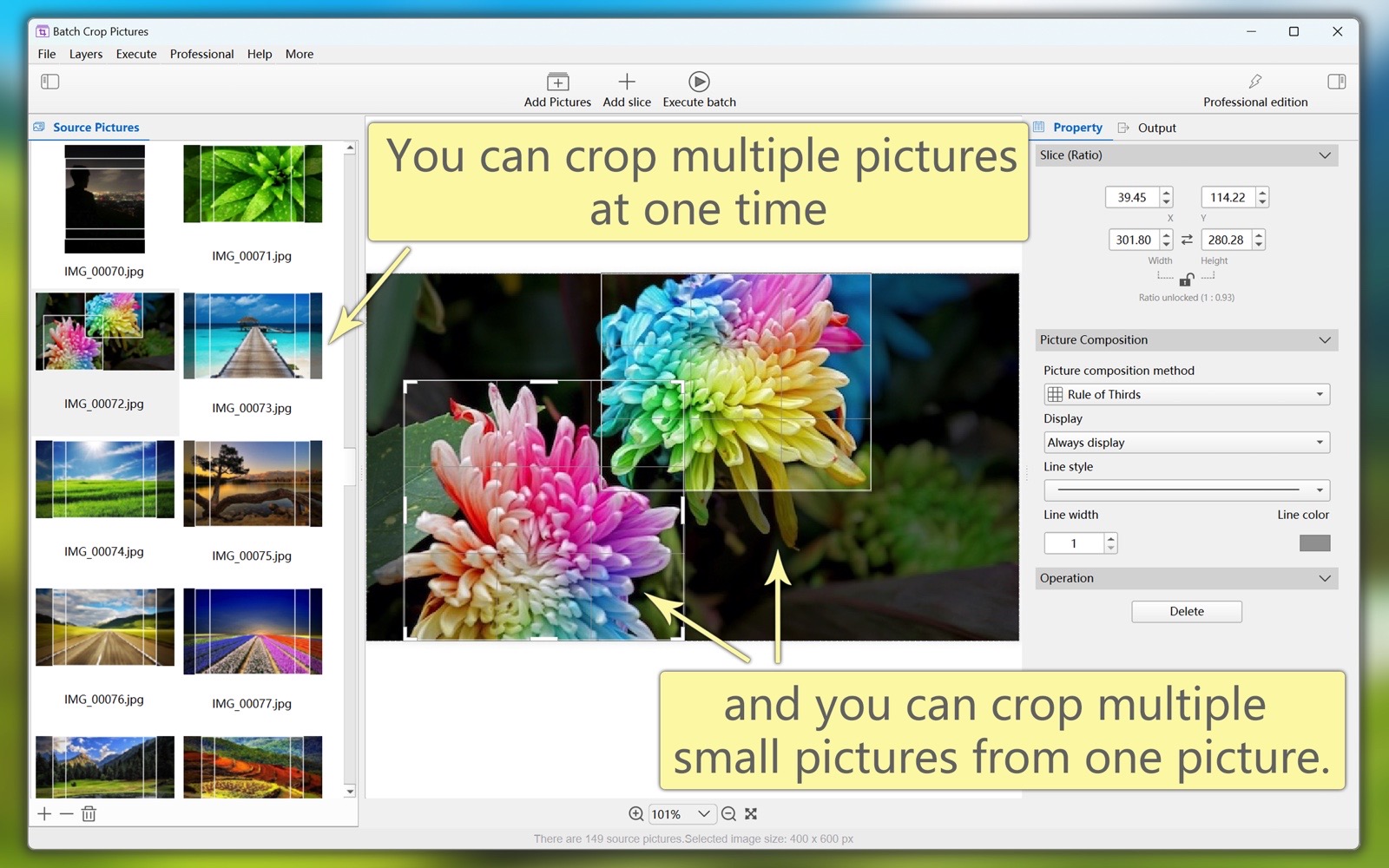
"Batch Crop Pictures" is a professional tool software to solve the problem of cropping a large number of picture files. You can crop multiple pictures at once, and you can also crop multiple small pictures from one picture. Various types of slices, automatic and manual cropping methods, easy to use, but also efficient and fast. It is the best assistant for your daily work.
This software supports both macOS and Windows platforms.Main Function:
- You can crop multiple pictures at one time, and you can crop multiple small pictures from one picture.
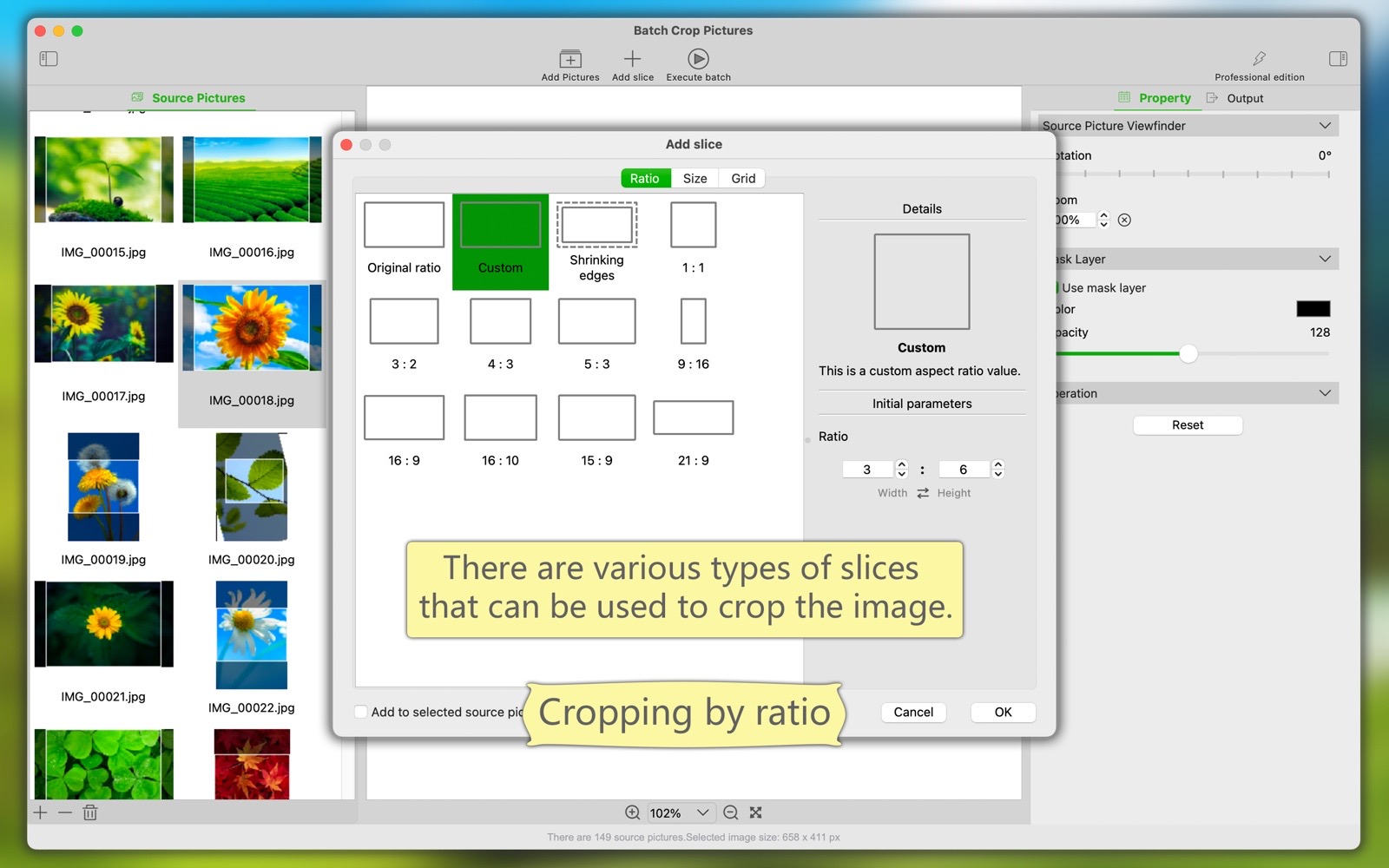
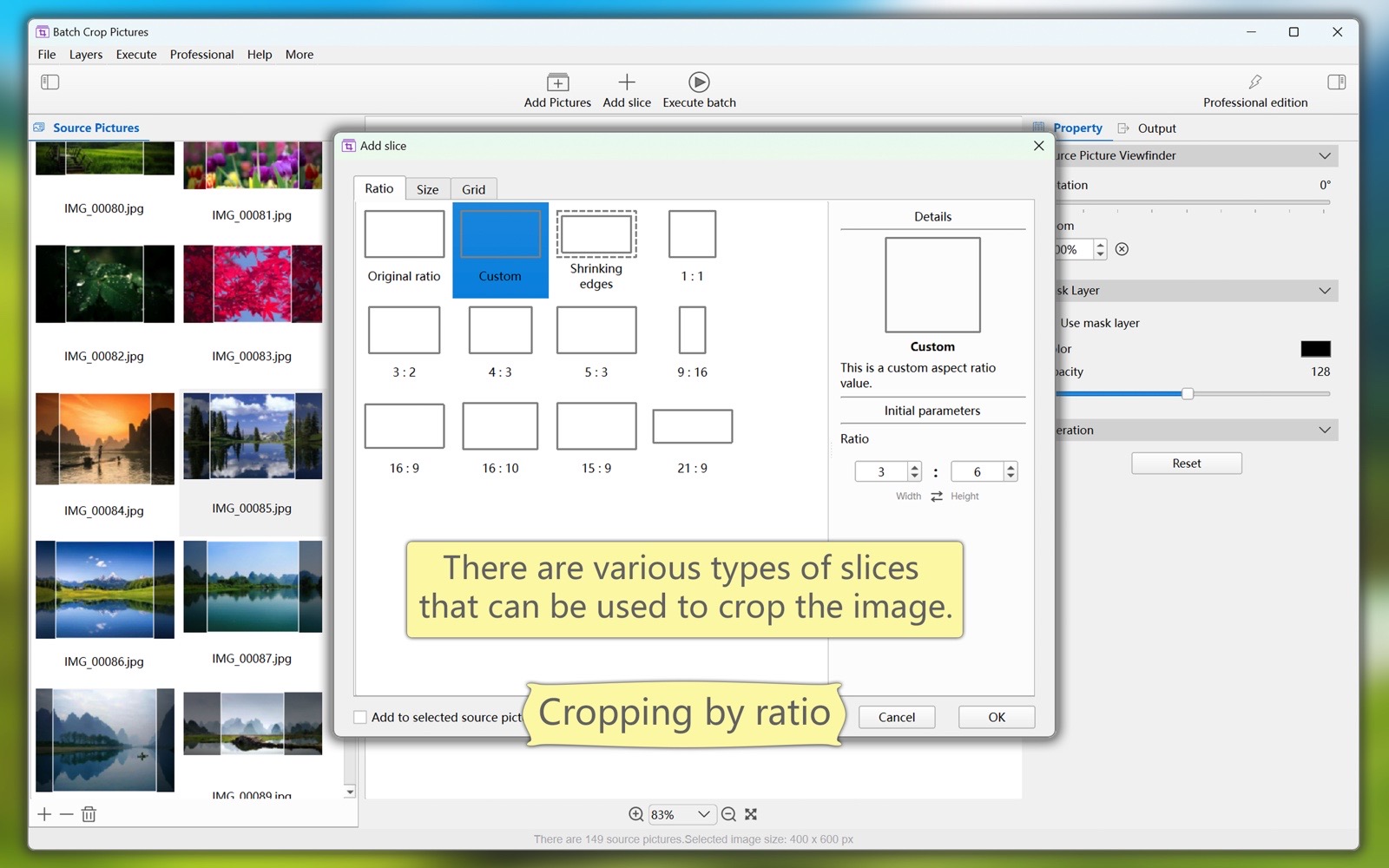
- There are various types of slices, and you can use different slices to crop pictures.
(1) Various ratios. Including: original image ratio, custom ratio, shrink edges, common ratio (e.g., 10:9, 4:3, etc.), etc.
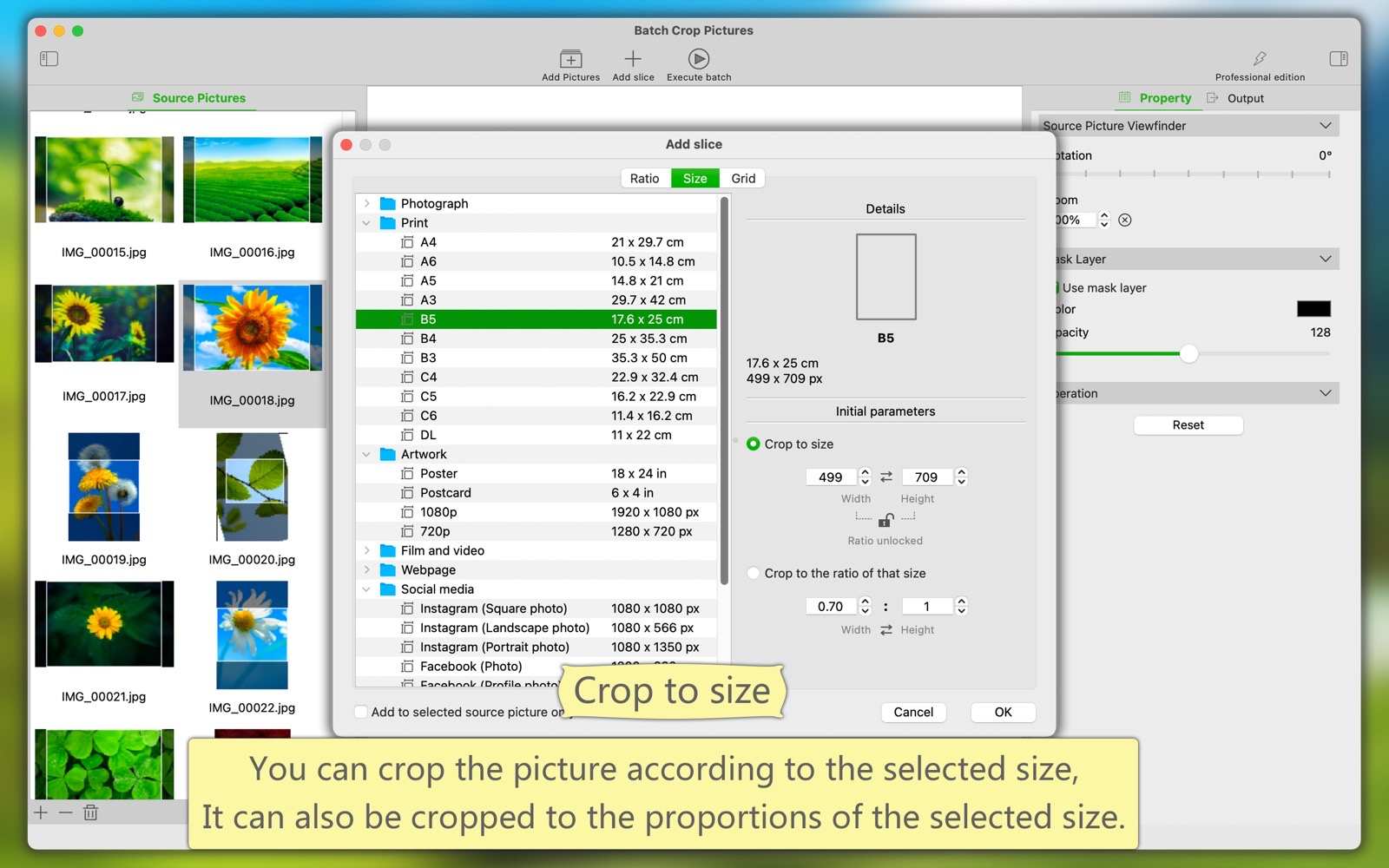
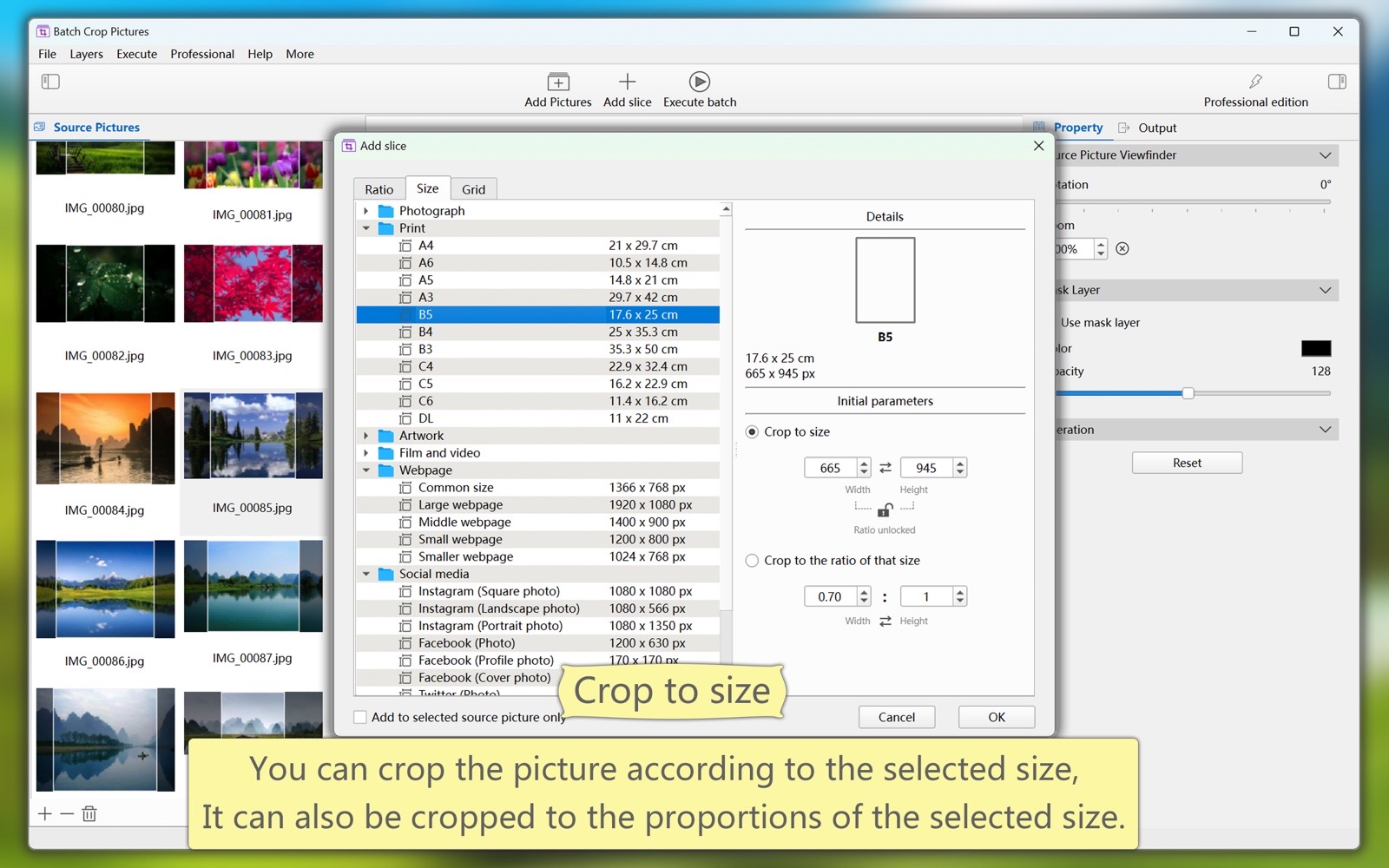
(2) Various sizes. Including: photos, prints, artwork, film and video, web pages, social media, etc.
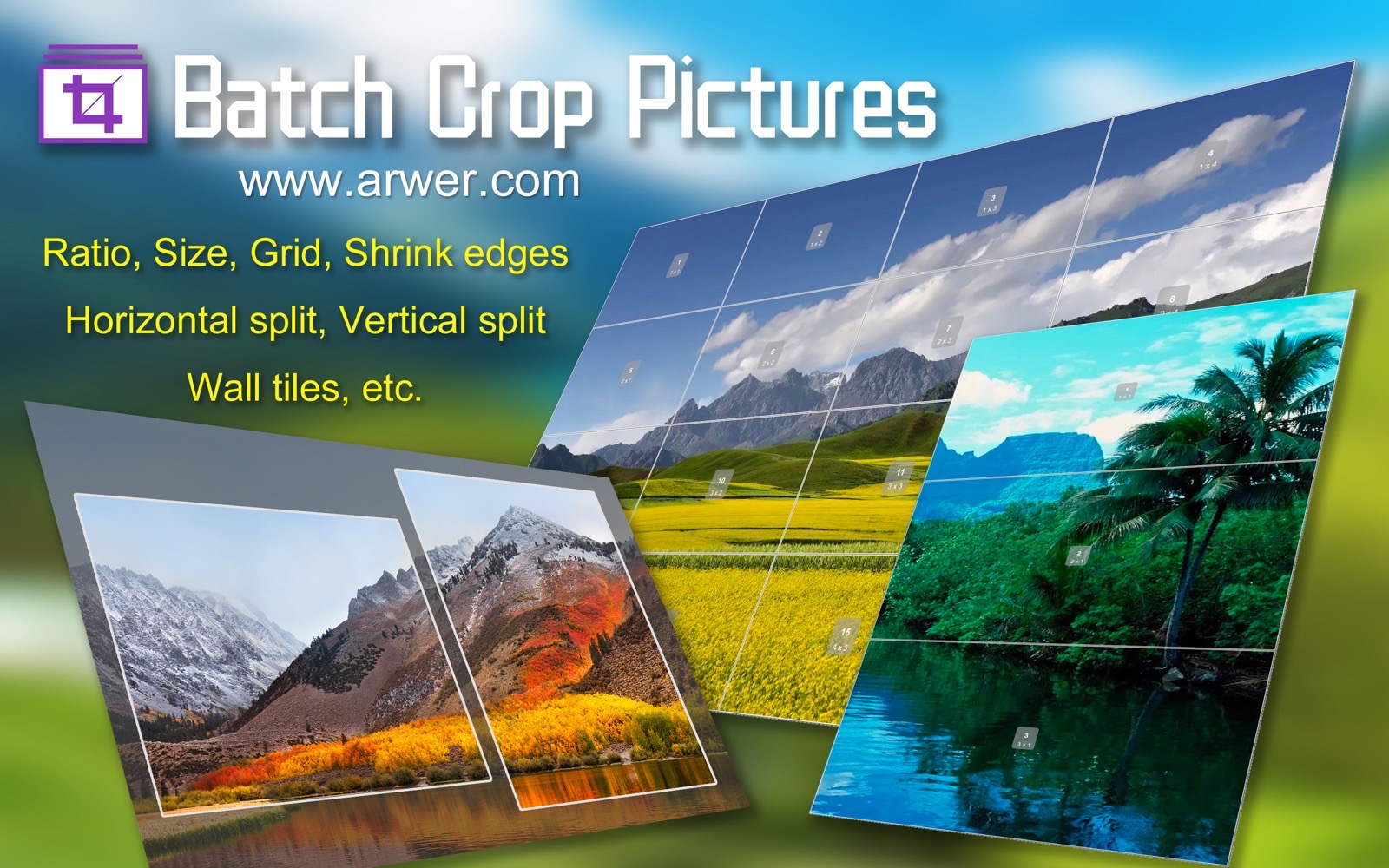
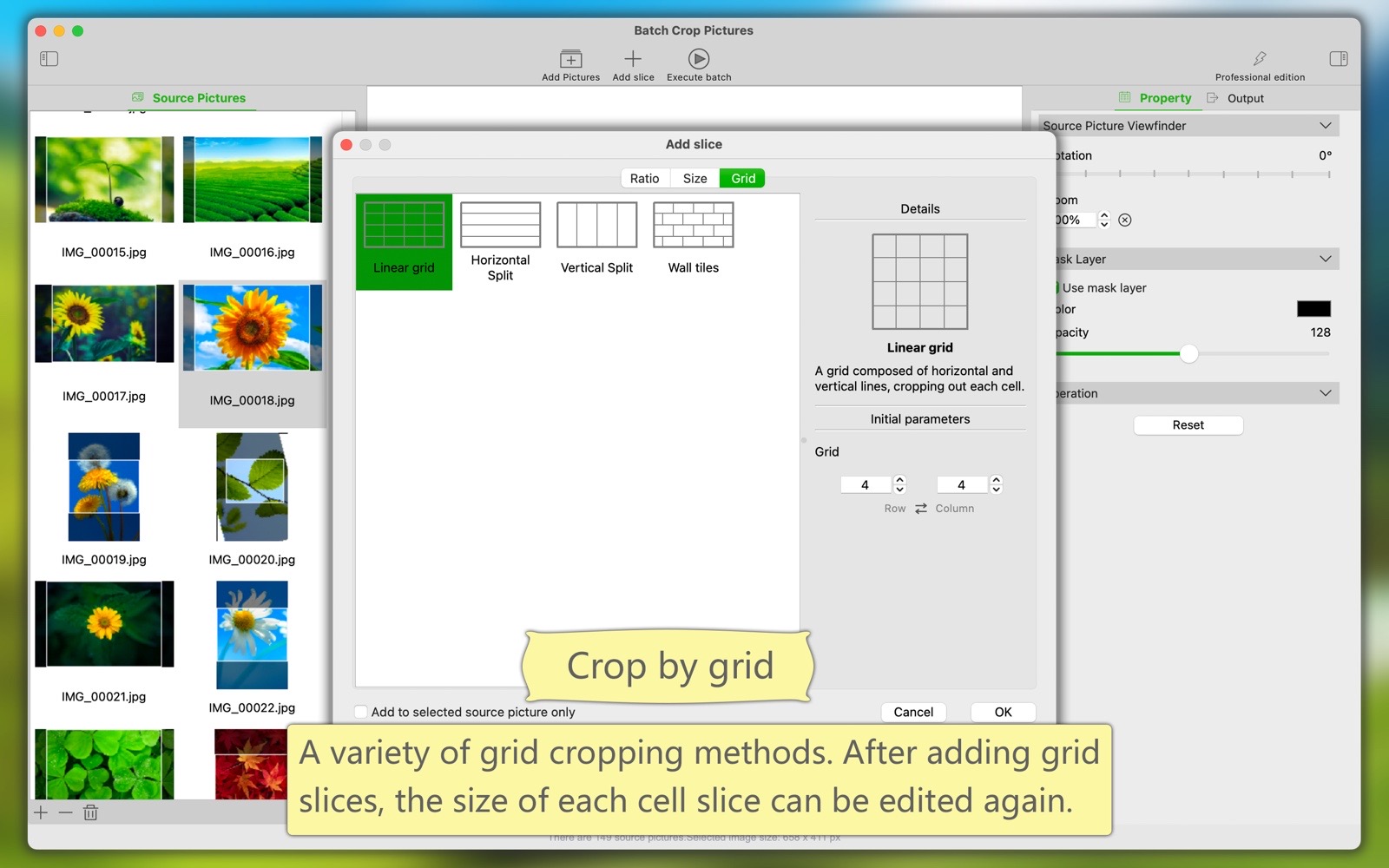
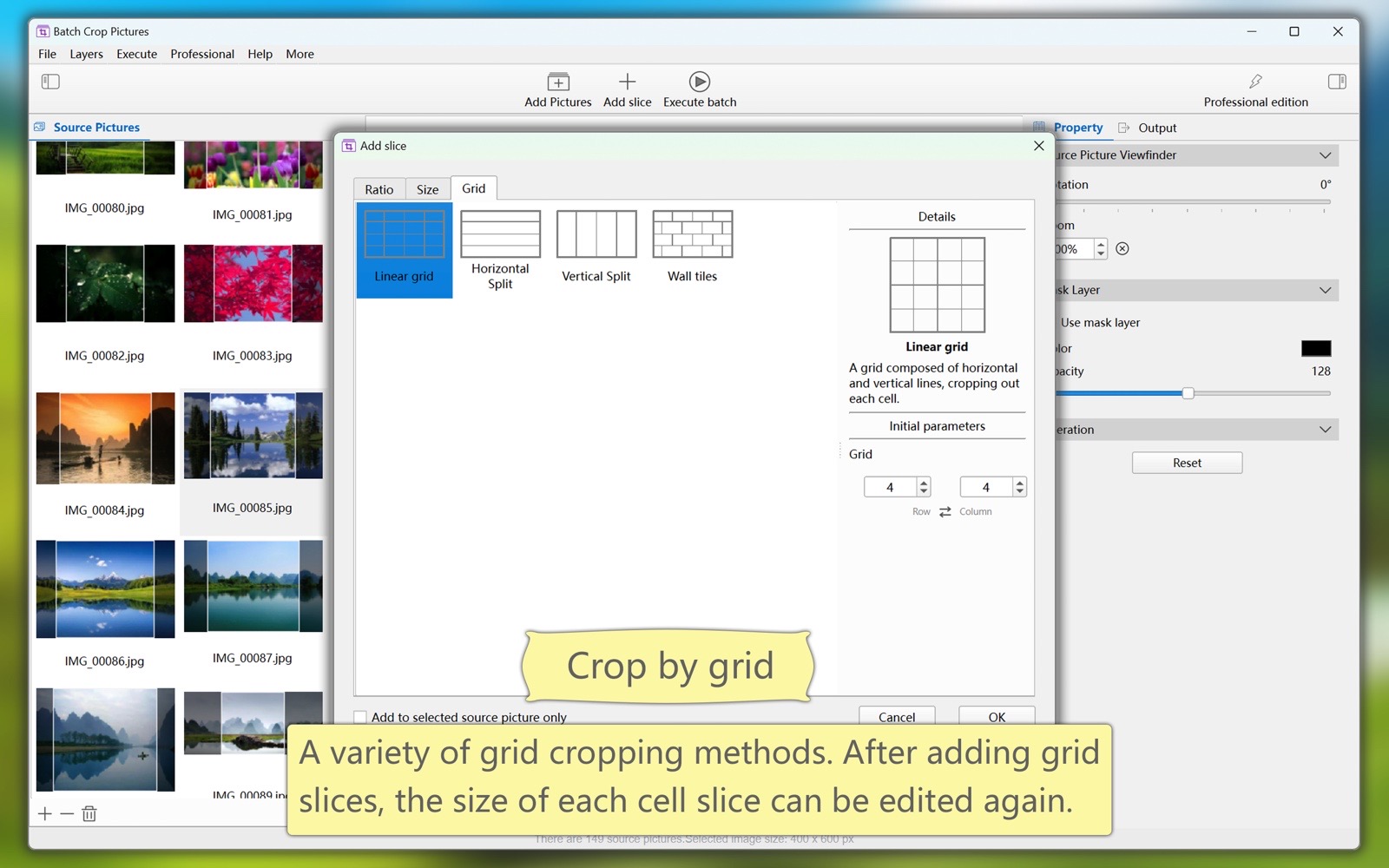
(3) Various grids. Including: linear grid, horizontal split, vertical split, wall tiles, etc.
(4) The new version will add more slice types.
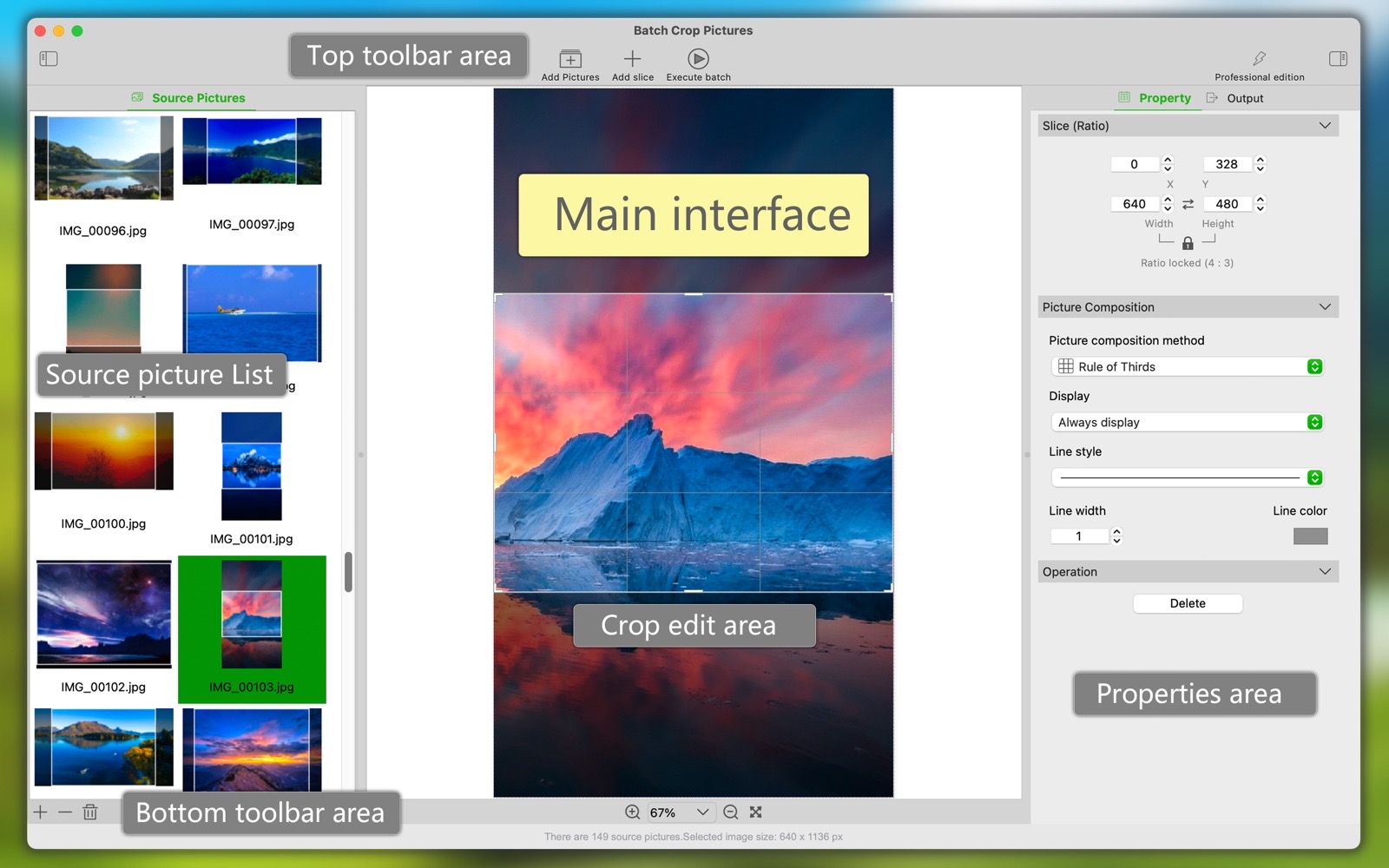
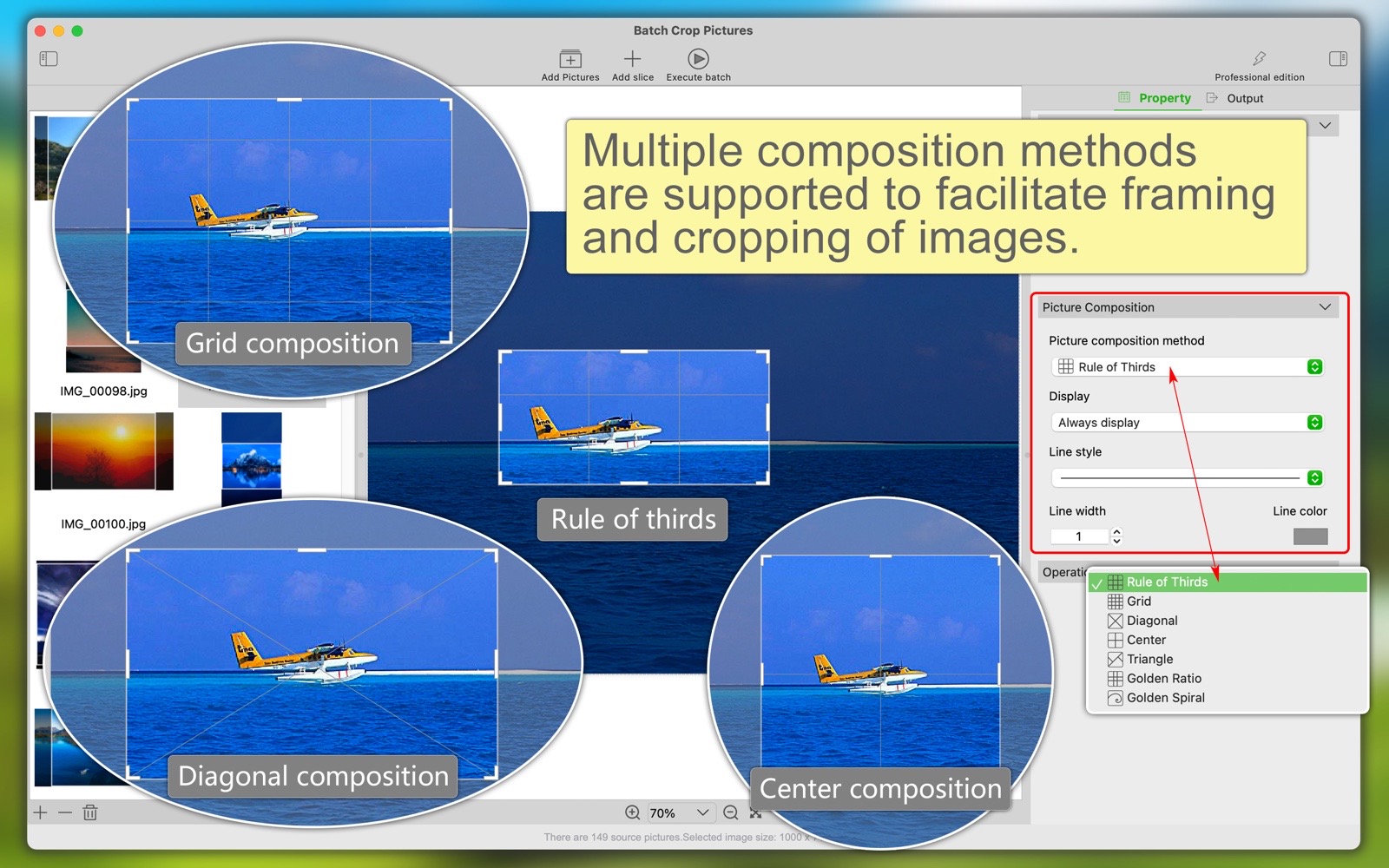
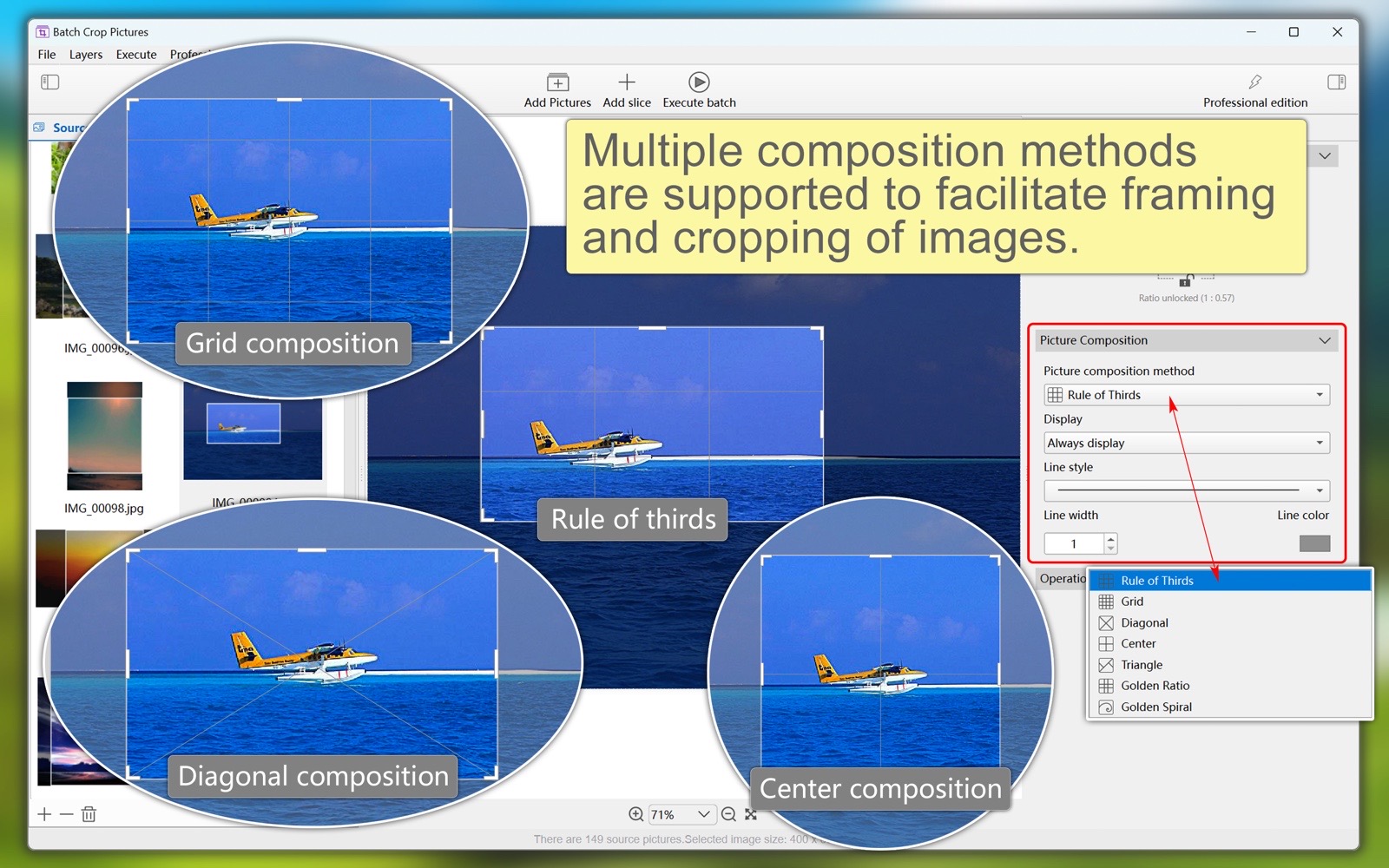
(Can't find the right slice? Tell us about your work scenario, and we will help you understand how to use slices, or develop new slices for you.) - Support display of construction layers to facilitate cropping of pictures. Including: rule of thirds, grids, diagonals, etc.
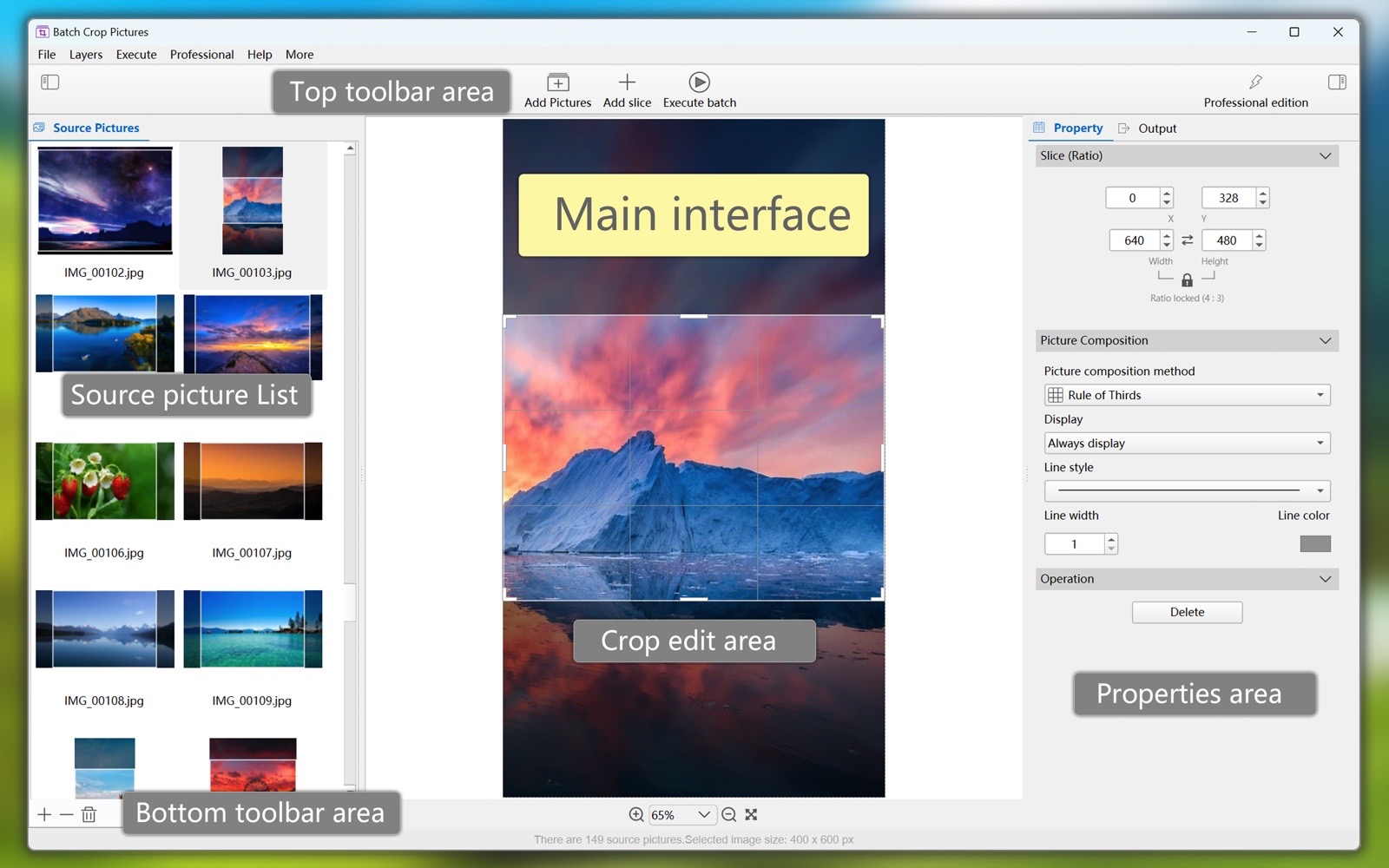
- Automatic/manual cropping. You can add different slice types to automatically complete batch cropping. You can also manually adjust the position and size of each slice on each source image.
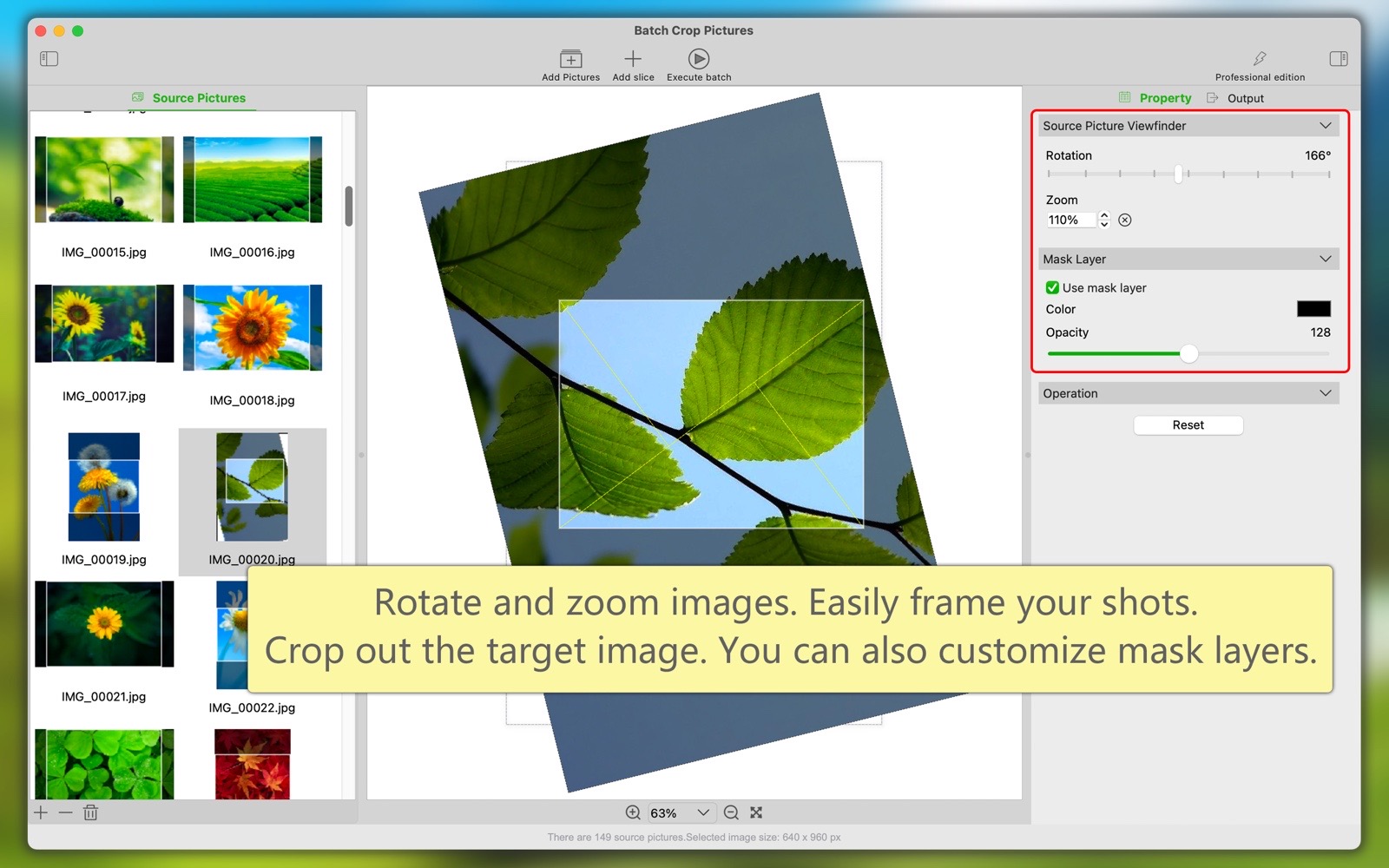
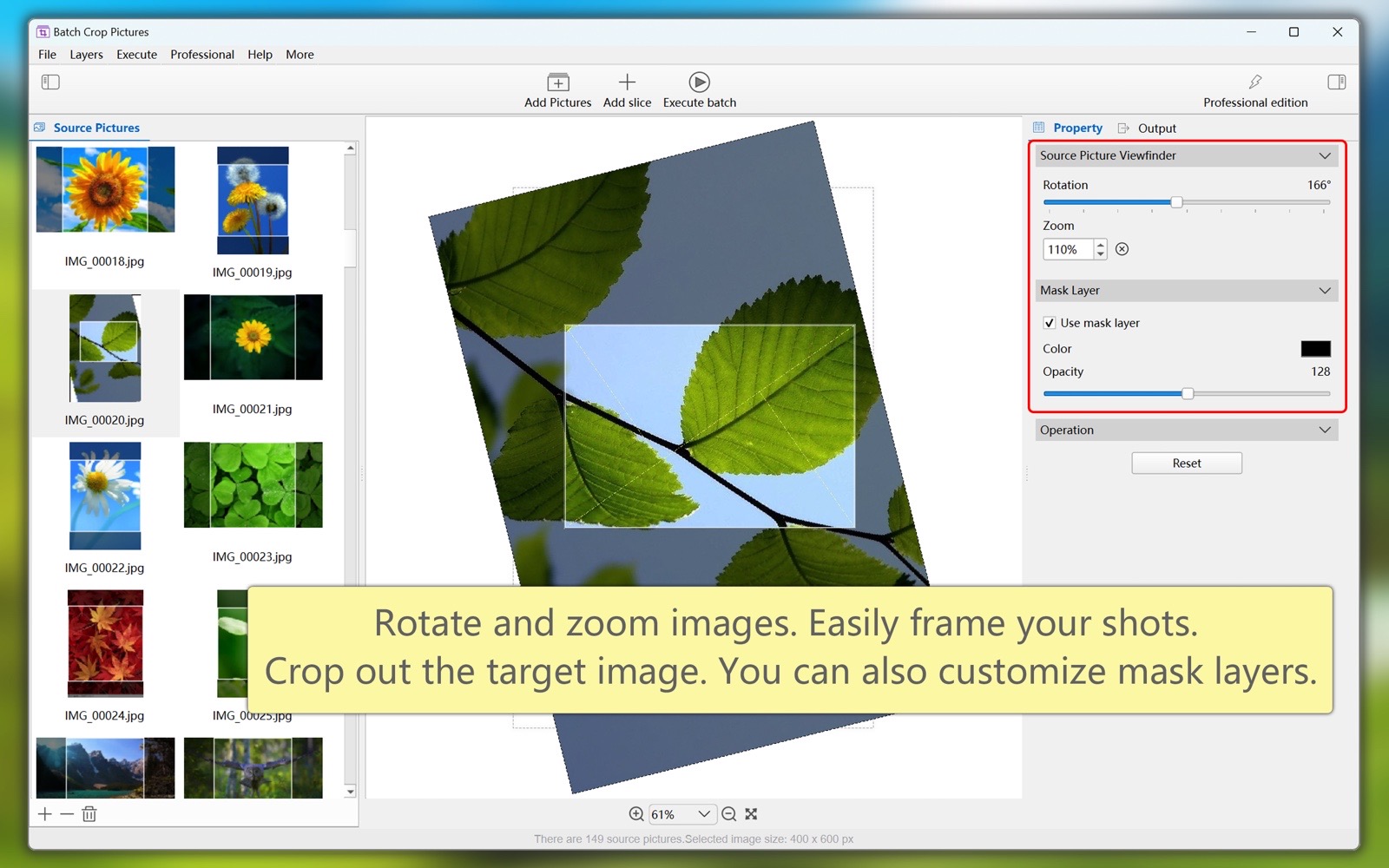
- Visualize the easy editing of slices, real-time preview of the cropping effect between different pictures, what you see is what you get.
- Easily edit slices visually, preview cropping effects between different images in real time, what you see is what you get.
- The output pictures after batch cropping can use a variety of file types, such as PNG, JPG, JPG2000, TIFF, BMP, HEIC, WebP and so on. You can set the picture compression level or quality.
- The software supports both light and dark appearance modes.
- The software supports multiple languages, including: English, Simplified Chinese, Traditional Chinese, Spanish, Portuguese, French, German, Russian, Italian, Japanese, Korean.
(The new version will bring more languages)
Summary of Slicing Features
There are various types of slices suitable for different scenarios.
For proportional cropping, use proportional slices.
For fixed-size cropping, use size slices.
To divide an image horizontally and vertically, use grid slices.
New slice types (for new use cases) are on the way.
Summarize overall characteristics
One-time multiple image cropping.
A single image can be cropped into multiple smaller images.
Automatic/manual cropping.
"Attribute Sync" can quickly synchronize the attribute values of the same slices across different images.
Easily edit slices visually, what you see is what you get.