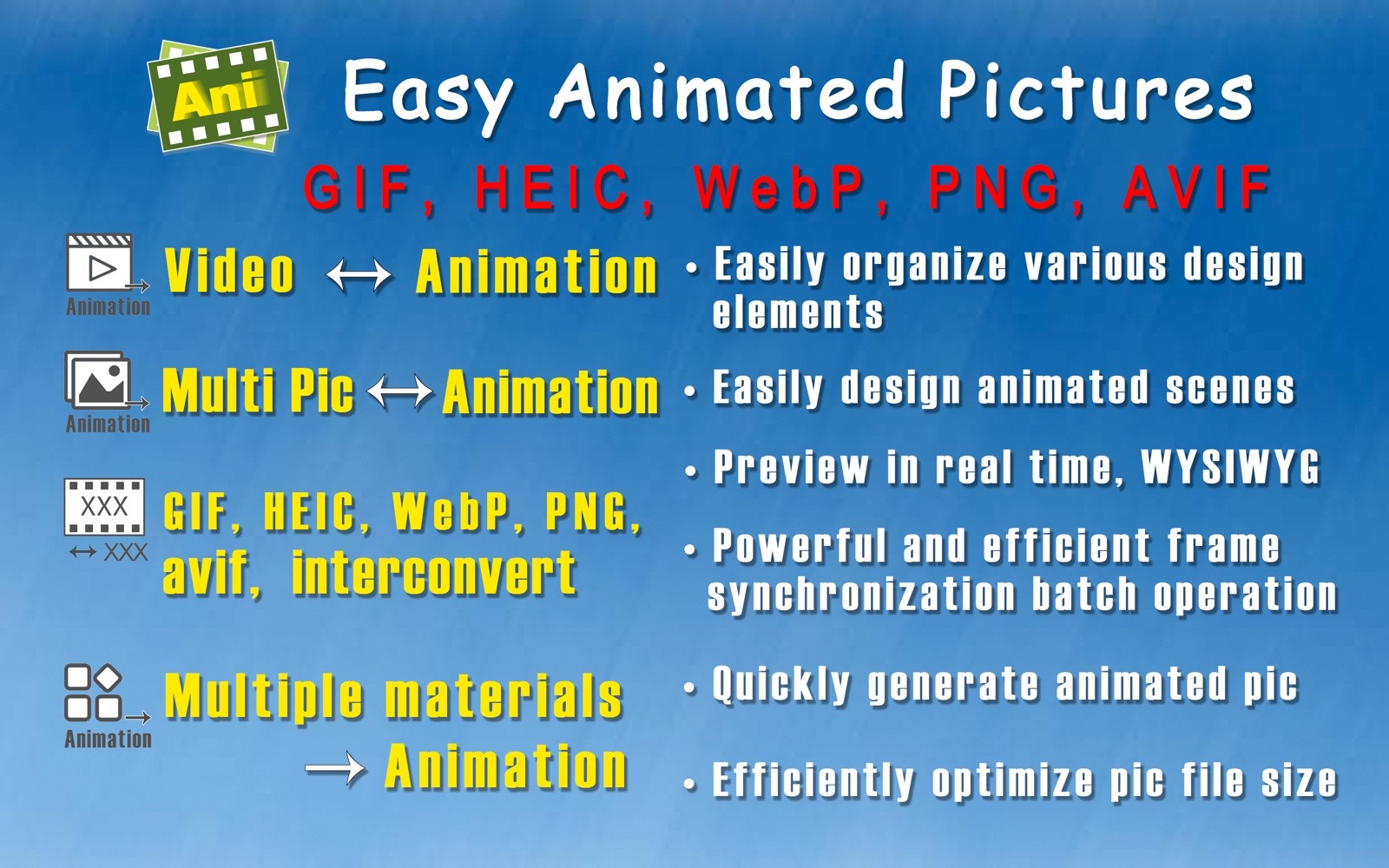
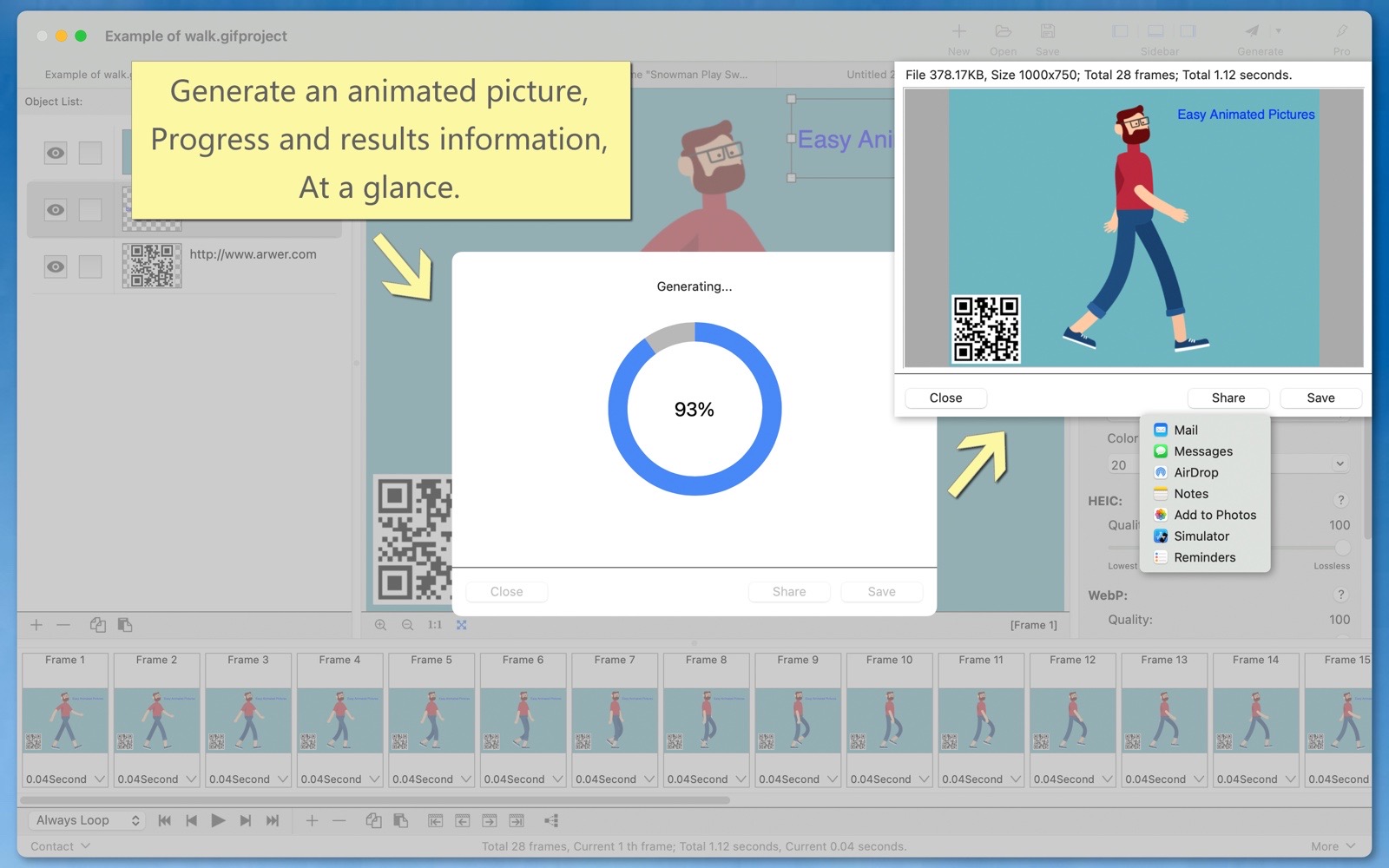
"Easy Animated Pictures" can conveniently organize various design elements, easily create animated scenes, preview in real-time with a WYSIWYG experience, quickly generate animation image files (GIF, HEIC, WebP, PNG, AVIF...), as well as video files. It can efficiently optimize the size of animation files.
Main Function:
- There are many ways to create animations, which are convenient and fast.
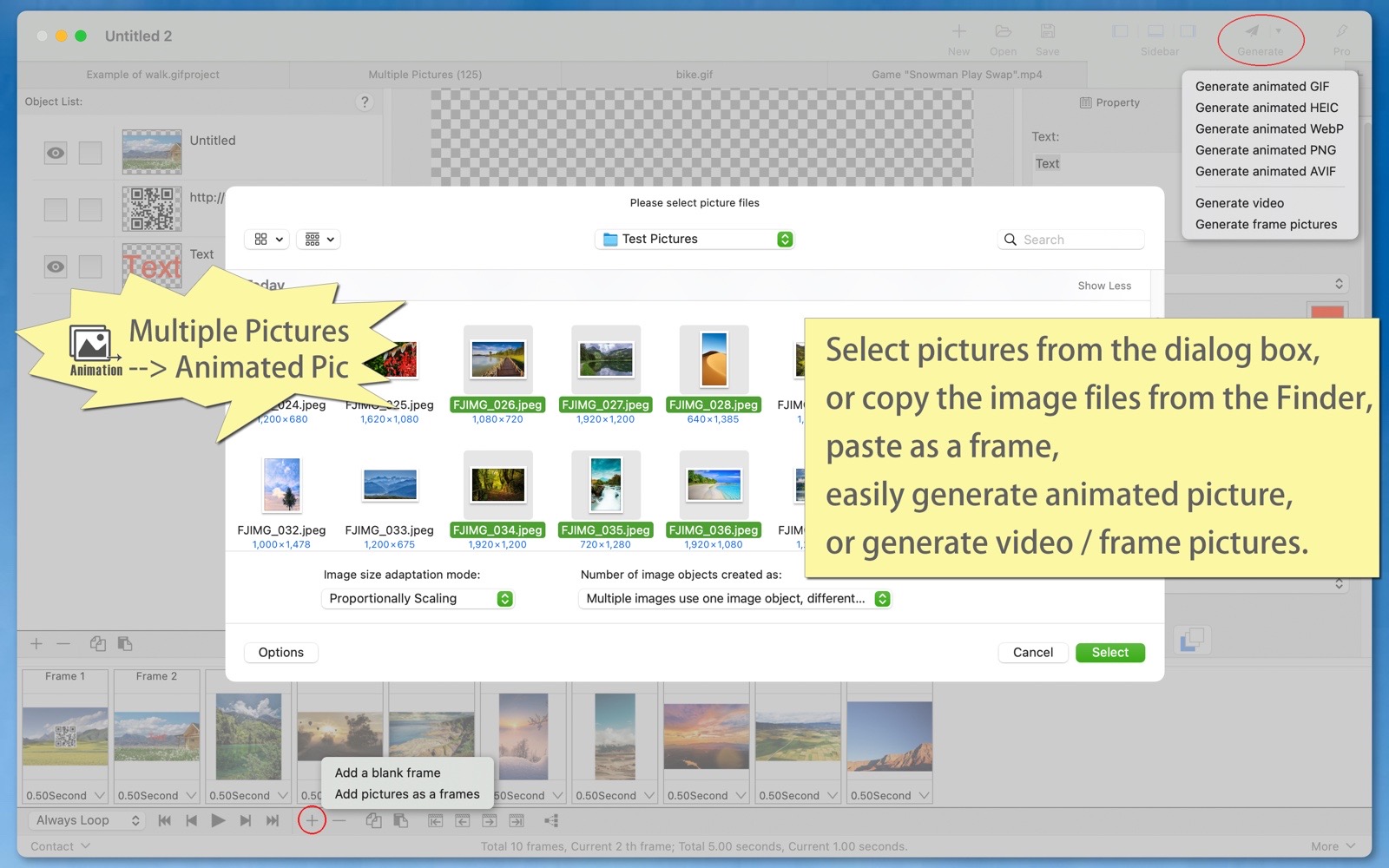
(1) Generate an animated image from multiple static images. You can set the image adaptation method: scale proportionally, stretch, or crop.
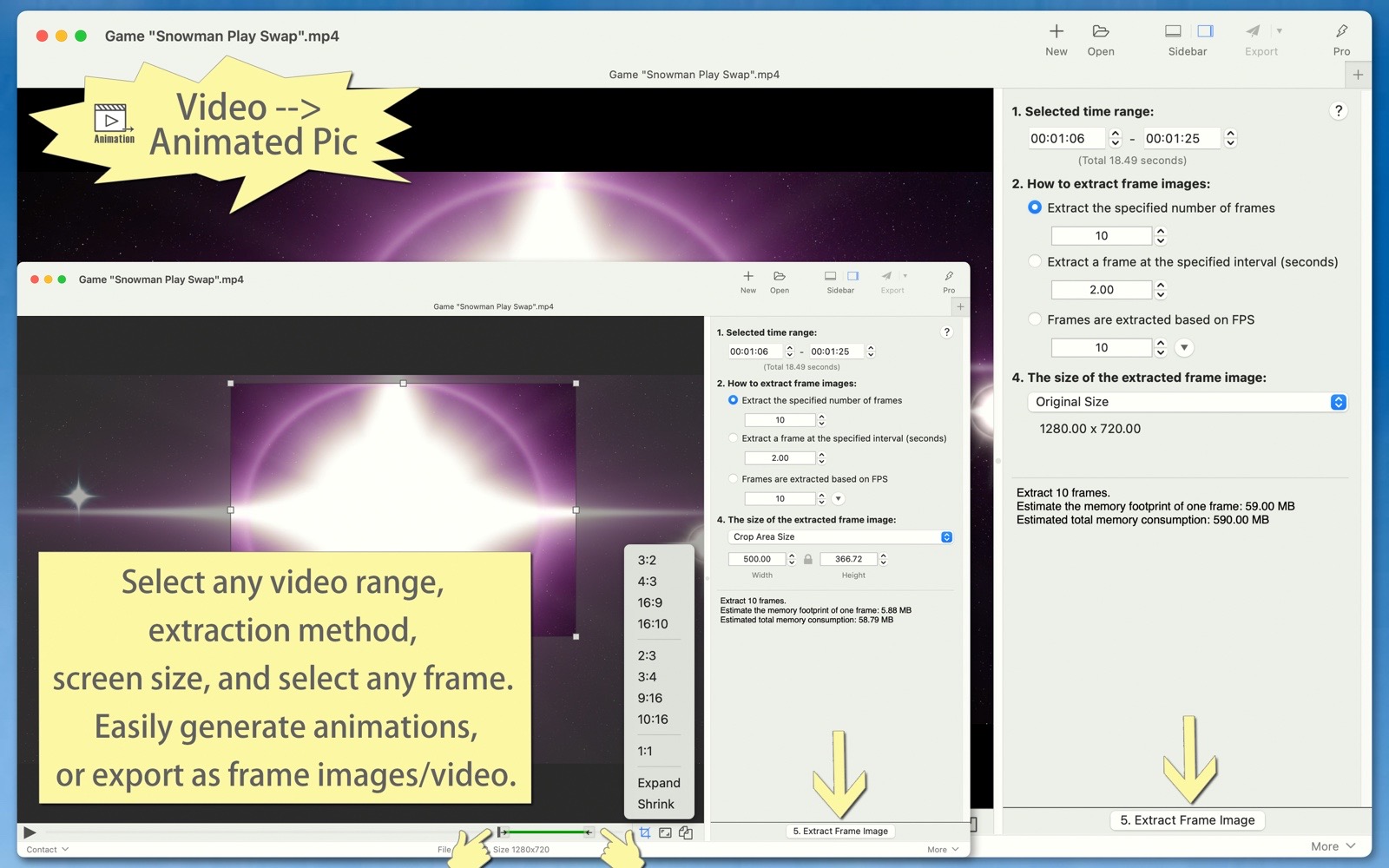
(2) Convert video to an animated image. You can select the video time range, set the extraction method, and adjust the frame size, etc.
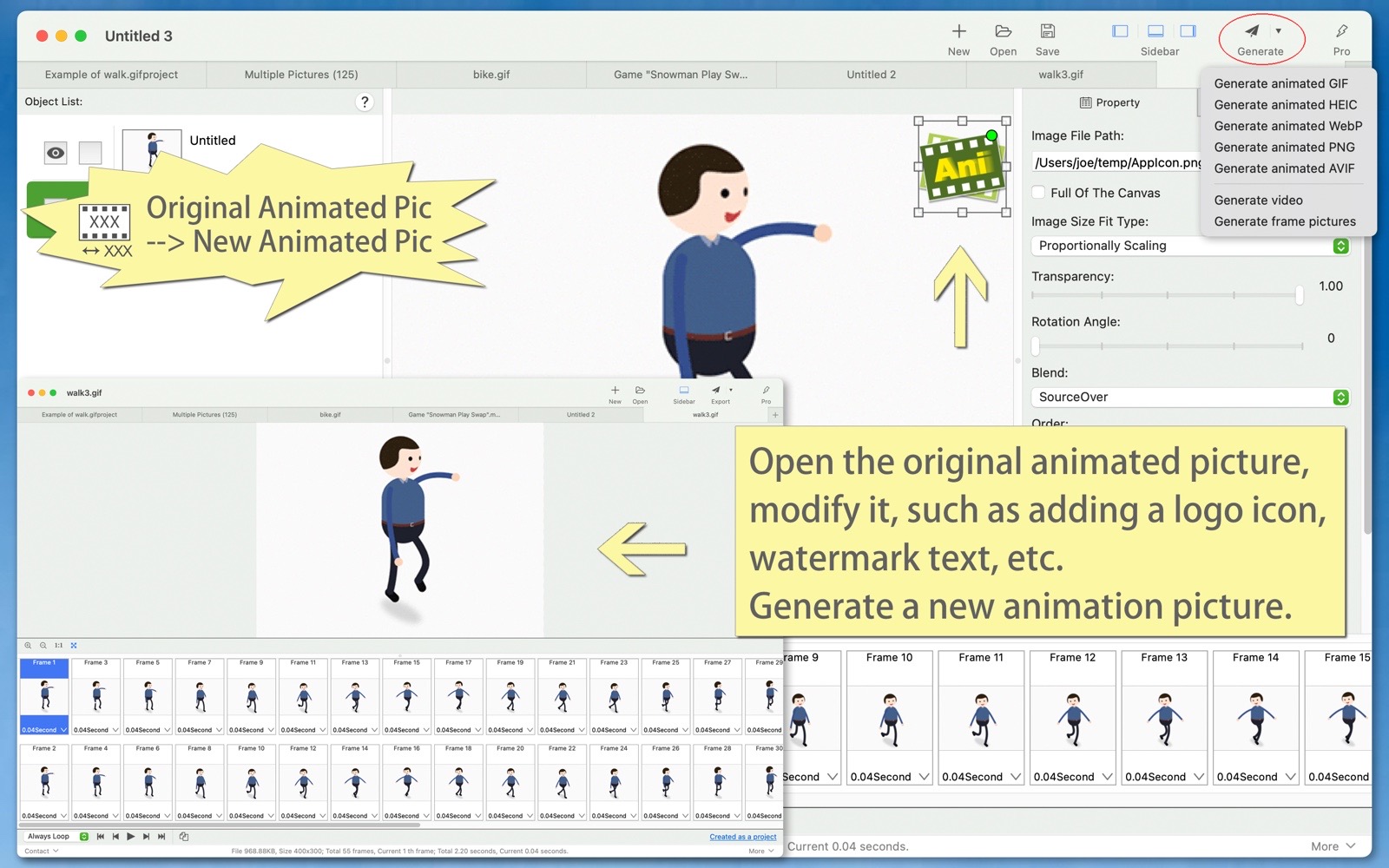
(3) Generate a new animated image from an existing animated image. Import the original animated image, make modifications, and generate a new animated image.
(4) Blank animation. Start from blank frames and create however you like.
- Supports various animated images and file types.
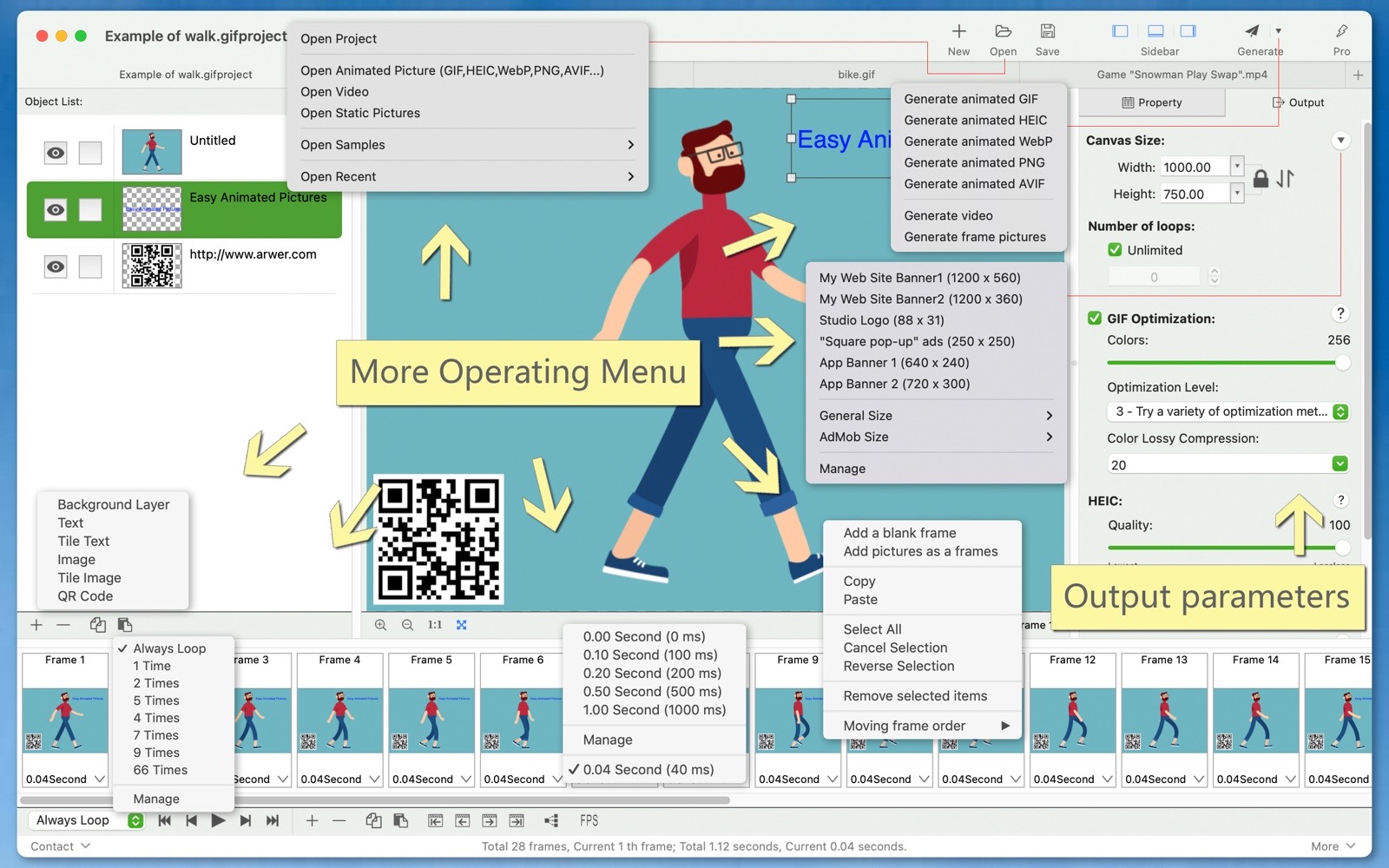
(1) The animated animation can generate animated GIFs, animated HEIC, animated WebP, animated PNG, animated AVIF, videos and static frame images.
(2) You can export all frames or specified frames as pictures or videos from existing animated GIFs, HEIC, WebPG, PNG, AVIF files or video files.
(3) Animated GIF, HEIC, WebP, and APNG images can be converted to each other.
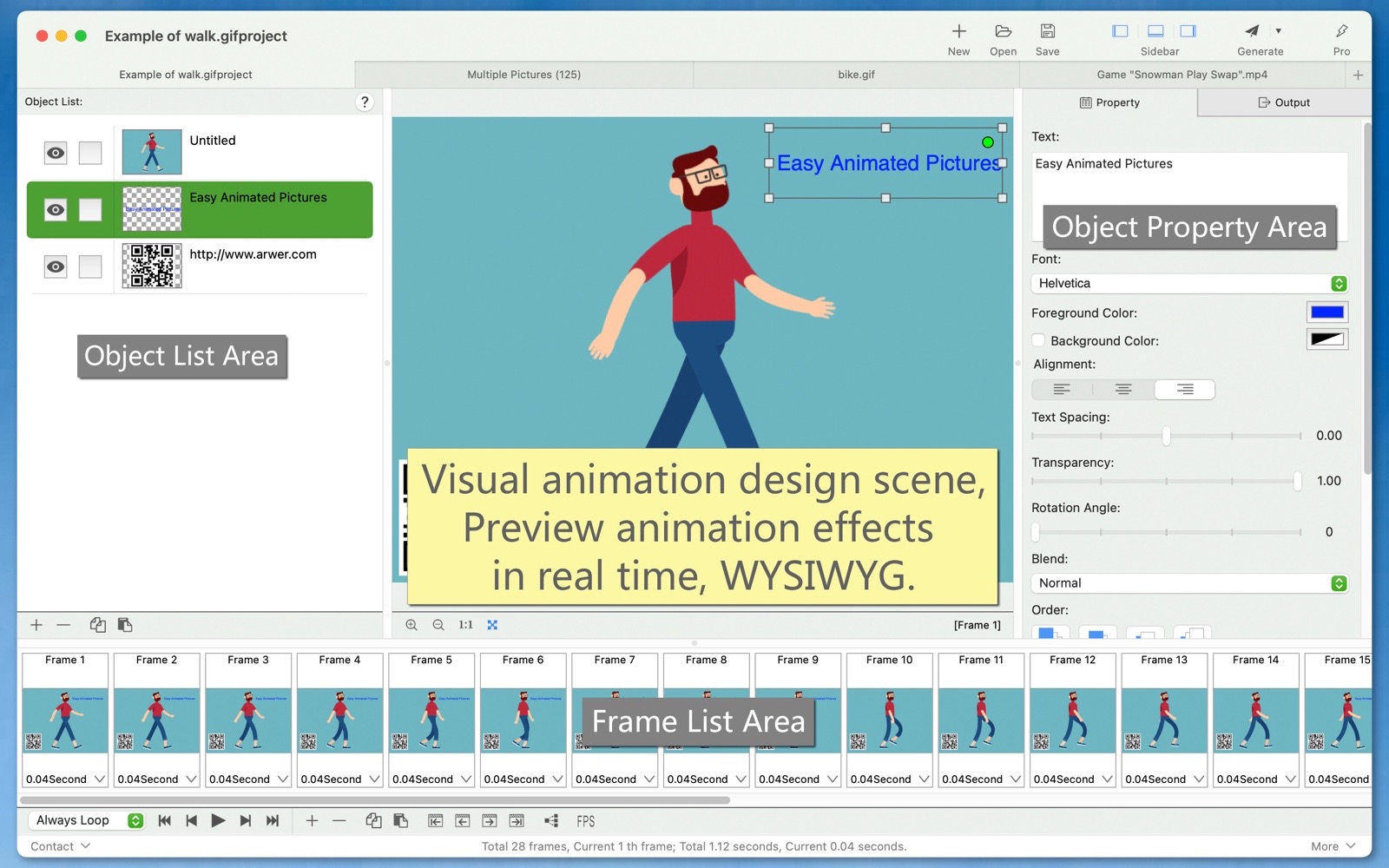
- Easily design animation scenes visually, preview animation effects in real time, what you see is what you get.
Freely adjust the canvas size, number of loops, delay time for each frame, play the animation, jump to a frame, select a frame, delete frames, copy and paste frames, and so on.
- The organization of design elements is convenient and quick.
(1) The frame list is clear at a glance, and you can modify the delay time of each frame. Adjusting the frame order is simple and quick. Copy multiple image files in Finder and paste them directly into the frame list to create new frames quickly and conveniently.
(2) Various object elements can be used, including background layers, text, images, tiled text, tiled images, QR codes, and more (new versions will bring more objects). Each object’s properties can be easily set, such as color, background color, rotation angle, stacking order, and so on.
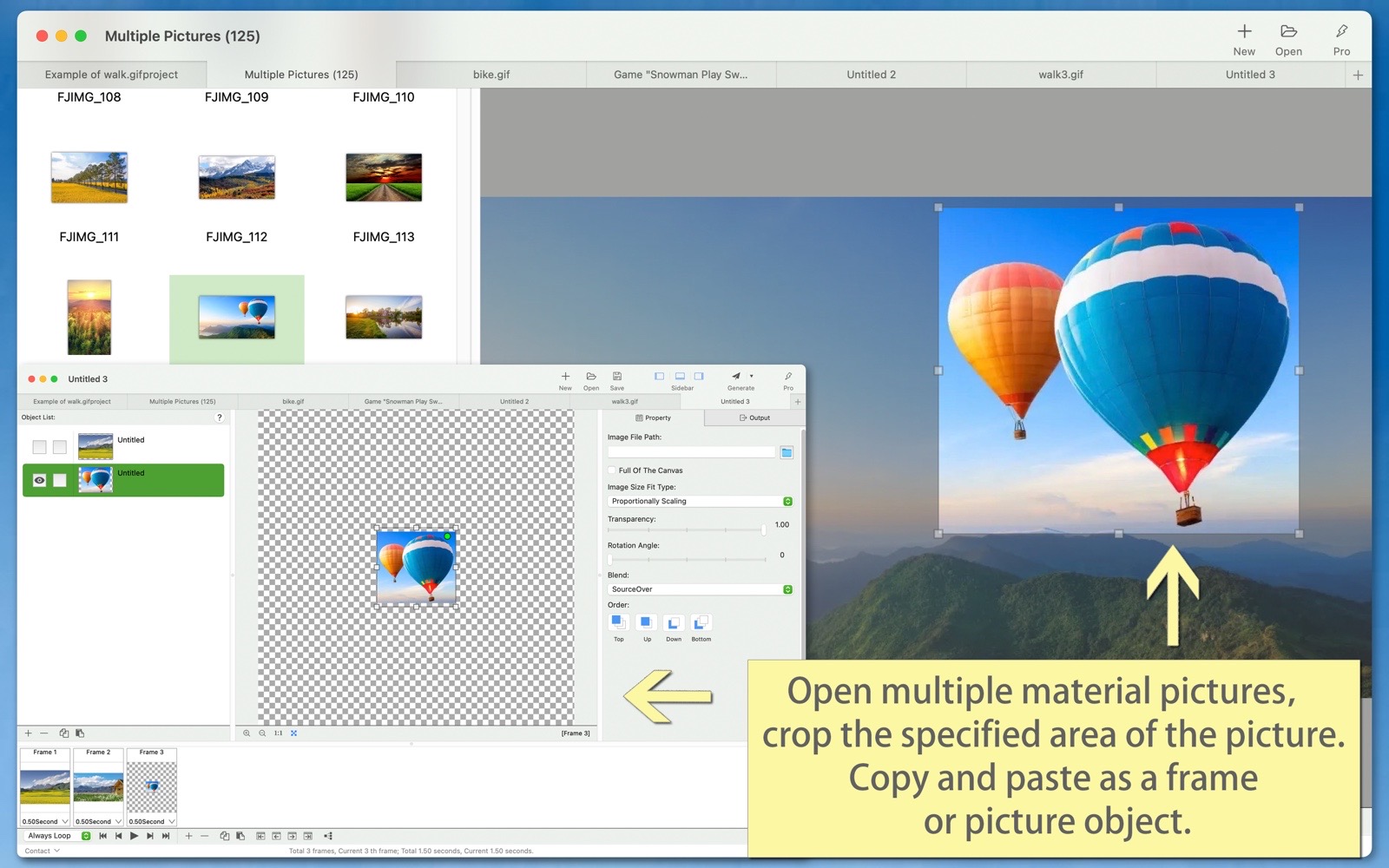
(3) Open a static image, select a cropping area, copy it, and then paste it into the frame list as a new frame, or paste it into the object list as a new image object.
- The project file function allows you to save the current editing environment (including all frames, objects, and output parameters, etc.) as a project file, so that you can continue working when you open the project next time.
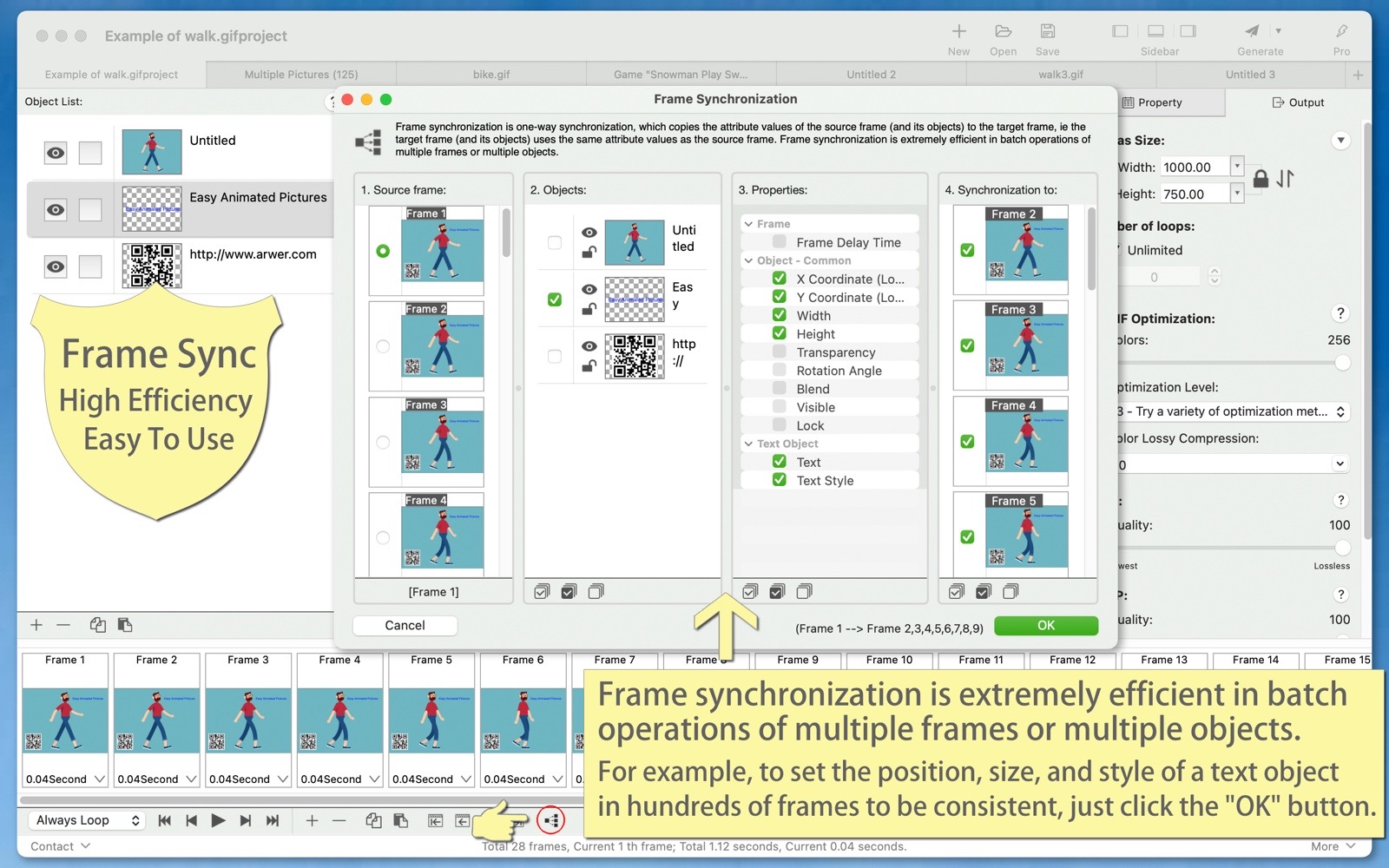
- Frame synchronization is extremely efficient when performing batch operations on multiple frames or objects. For example, if you want to make the position, size, and style of a text object consistent across hundreds of frames, it can all be done with just one click of the 'Confirm' button.
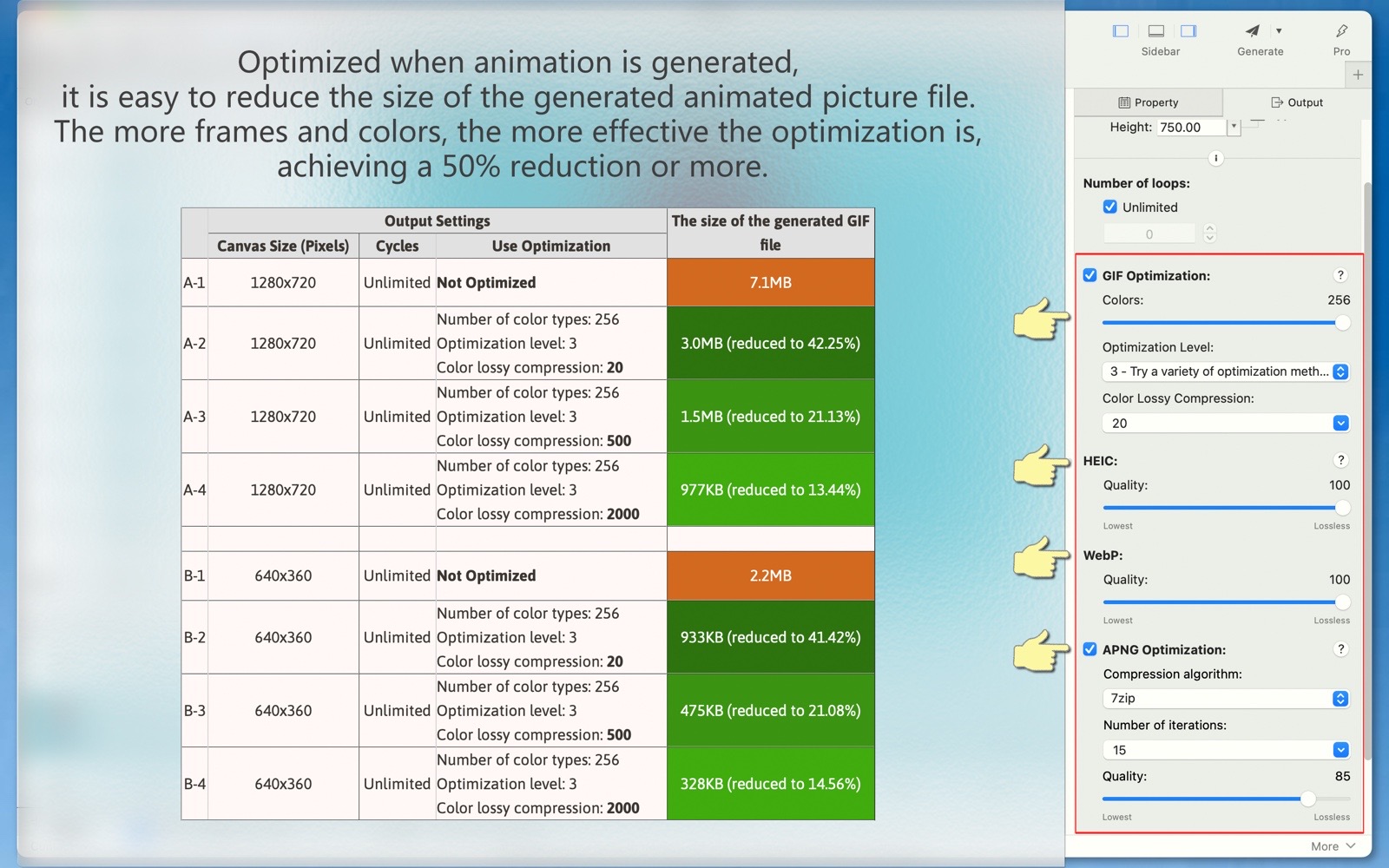
- Using the optimized settings of this software, you can easily reduce the file size of the generated animated images, achieving a reduction of 50% or even smaller.
- The software supports both light and dark appearance modes.
- The software supports multiple languages, including: English, Simplified Chinese, Traditional Chinese, Spanish, Portuguese, French, German, Russian, Japanese, Korean.
(The new version will bring more languages)