Software Introduction
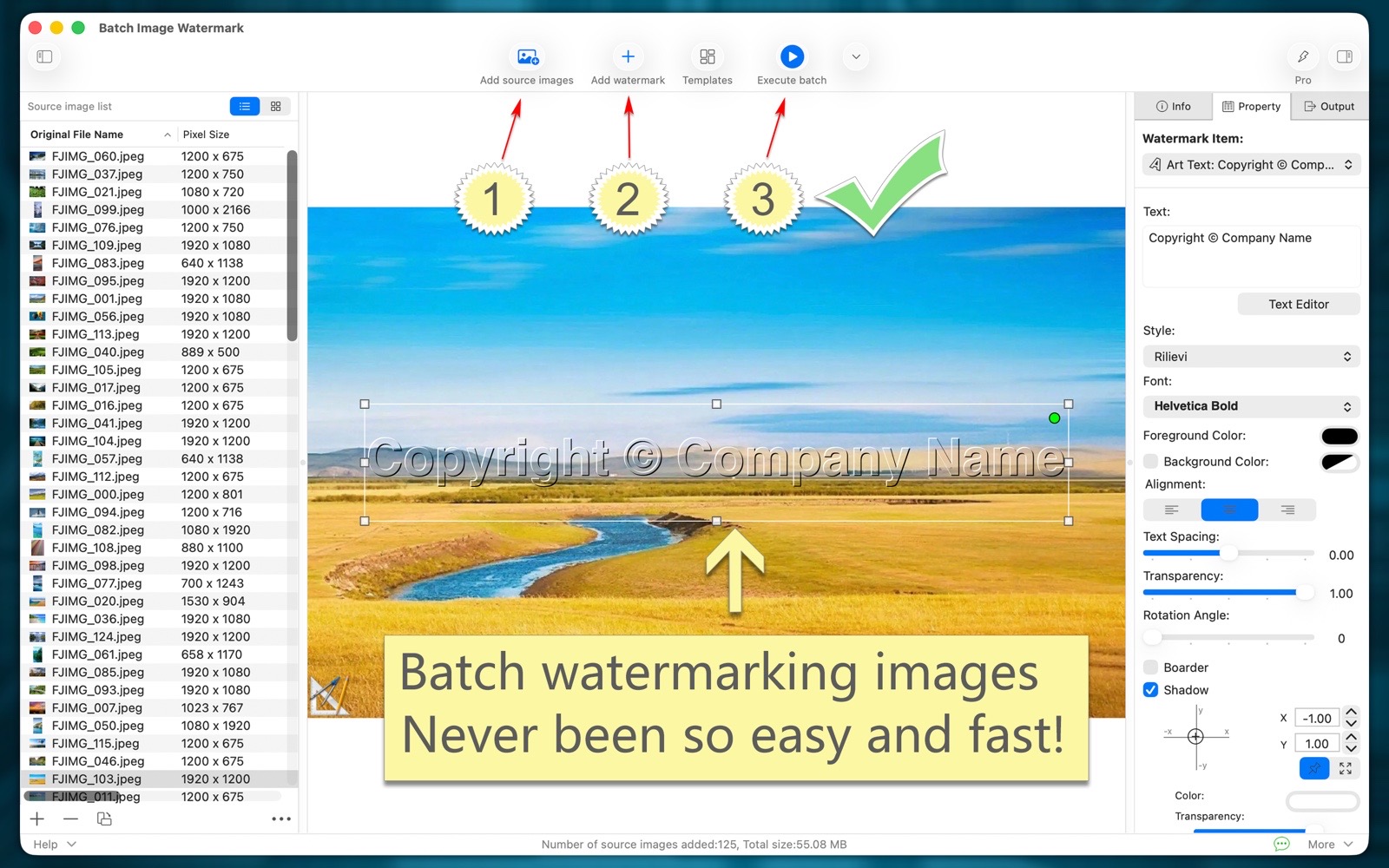
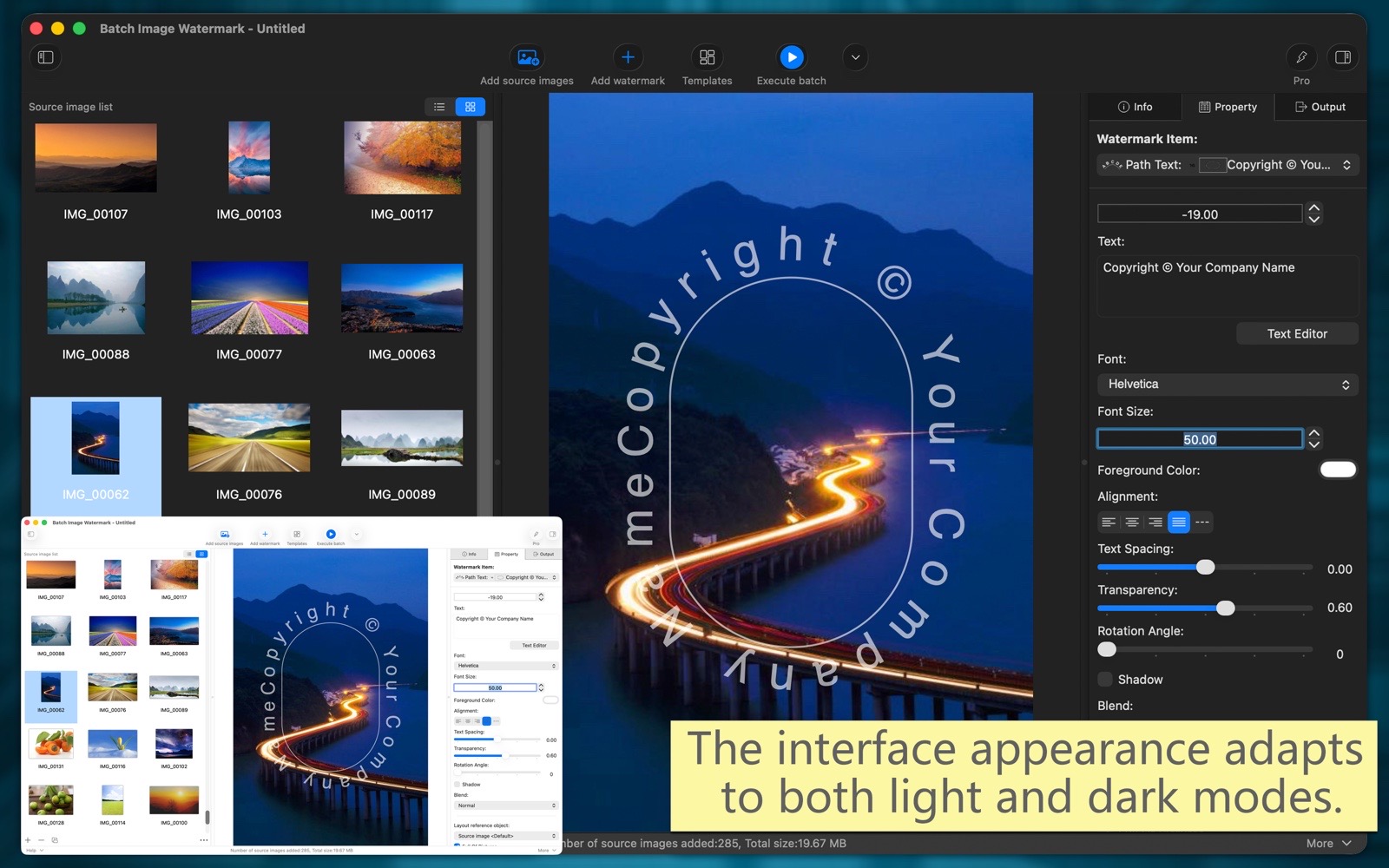
"Batch Image Watermark" makes it easy to design multiple watermarks, live previews, WYSIWYG, and quickly watermark large numbers of images, greatly improving your productivity.
Moreover, "Batch Image Watermark" can also batch resize and scale images, batch convert image file types, batch modify image color profiles, batch add and edit image metadata, batch rename files, and batch set image color depth and color profiles, among other things. These features can be used individually or simultaneously. It is truly powerful and efficient.Main Function:
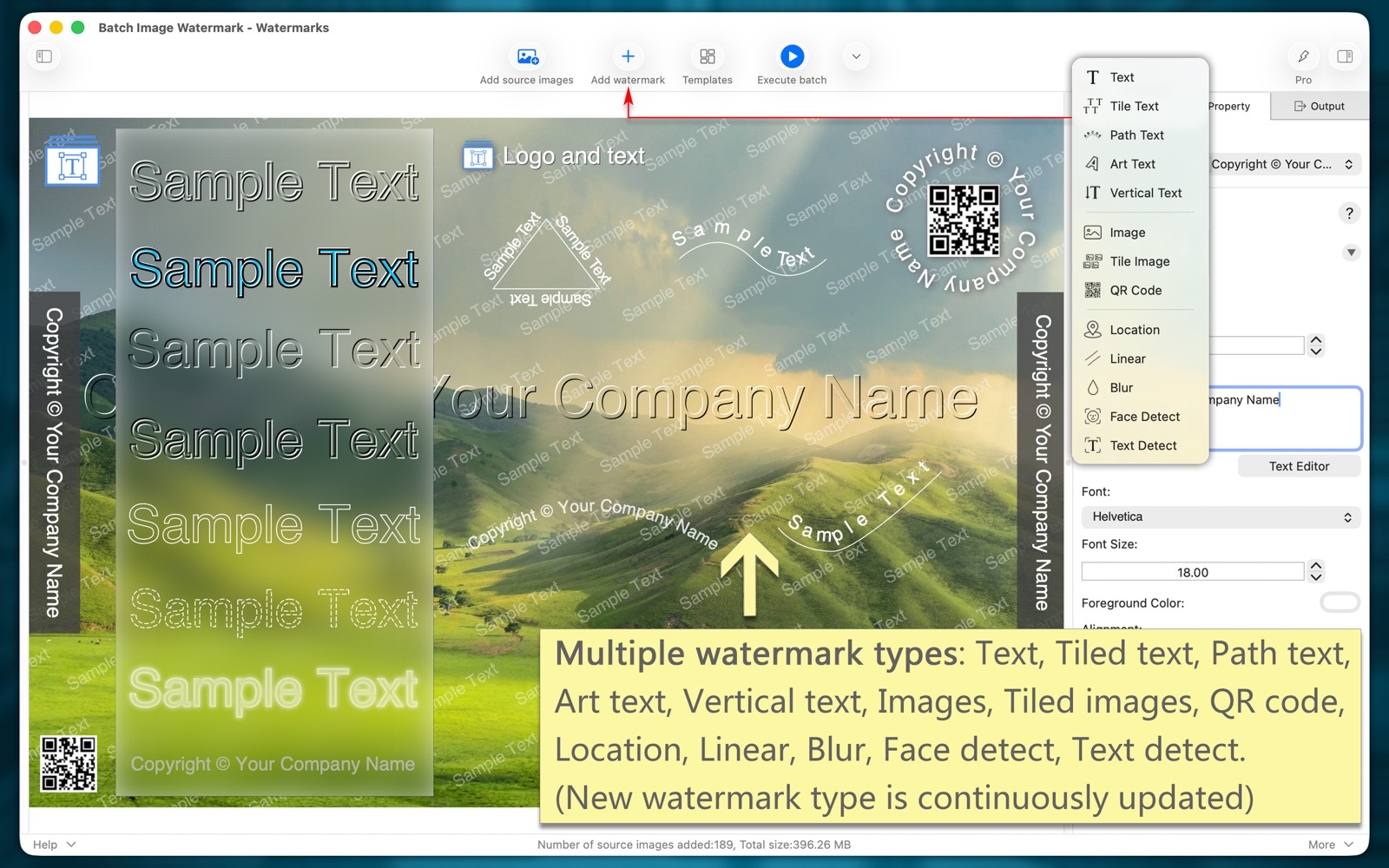
- Multiple types of watermarks suitable for various scenarios.
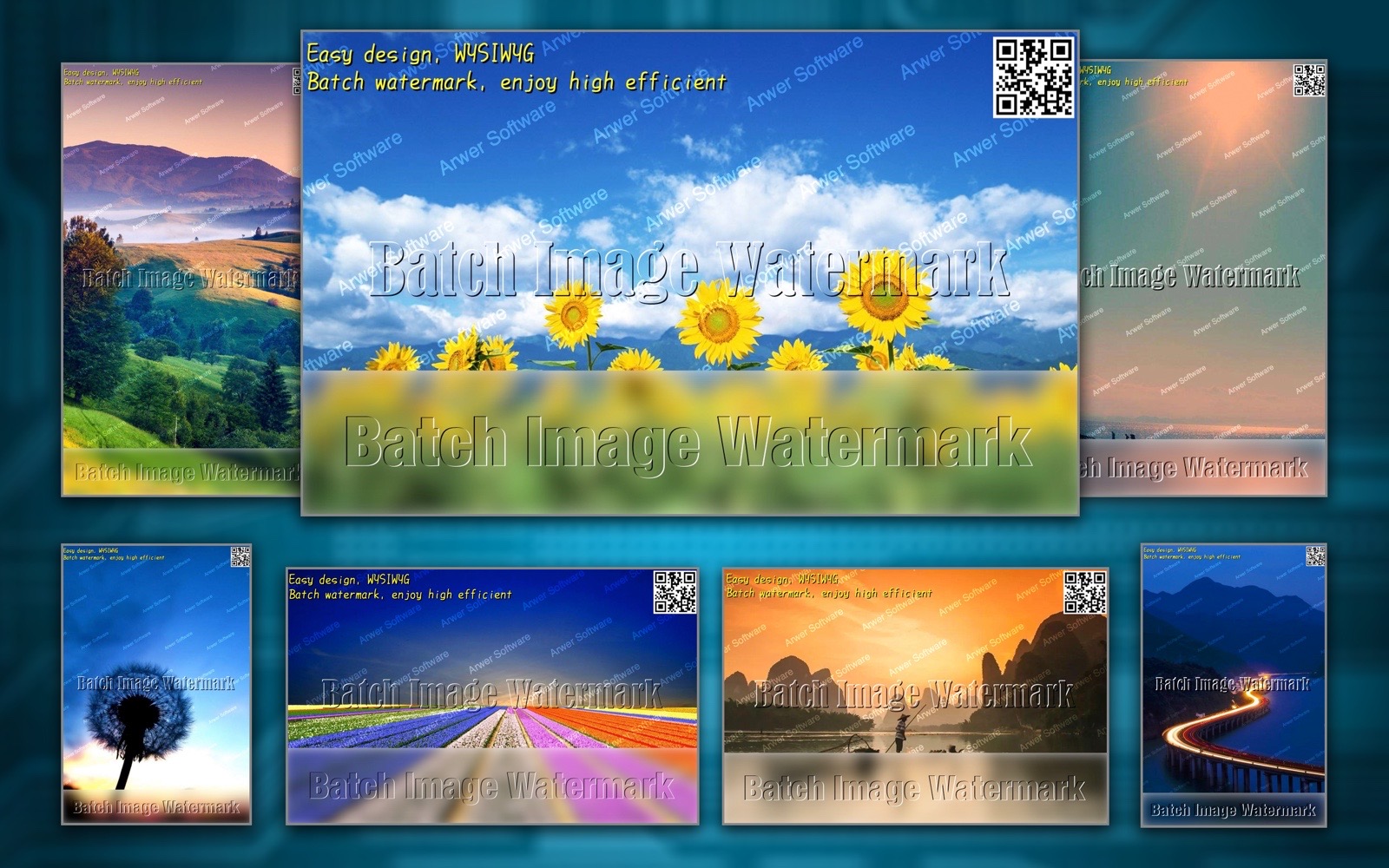
Including: text, tiled text, path text, artistic text, vertical text, images, tiled images, QR codes, blur, positioning, line styles, face recognition, and text recognition.
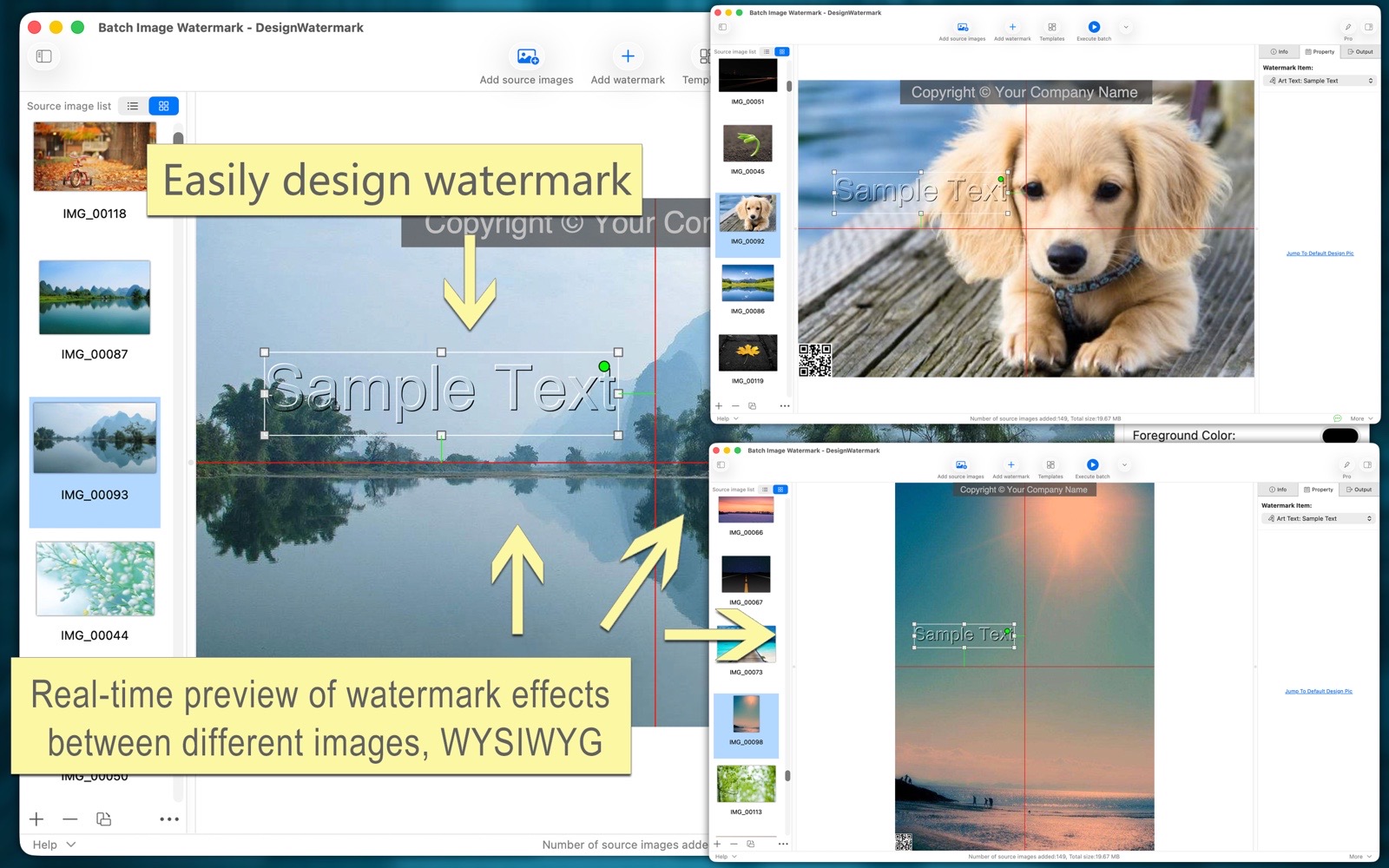
(The new version will offer even more types of watermarks) - Easily design watermarks visually, with real-time preview of watermark effects across different images, seeing exactly what you get.
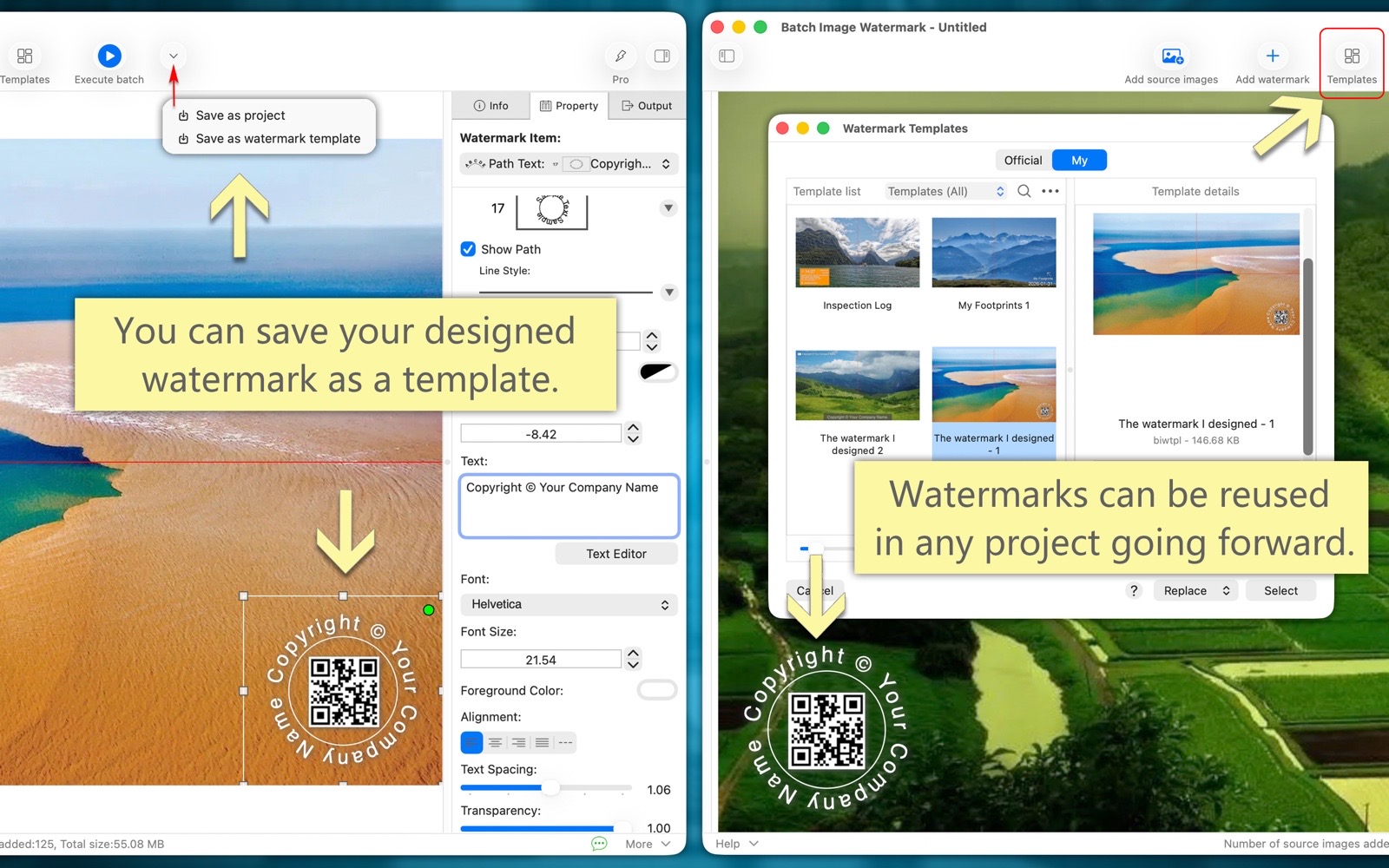
- You can permanently save your custom-designed watermarks as templates, which can be reused in any project later.
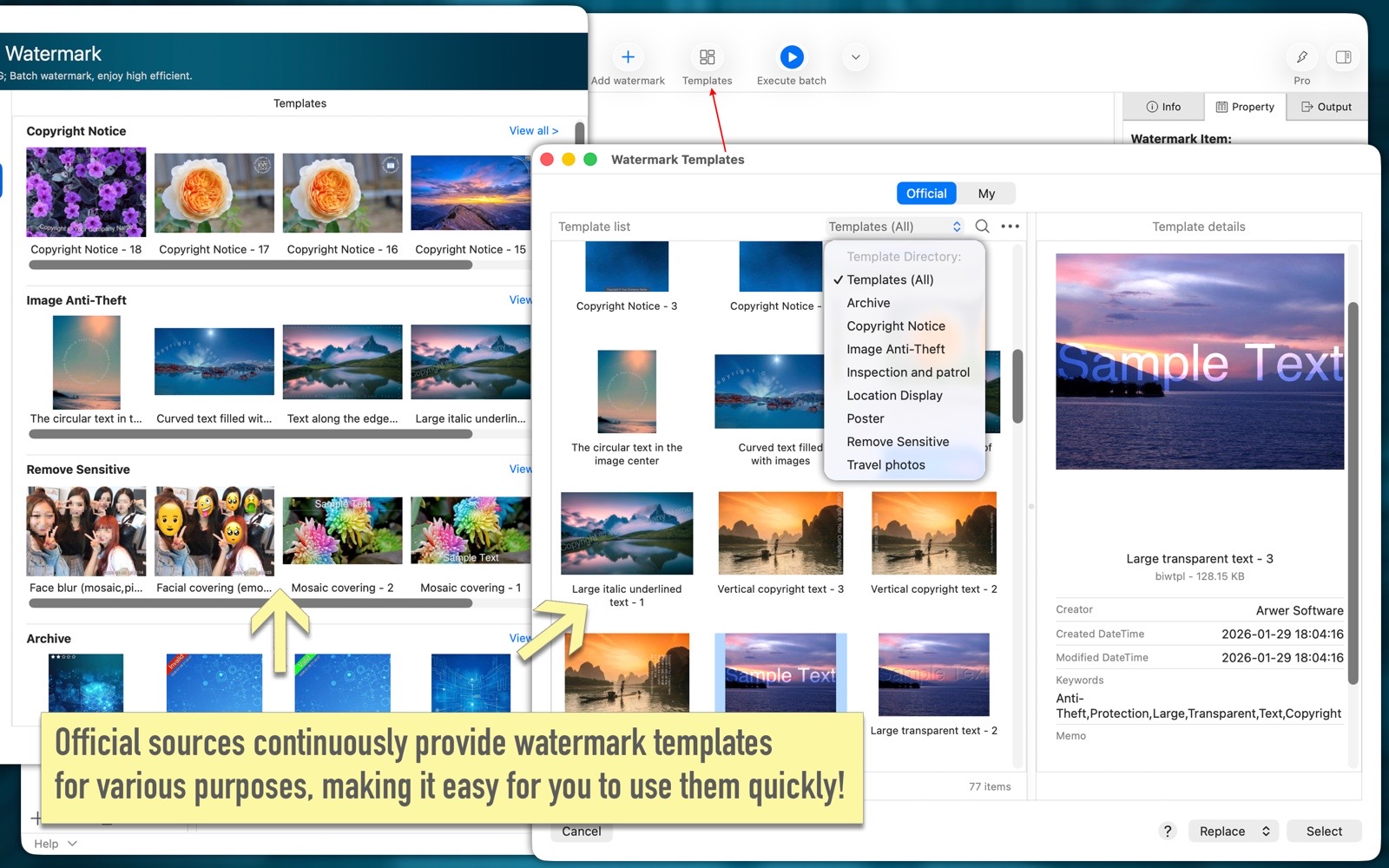
- The software comes with a large number of carefully crafted official watermark templates, making it easy to use quickly.
Templates for various purposes, including: copyright notice, image anti-theft, remove sensitive, archive, travel photos, location display, inspection and patrol, posters, and more.
(The new version will include even more official templates) - Project file function: It allows you to save the current working environment (including added images, watermarks, output parameters, etc.) as a project file so that you can continue working when you open the project next time.
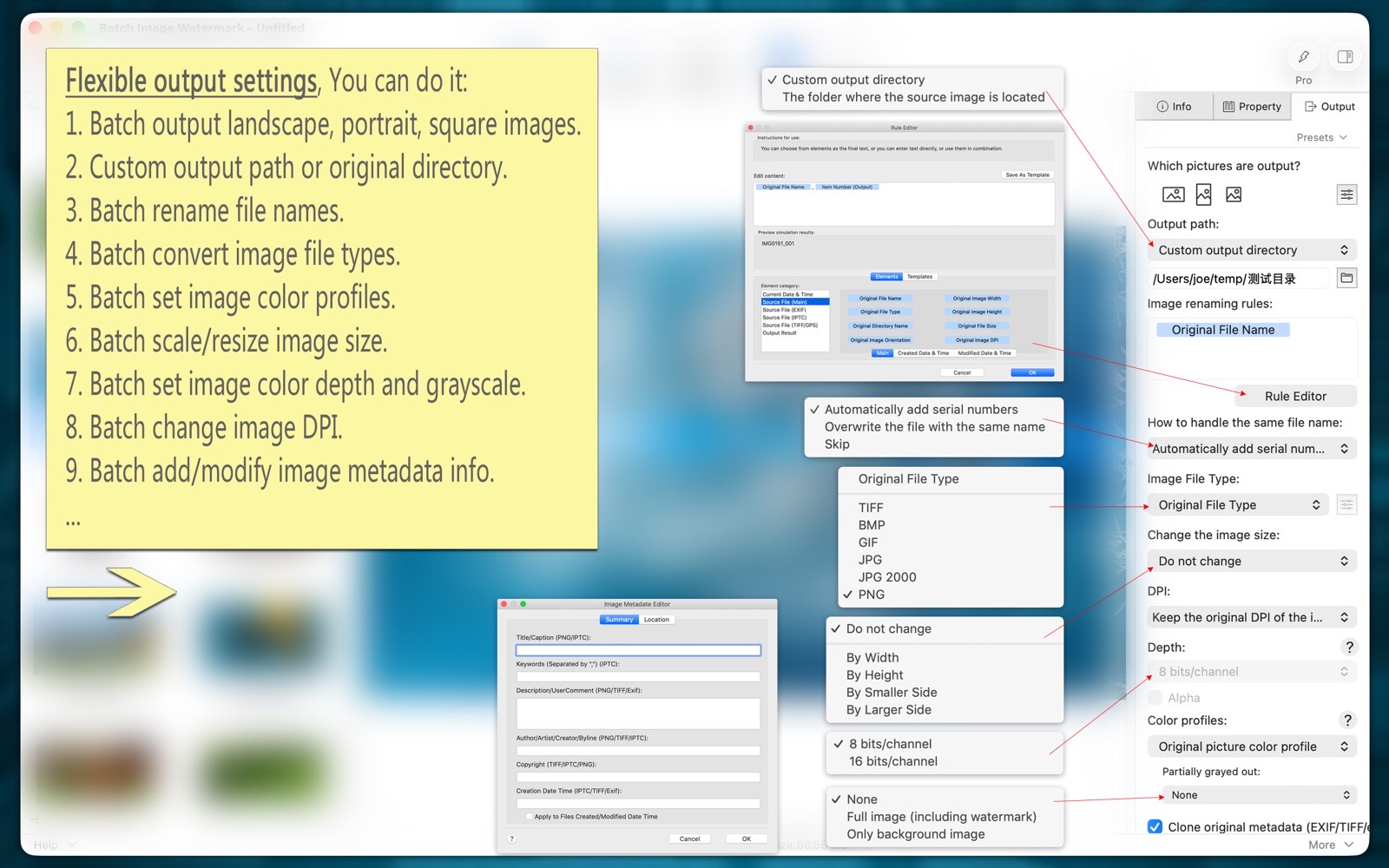
- Batch scaling and resizing of images.
- Batch conversion of image file types, including: TIFF, PNG, BMP, JPG, JPG2000, GIF, HEIC, WebP, PSD, AVIF, etc.
- Batch modification of image color profiles, bit depth, transparency, DPI, and more.
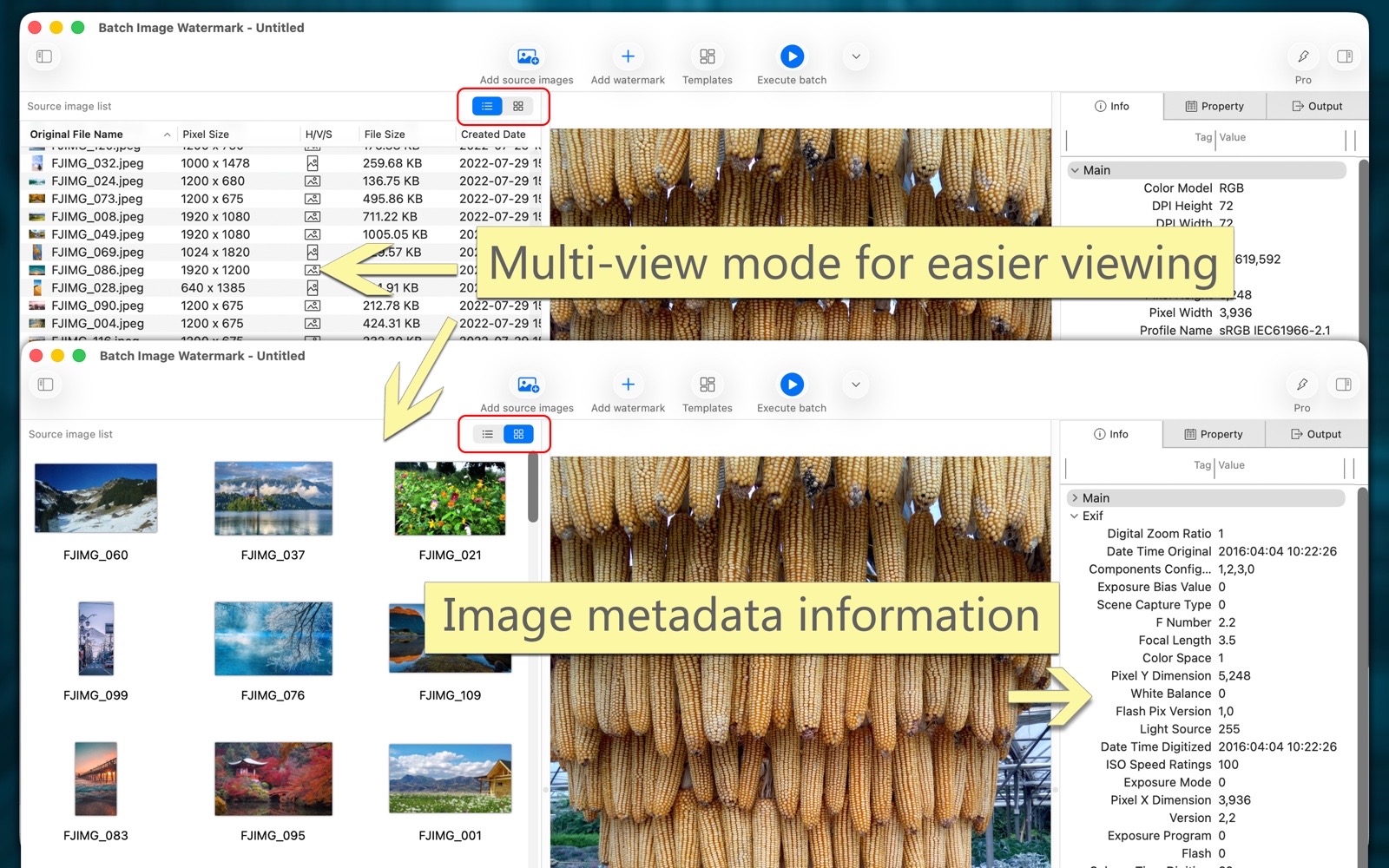
- Batch add and modify image metadata (EXIF/TIFF/JFIF/GPS/...), such as: author, copyright, contact information, and more.
- Batch rename output image files. You can customize various naming rules or use naming templates.
- The software supports both light and dark appearance modes.
- The software supports multiple languages, including: English, Simplified Chinese, Traditional Chinese, Spanish, Portuguese, French, German, Russian, Italian, Japanese, Korean.
(The new version will bring more languages)
Summarize watermark features
There are many types of watermarks.
Watermark templates for various purposes, convenient and quick.
Official templates, carefully created and continuously released.
Watermarks you design yourself can be saved as templates and reused freely.
Design a watermark once and reuse it on multiple images, whether vertical, horizontal, or square.
Easily design watermarks with a what-you-see-is-what-you-get experience.
Summary of Batch Processing Features
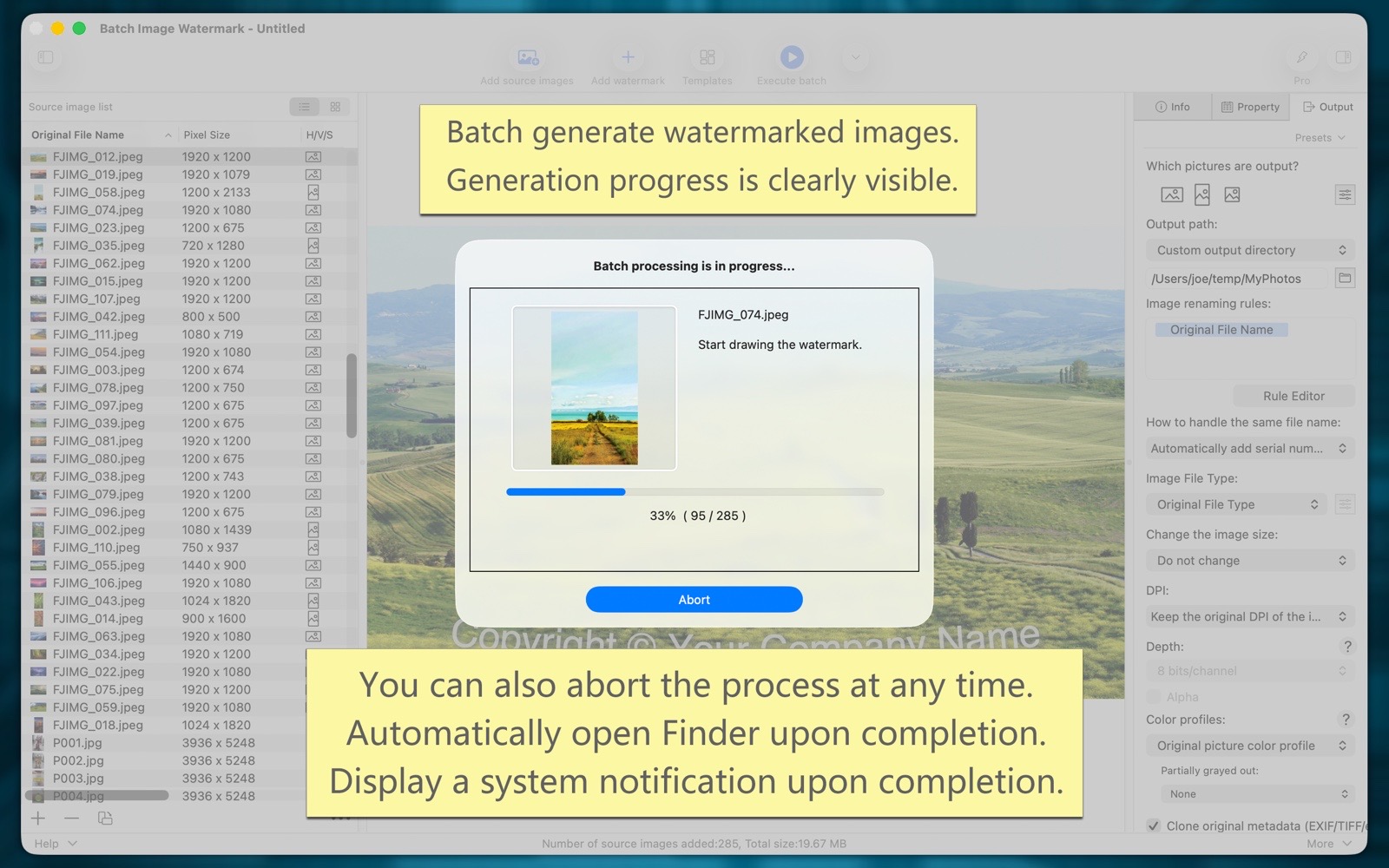
Batch watermark images.
Batch resize and adjust image dimensions.
Batch convert image file types.
Batch modify image color profiles, depth, alpha channels, DPI, etc.
Batch add and edit image metadata.
Batch rename output image files.
User Manual
The software user manual provides: quick start, function usage, watermark introduction, professional version introduction, usage examples, FAQ, etc., with pictures and texts, and detailed content.
FAQ
The FAQ page provides answers to questions regarding downloads, installation, recovery, usage, purchasing, issues, suggestions, and more.