Batch File Sort Rename
Batch file sorting and renaming is surprisingly easy and efficient!

Platform: macOS 11.5+,Windows 10 Version 17763.0+
Languages: English, Simplified Chinese, Traditional Chinese, Spanish, Portuguese, French, German, Russian, Japanese.
Download "Batch File Sort Rename"
macOS Version
Windows Version
Download from Apple App Store

Software Introduction

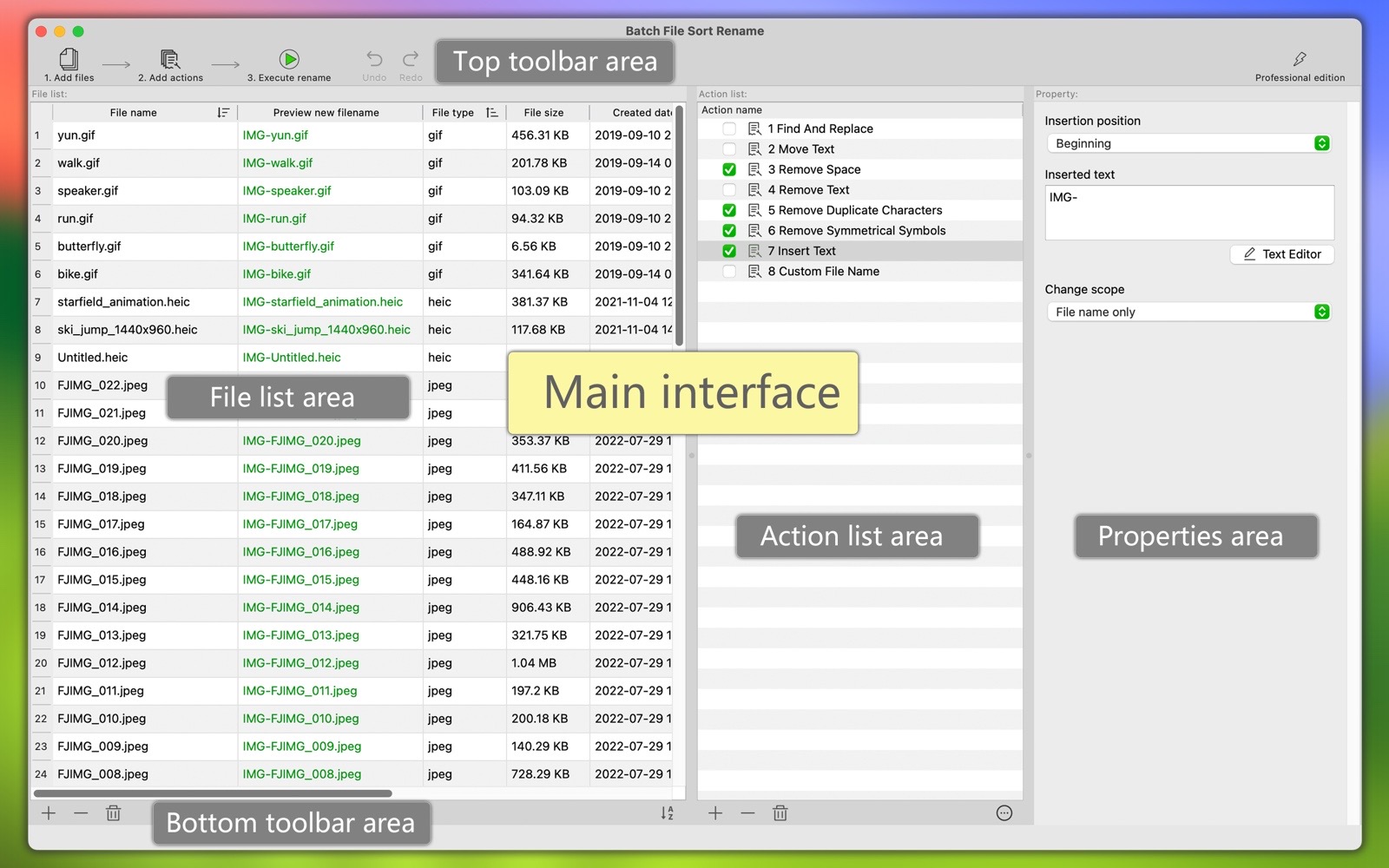
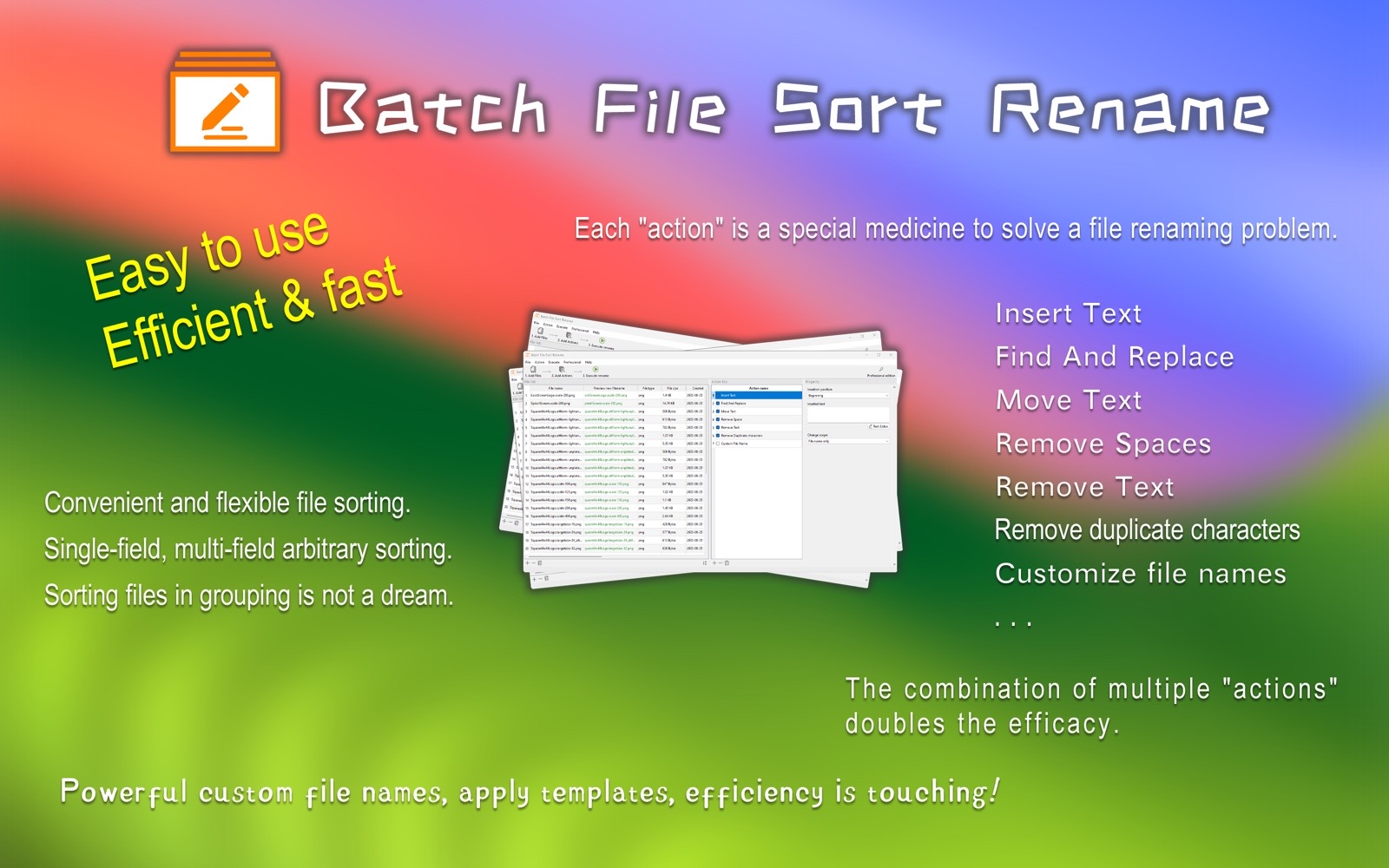
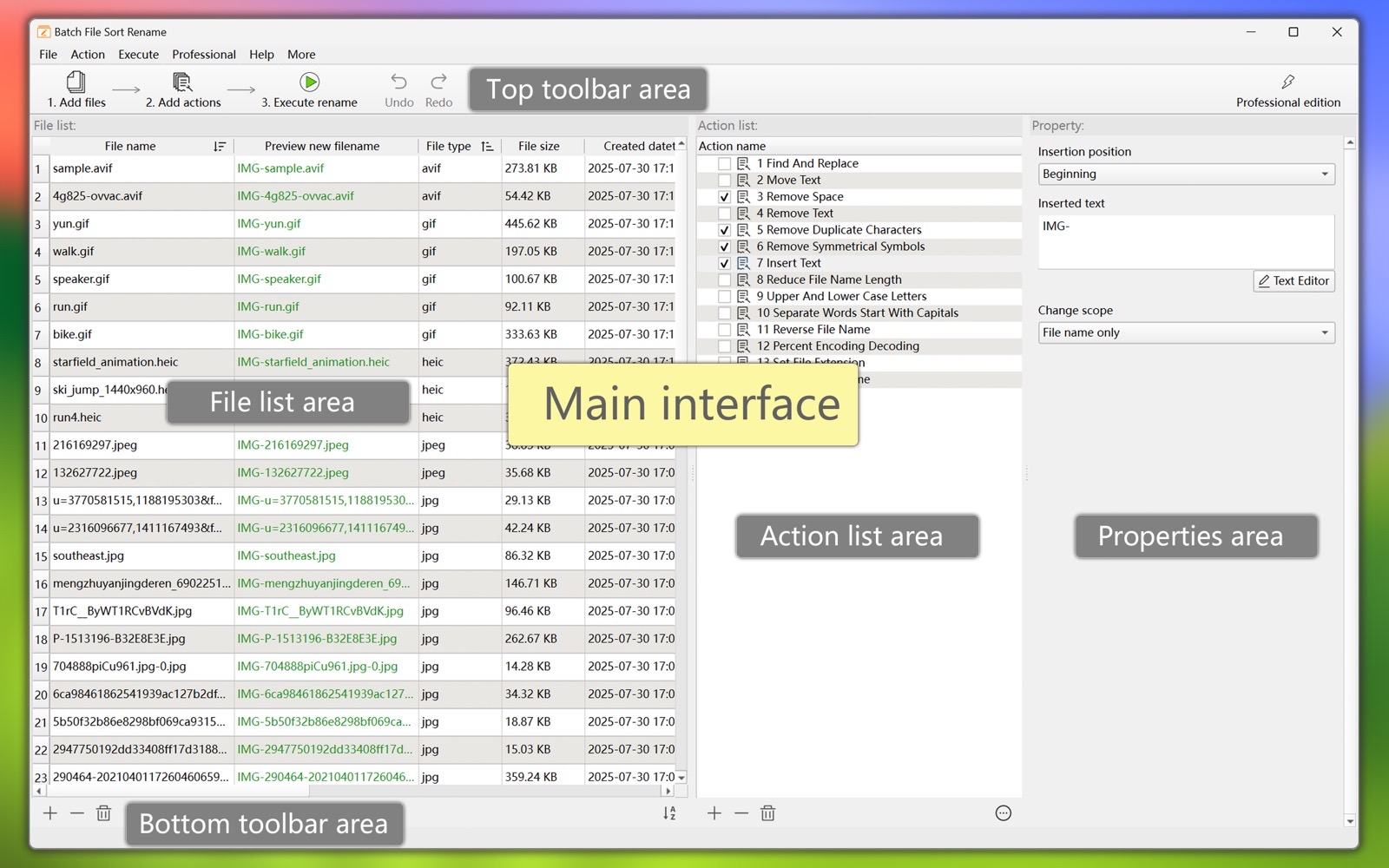
"Batch File Sort Rename" is a professional tool software for sorting and renaming a large number of files. It is easy to use, efficient and fast. It is the best assistant for your daily work.

This software supports both macOS and Windows platforms.

Main Function:
  1. Convenient sorting.
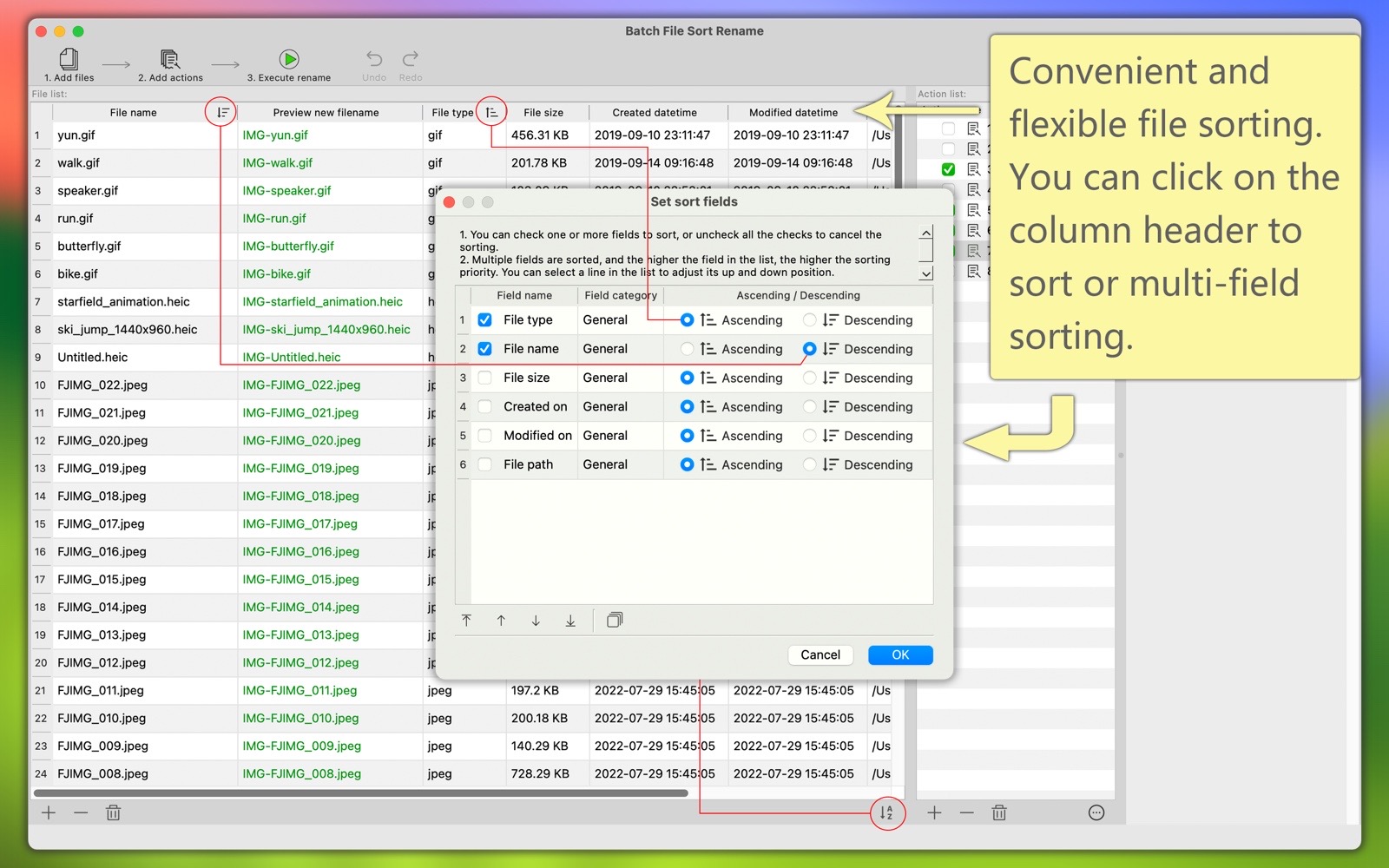
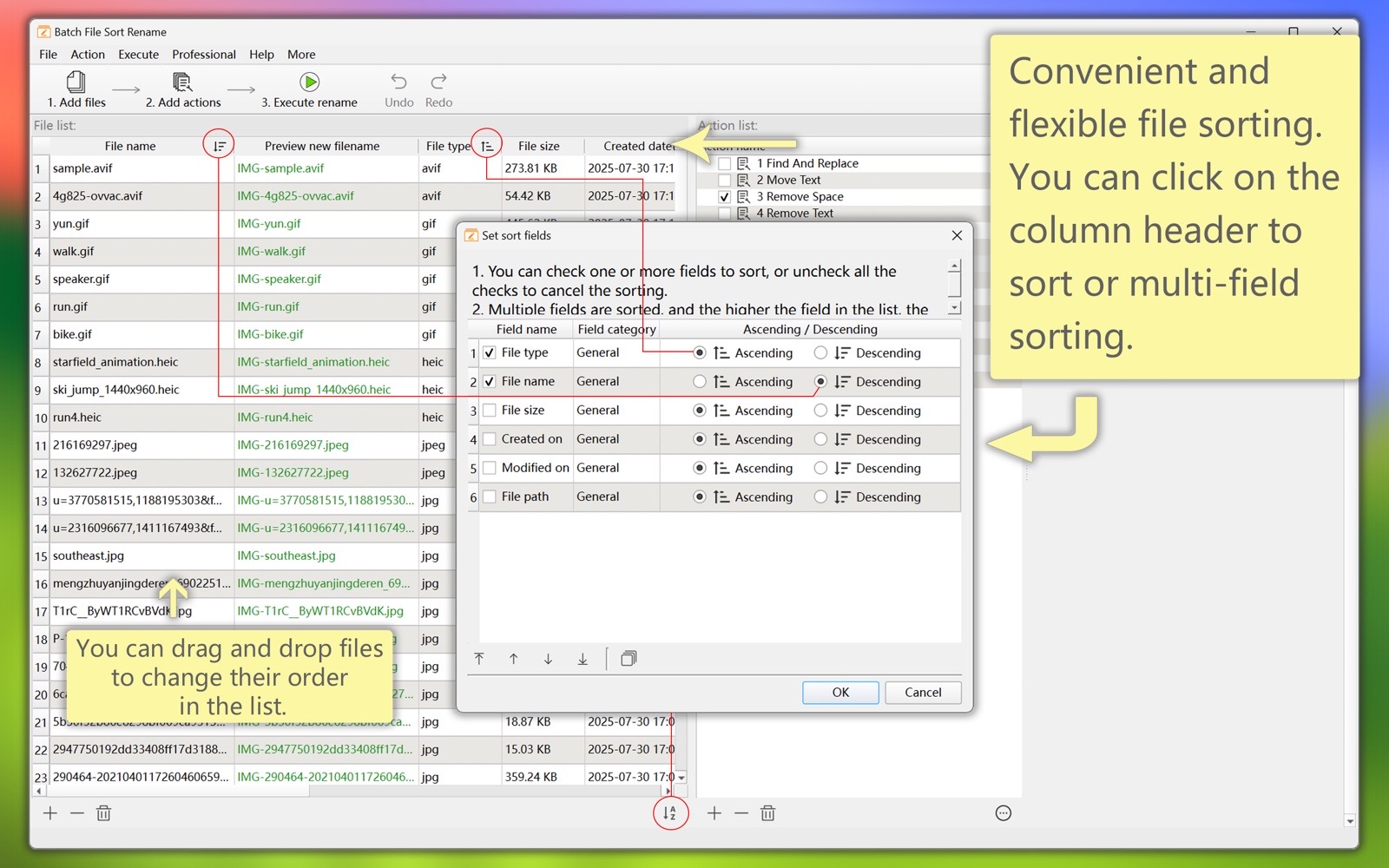
    (1) Click the column header of the file list to sort in ascending and descending order.
    (2) You can specify multiple file attribute fields to be sorted at the same time, and you can set the priority and the sort order of each field.
    (3) You can manually drag and drop files to any position in the list.
  2. Rich and powerful "actions".
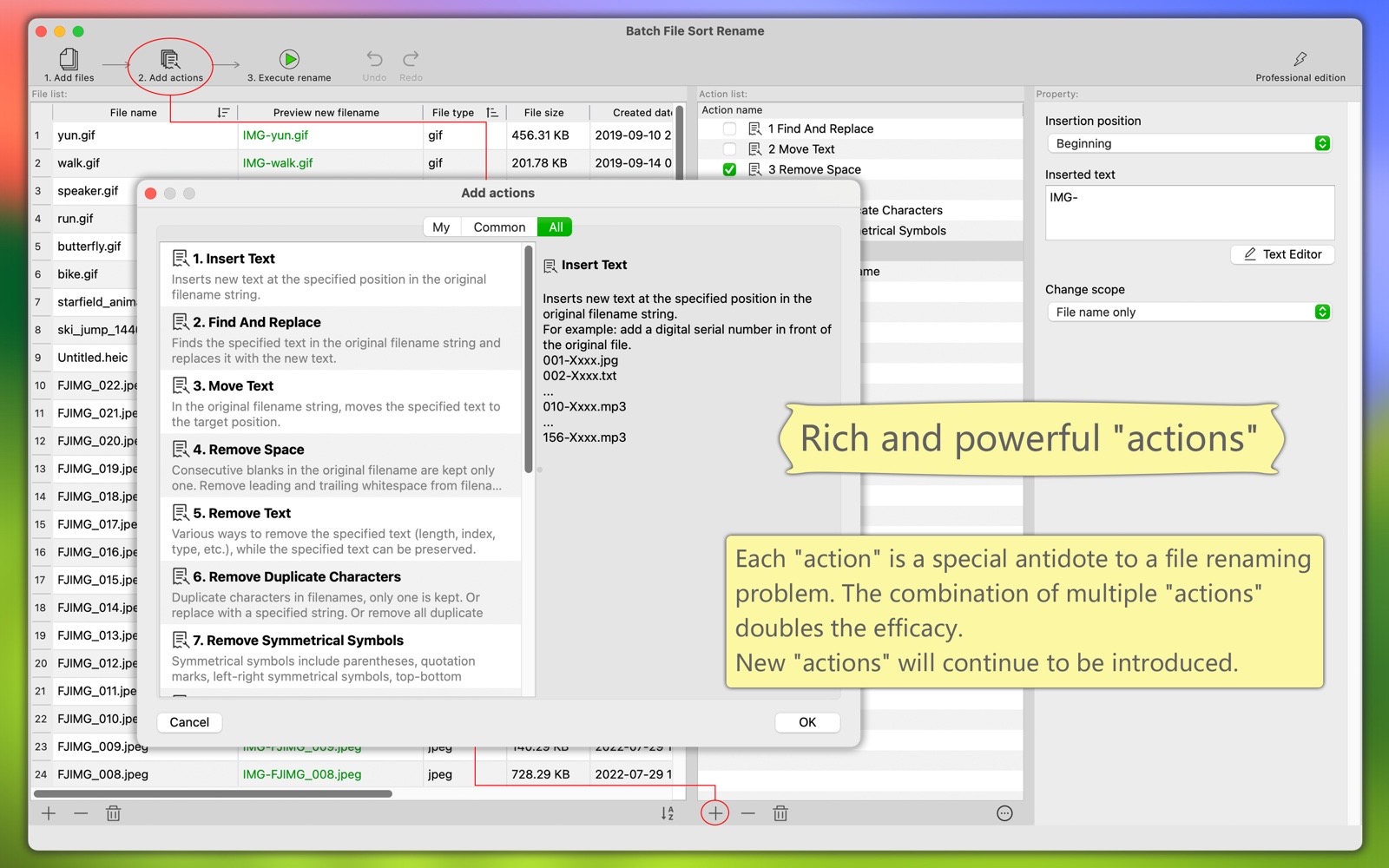
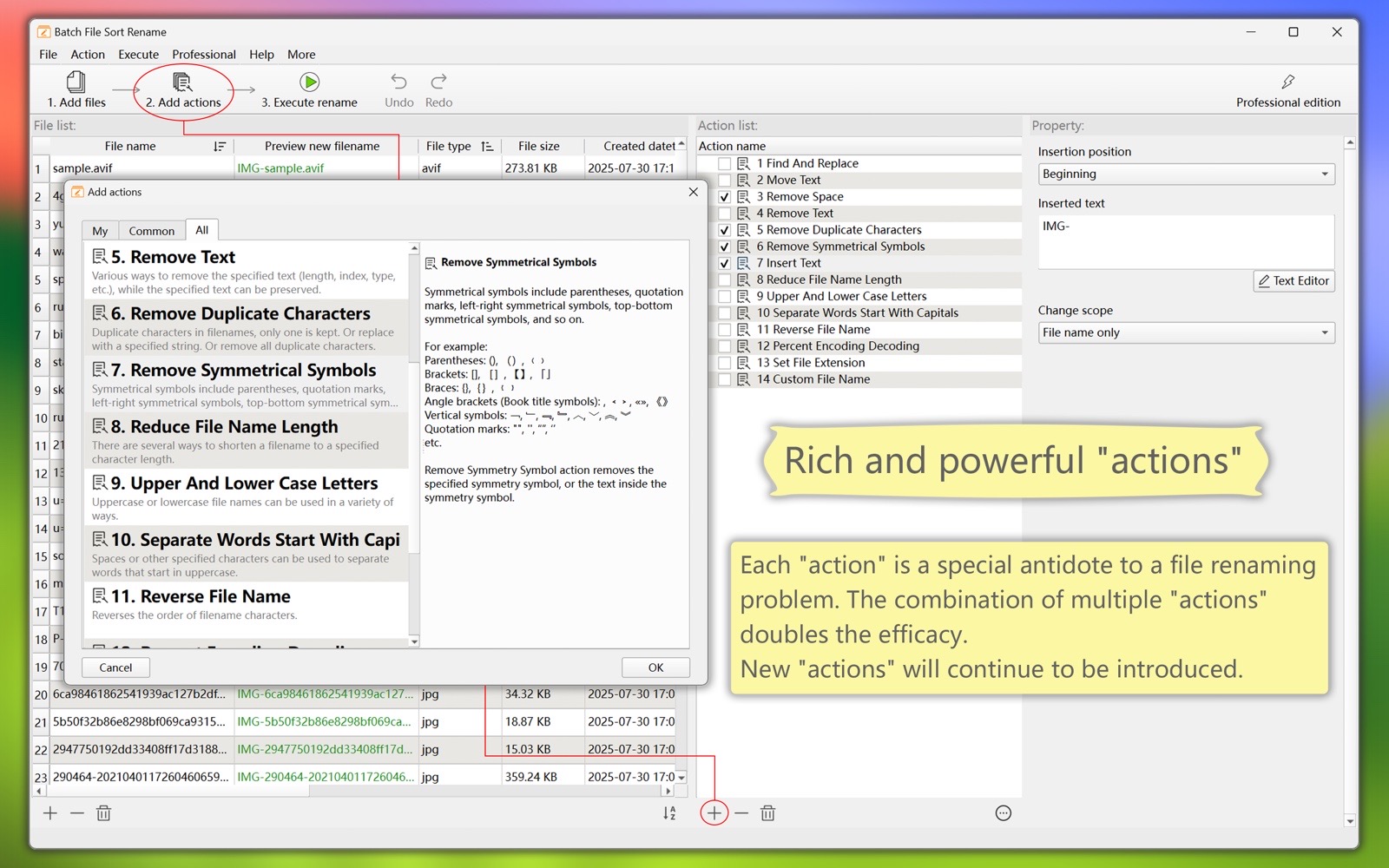
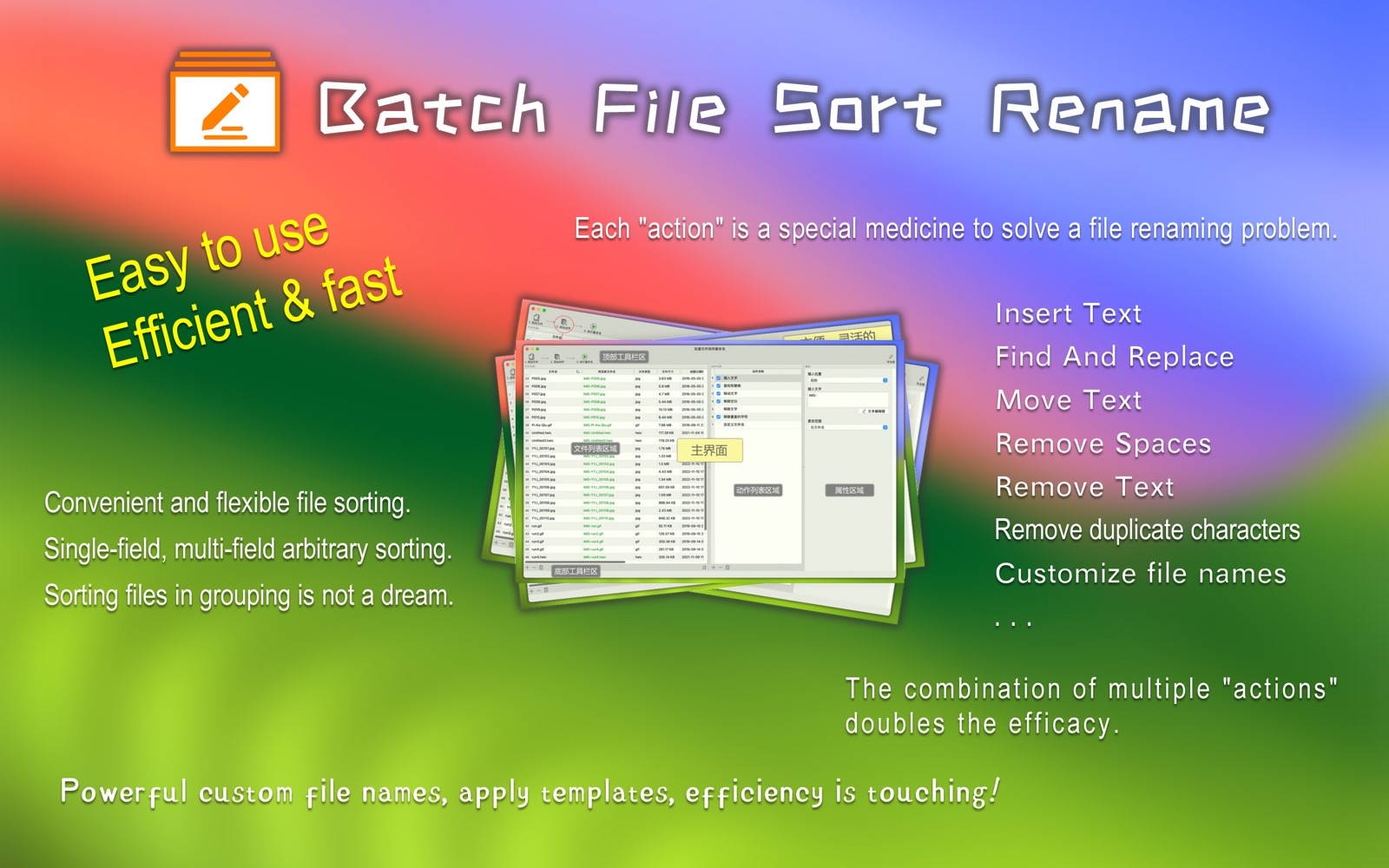
    (1) The program contains a large number of "actions", and each "action" is a special medicine to solve a file renaming problem.
        For example: insert text, find and replace, move text, remove spaces, remove characters, remove duplicate characters, customize file names, and more.
        New versions will continue to introduce new "actions".
    (2) The combined use of various "actions" can basically solve various problems in renaming, and finally present the new file name you need.
    (3) Multiple "Actions" with set parameters can be saved as "My Preset Actions" for direct use next time.
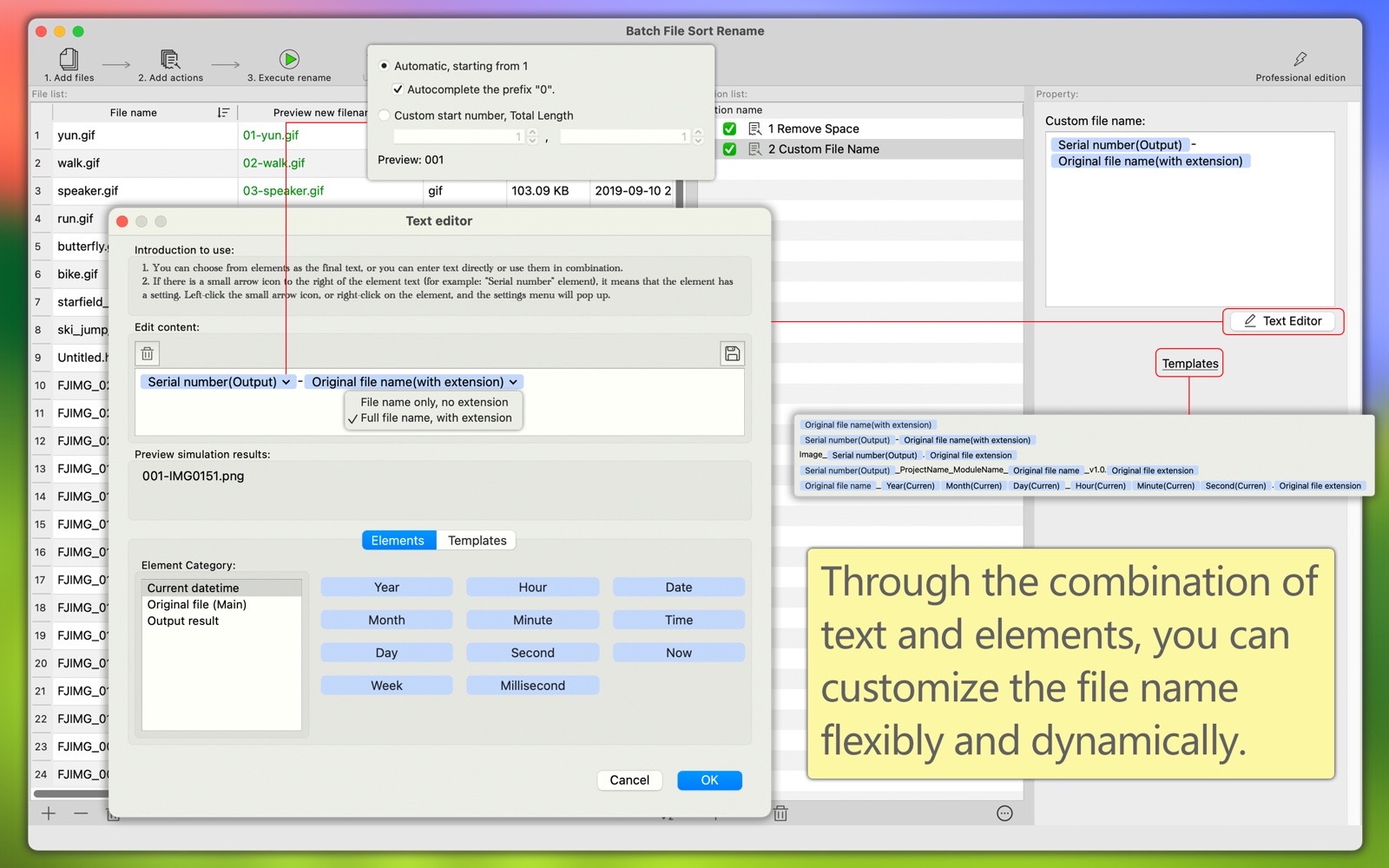
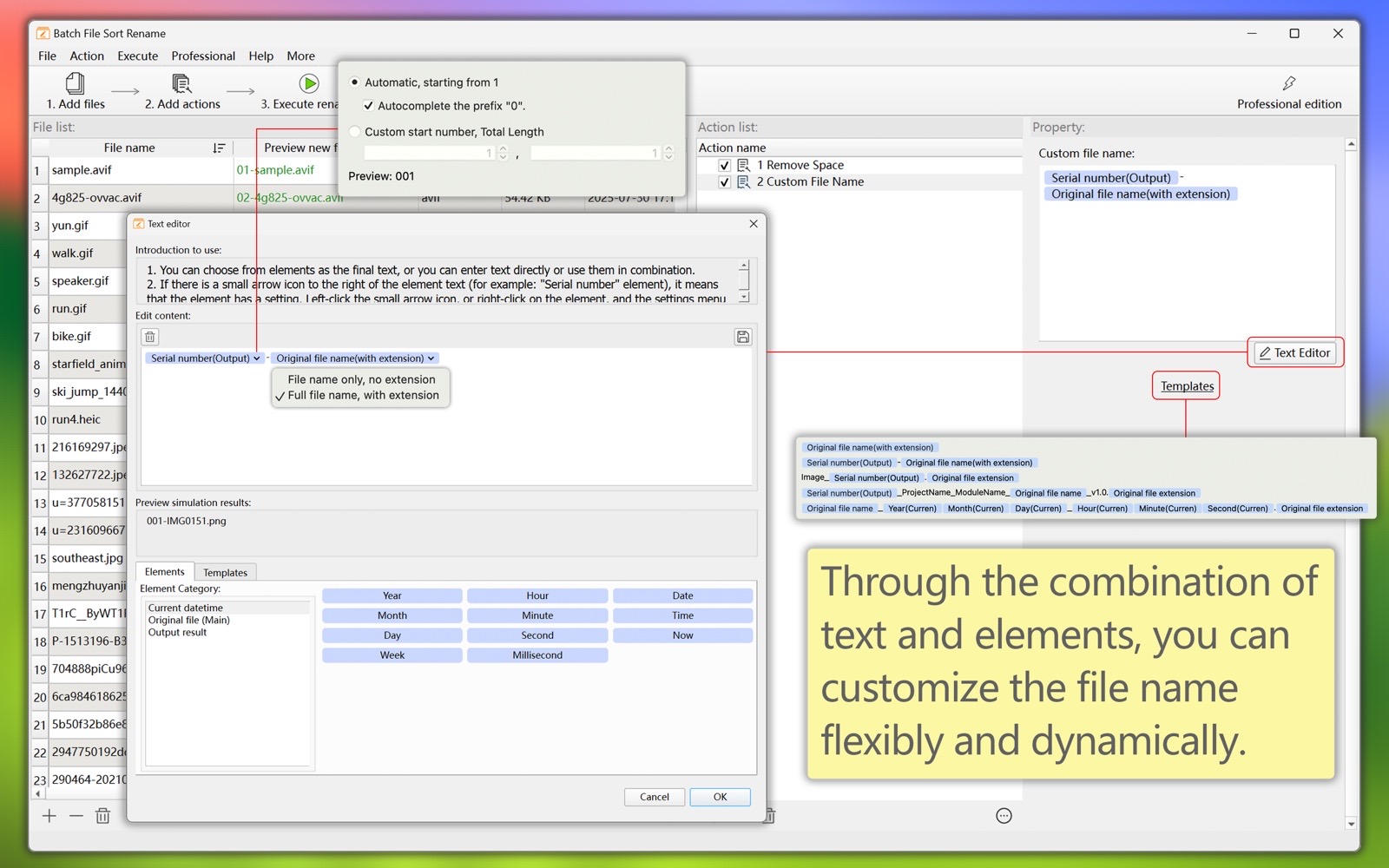
  3. The file name can be customized flexibly through the combination of text and elements.
    Elements are dynamic content, such as: numerical serial numbers, creation dates of each file, original file names, file sizes, and so on.
    for example:
    (1) Give a unified name to many image files: Image_digital serial number.
    (2) Give a unified name to many audio files: digital serial number - original file name.
    (3) Give a unified name to many files: original file name (year-month-day hour:minute:second).
    (4) Give many files a unified name: digital serial number - project name - module name - original file name - version.
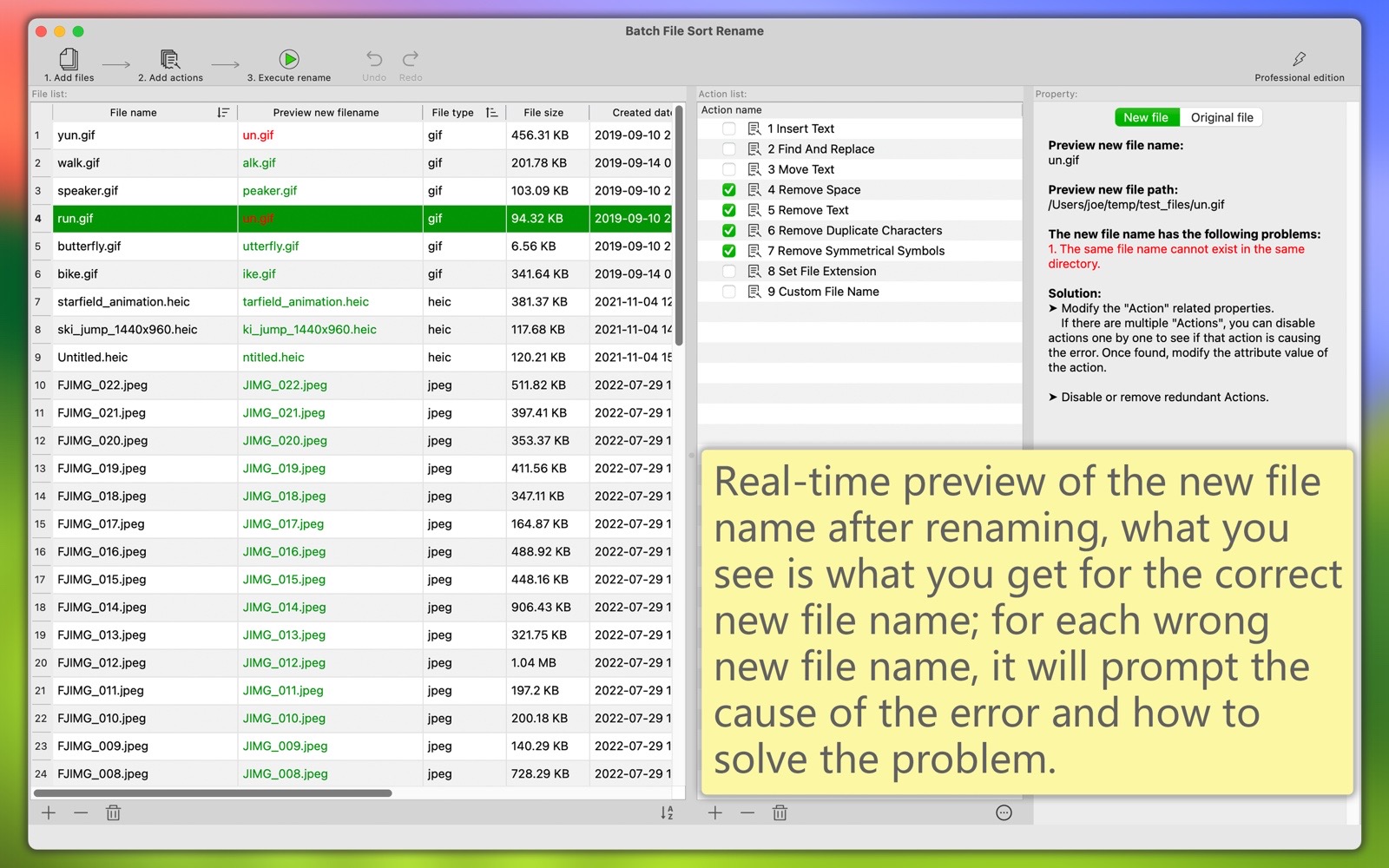
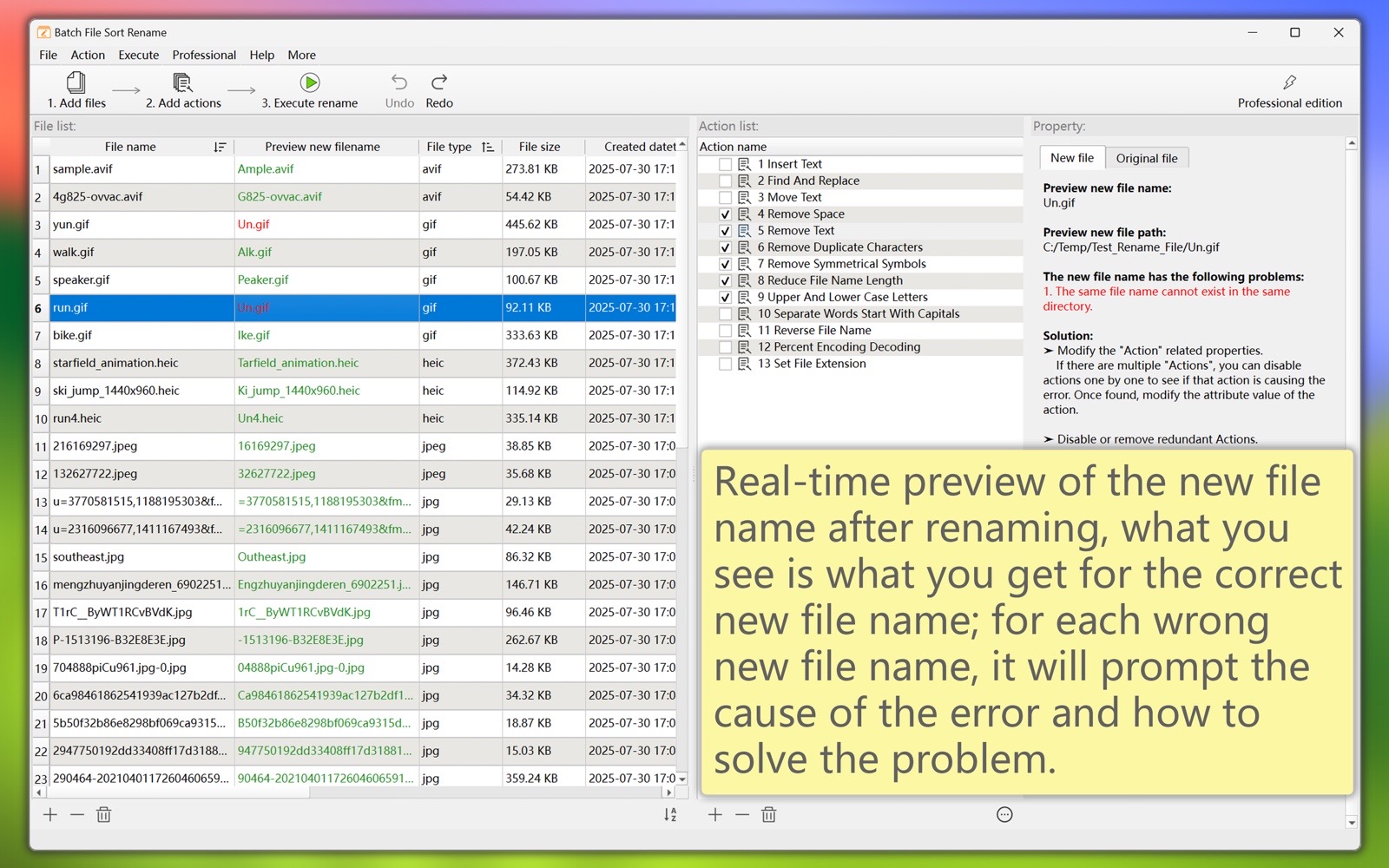
  4. Real-time preview of the new file name after renaming, what you see is what you get for the correct new file name; for each wrong new file name, it will prompt the cause of the error and how to solve the problem.
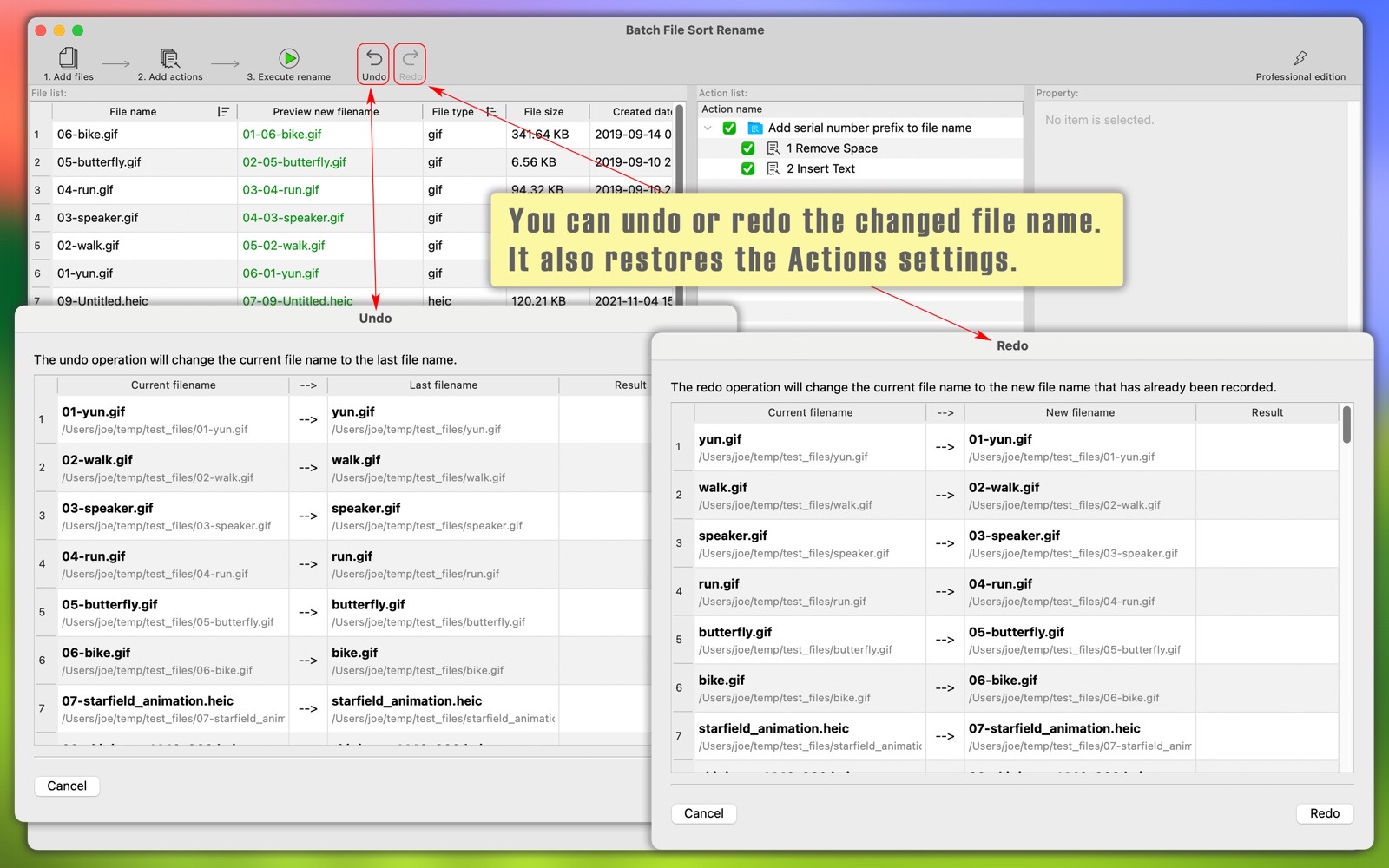
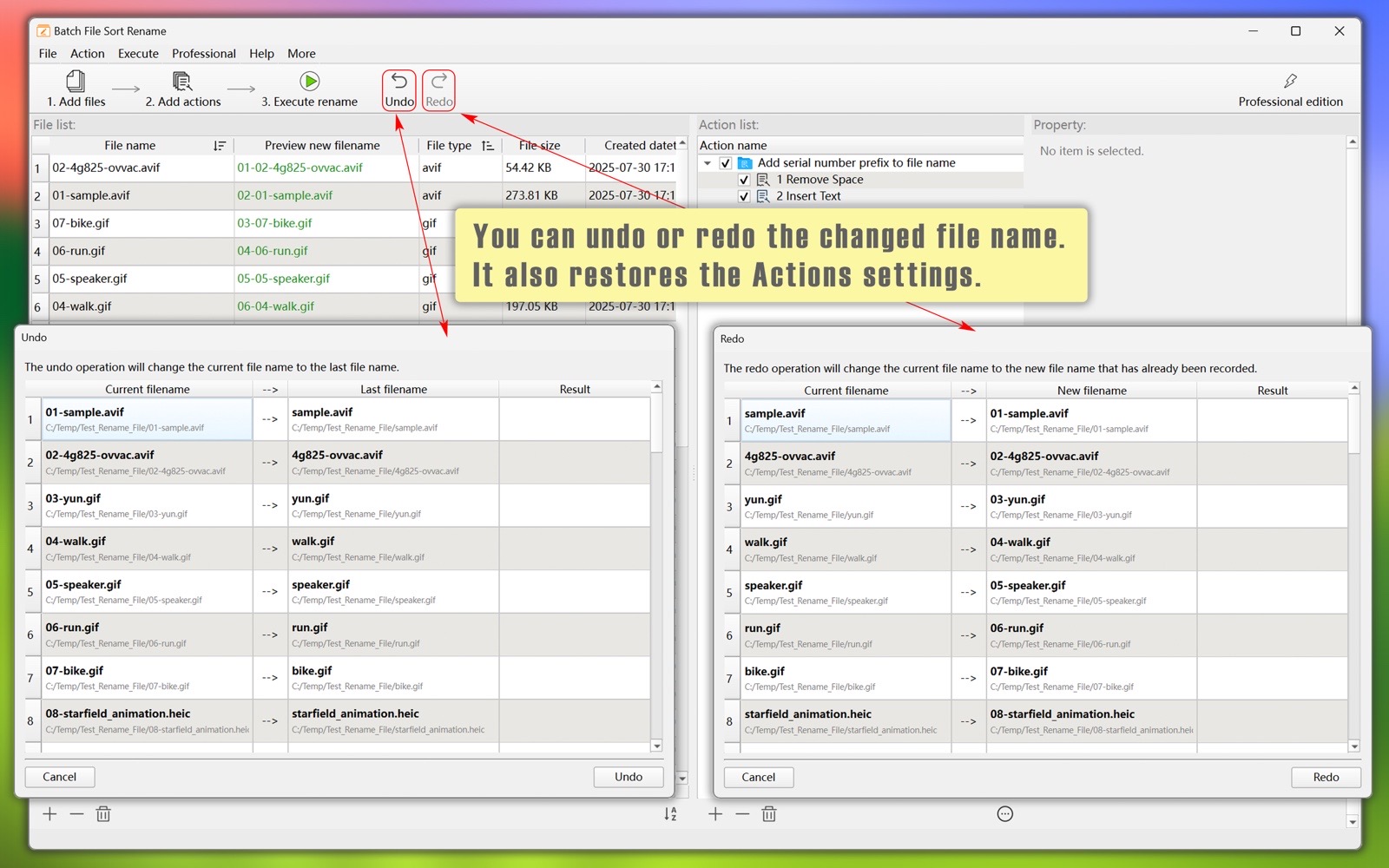
  5. When you batch rename files, you can perform “Undo” and “Redo” operations.
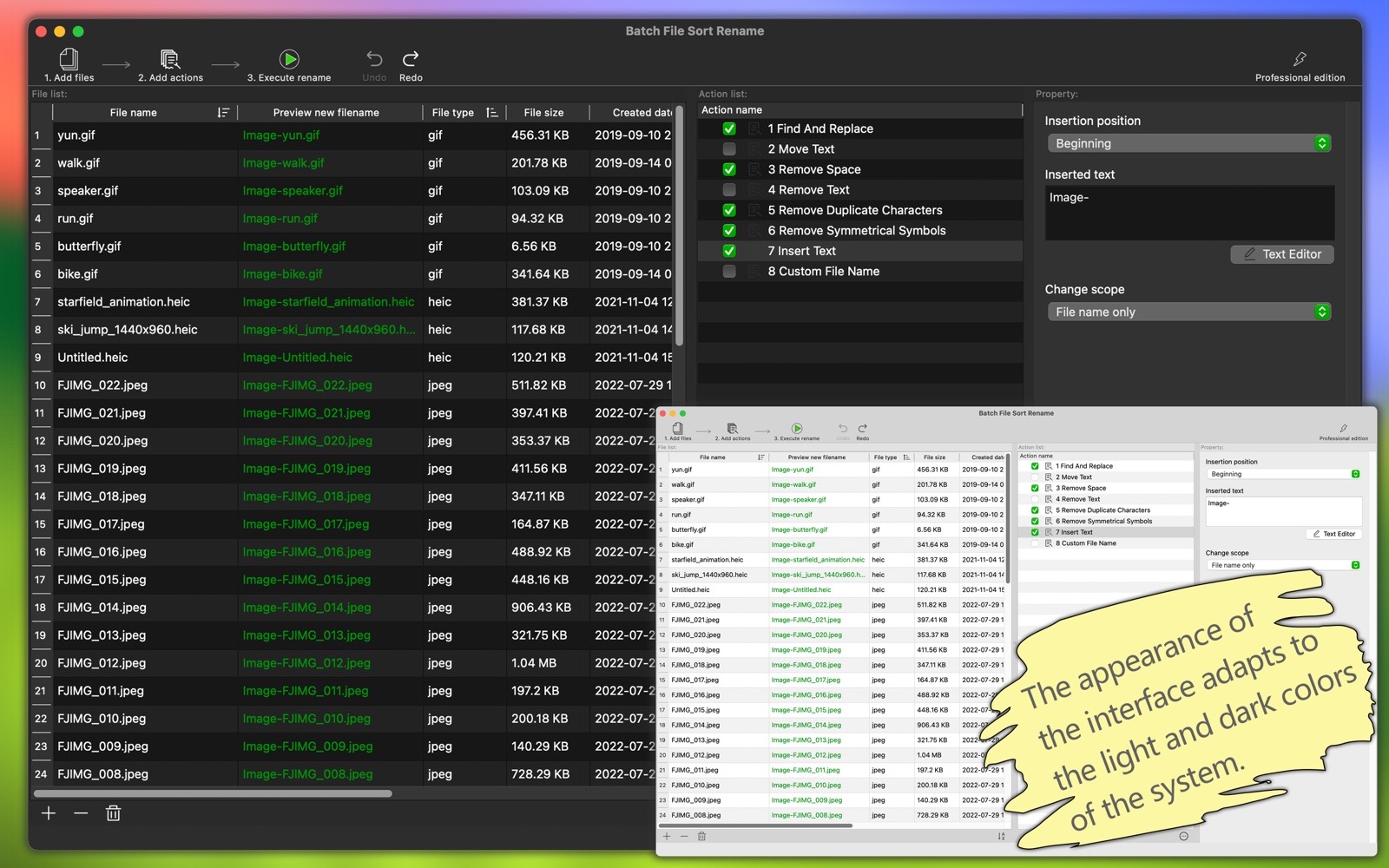
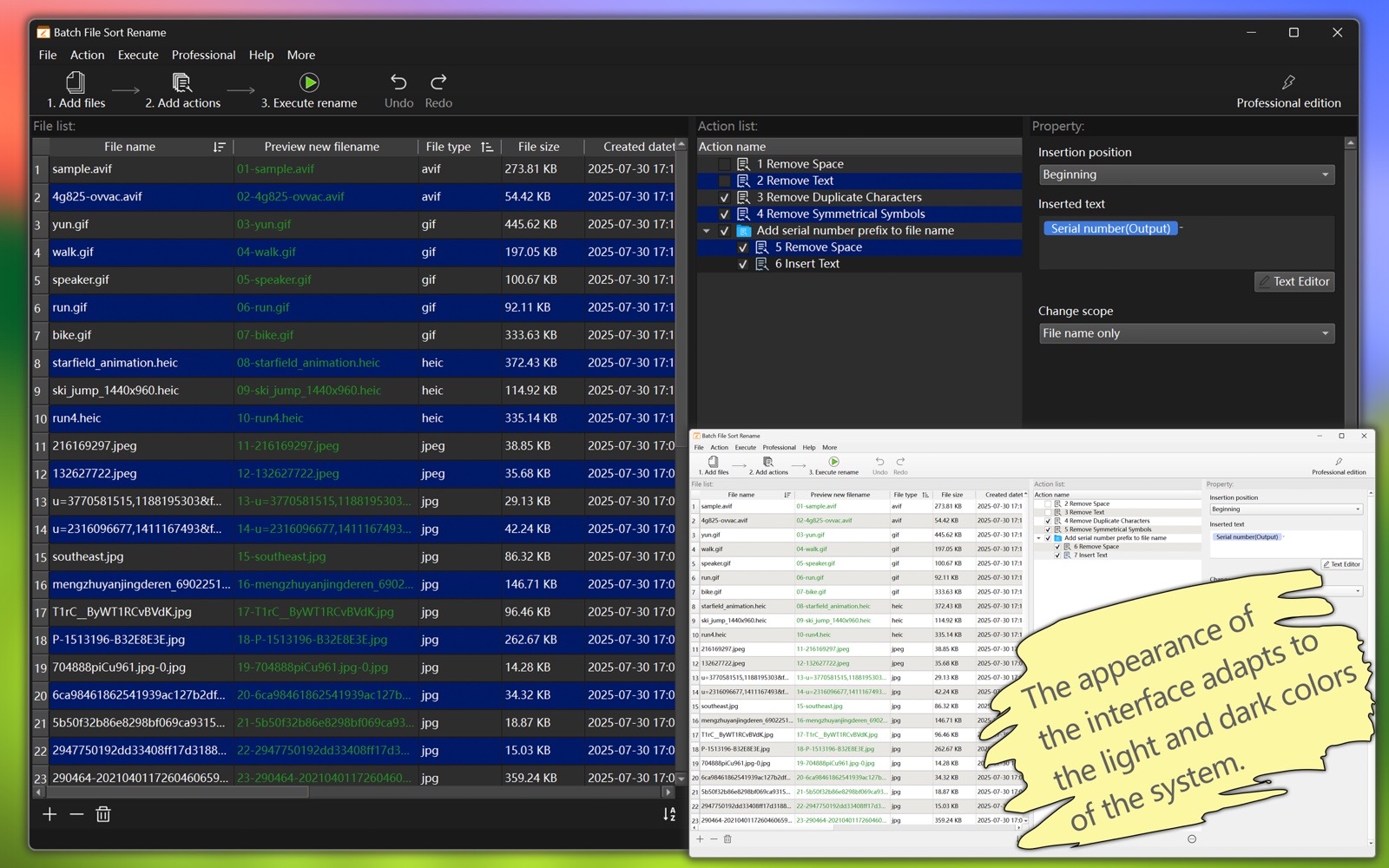
  6. The software supports both light and dark appearance modes.
  7. The software supports multiple languages, including: English, Simplified Chinese, Traditional Chinese, Spanish, Portuguese, French, German, Russian, Japanese.
    (The new version will bring more languages)
Summary of Sorting Features

Click on the column header of the file list to sort.

Multi-field sorting is supported, and each field's sorting priority is supported.

Fields include various attributes of the files.

Files can be dragged and dropped from external folders into the application's file list.

Files in the file list can be dragged and dropped to change the order.

Multiple files in the file list can be dragged and dropped simultaneously to change the order.

Summarize the 'action' features

There are many actions, with a wide variety of types.

Actions can be used individually or in combination.

Actions in the list can be rearranged by dragging and dropping.

Multiple actions can be saved as 'My Preset Actions' for future use.

The application comes with some commonly used action combinations.

The dynamic capabilities of the 'Custom Filename' action are extremely powerful.
Download "Batch File Sort Rename"
macOS Version
Windows Version
Download from Apple App Store