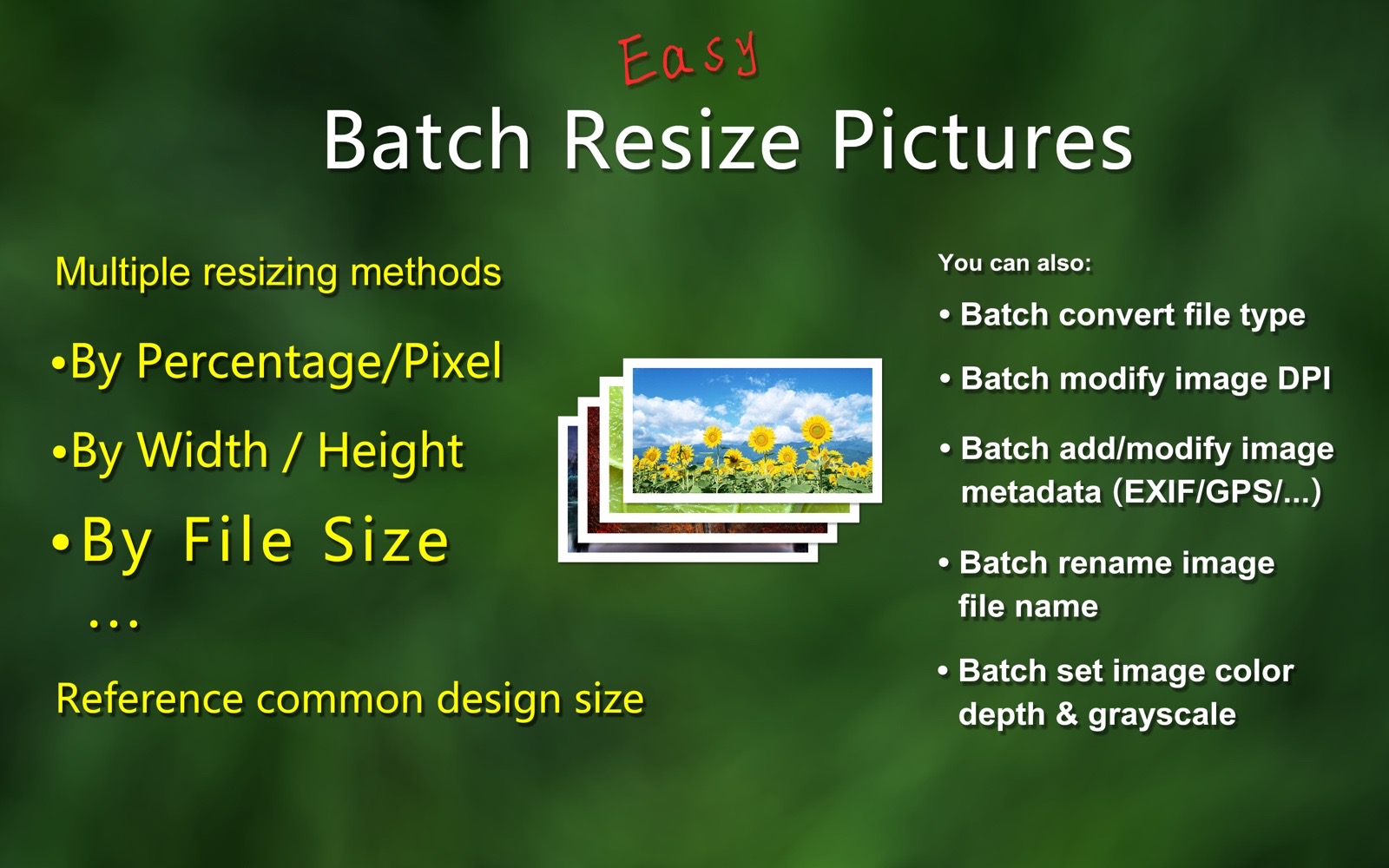
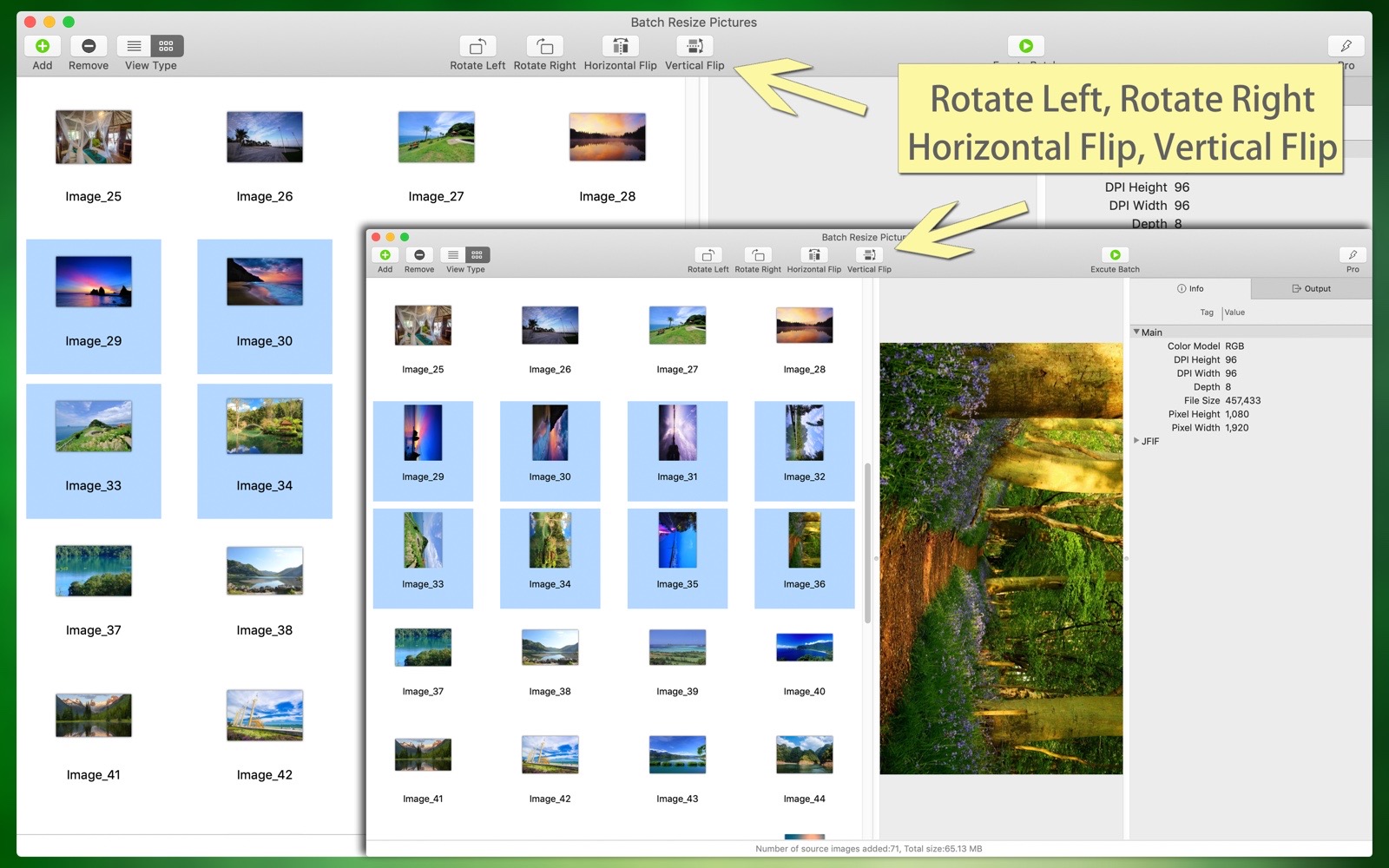
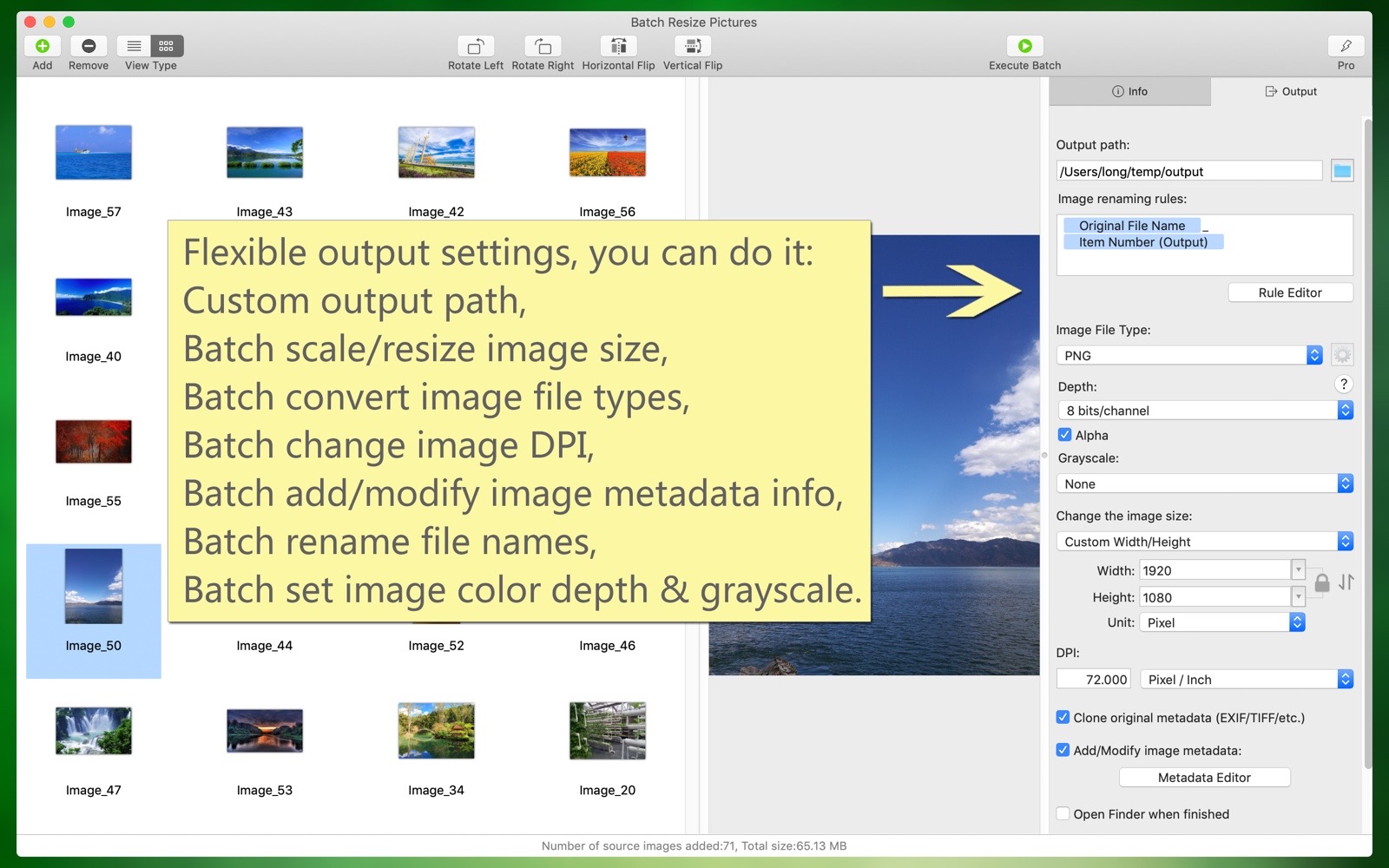
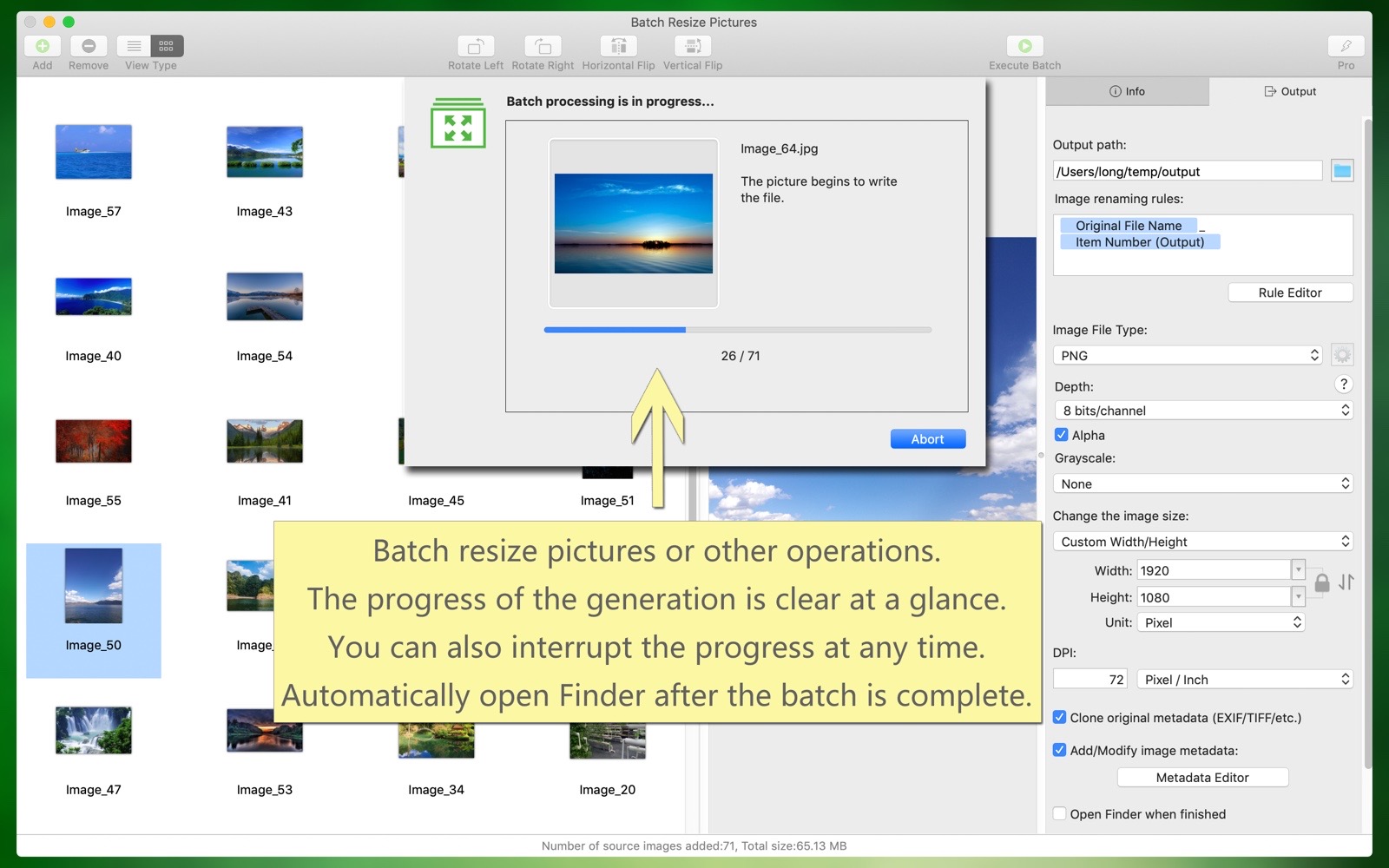
"Batch Resize Pictures" can conveniently and quickly resize a large number of images, either enlarging or reducing them. Additionally, it can batch convert image file types, batch modify image color profiles, batch add and edit image metadata, batch rename files, batch set image color depth and color profiles, batch modify image DPI, and more. These functions can be used individually or simultaneously, all in one step, maximizing efficiency. It is both easy to use and professional, making it a great assistant for your work.
Overview of key features:
- Batch scale and resize images, you can enlarge or reduce based on the original size, with various adjustment methods:
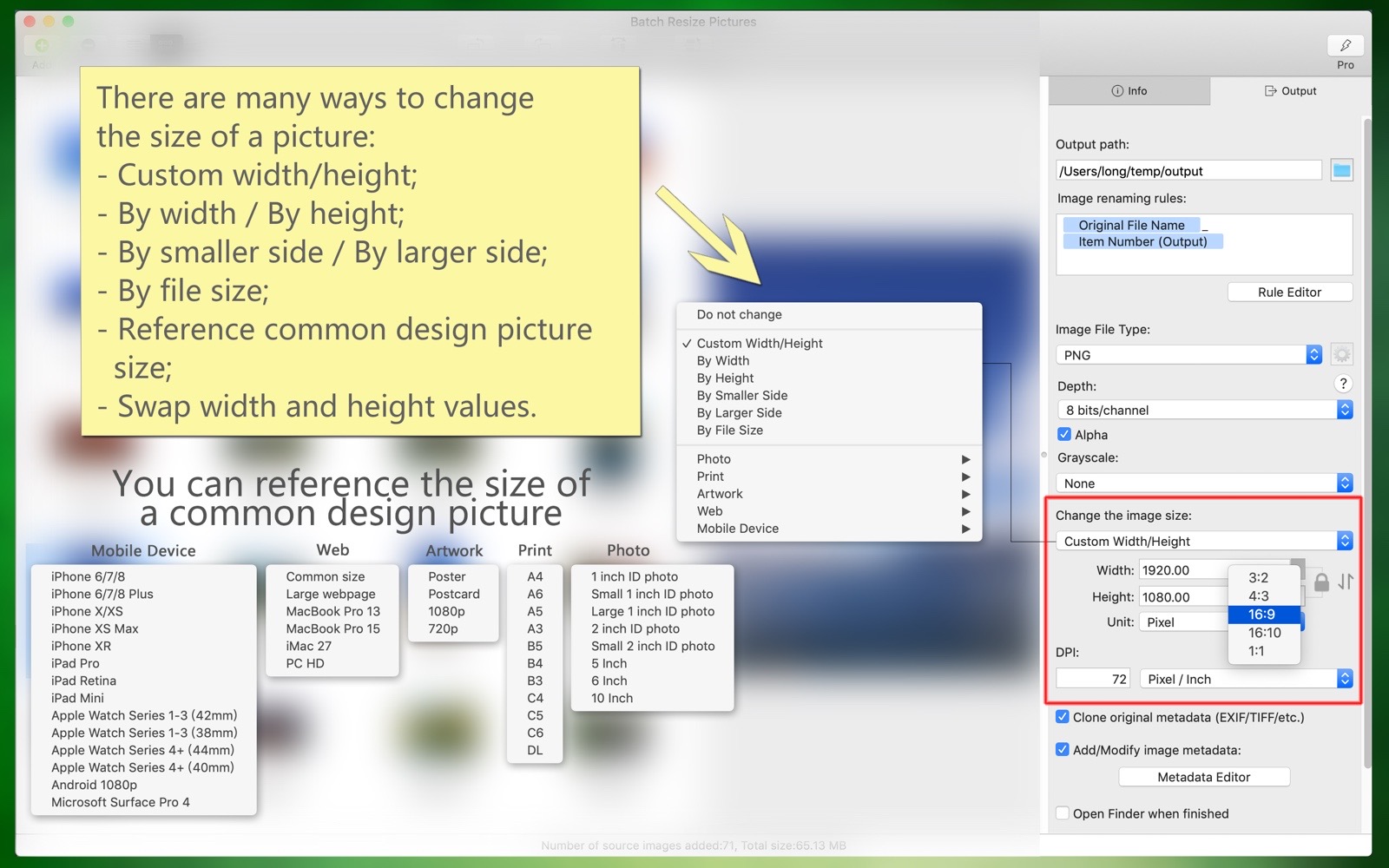
(1) By width; by height; by the smaller side; by the larger side; custom width and height.
(2) Can be adjusted by percentage, pixels, centimeters, or inches.
(3) The width and height values can be swapped; the width or height can be converted proportionally (for example: 3:2, 4:3, 16:9, 16:10, etc.).
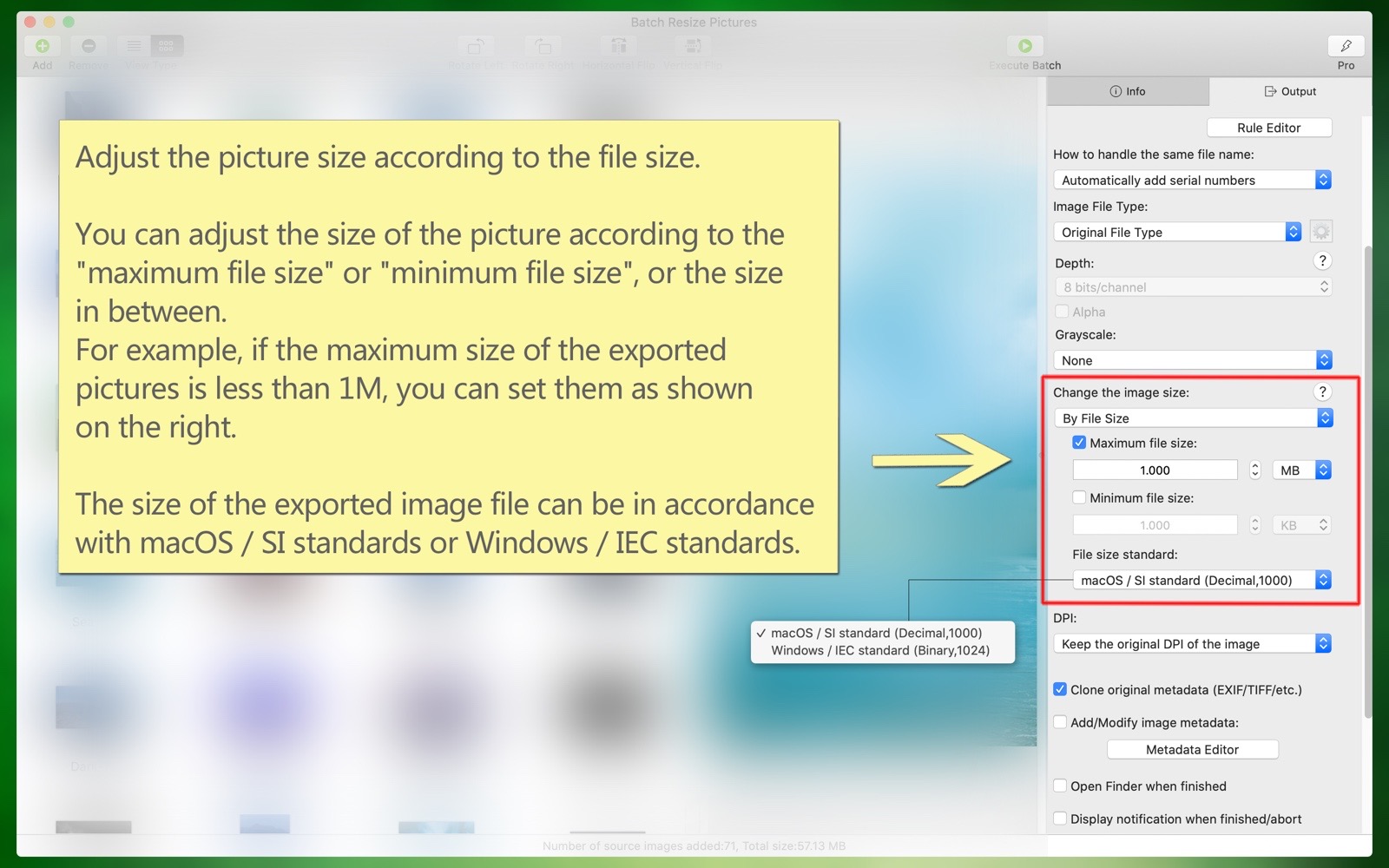
(4) The image size can be adjusted according to the file size. The image size can be adjusted based on the 'maximum file size' or 'minimum file size', or a size in between. The exported image file size can follow macOS/SI standards or Windows/IEC standards.
- Common design image sizes can be referenced, such as: various ID photo sizes, printing-related sizes like A4, B5, etc., posters, postcards, various web sizes, and sizes for devices like iPhone, iPad, Android, etc.
- Batch convert image file types, including TIFF, PNG, BMP, JPG, JPG2000, GIF, HEIC, WEBP, PSD, AVIF, etc. Also convert between animated images, including GIF, HEIC, WebP, PNG, AVIF, etc.
- Batch modify image resolution (DPI), or keep the original resolution.
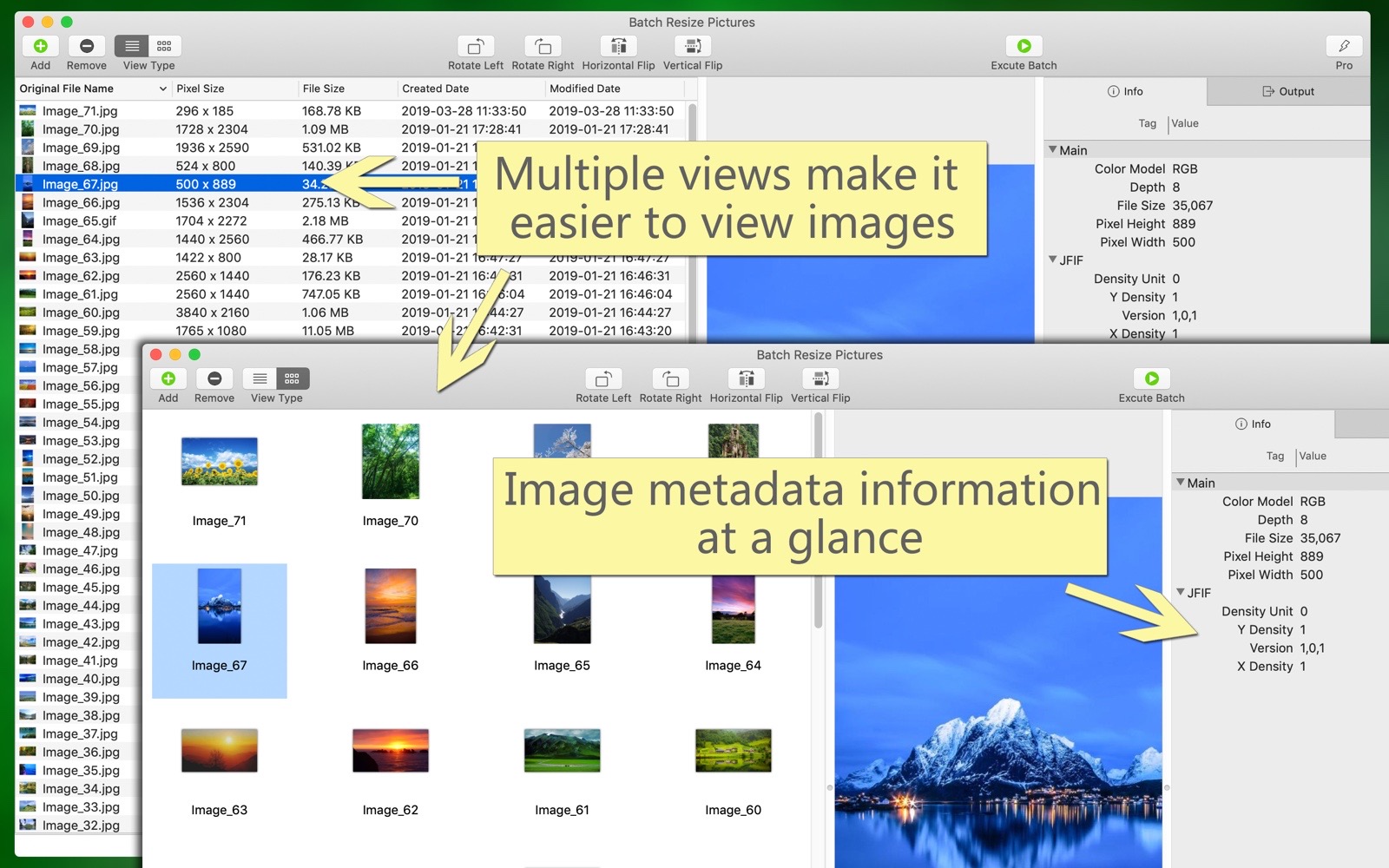
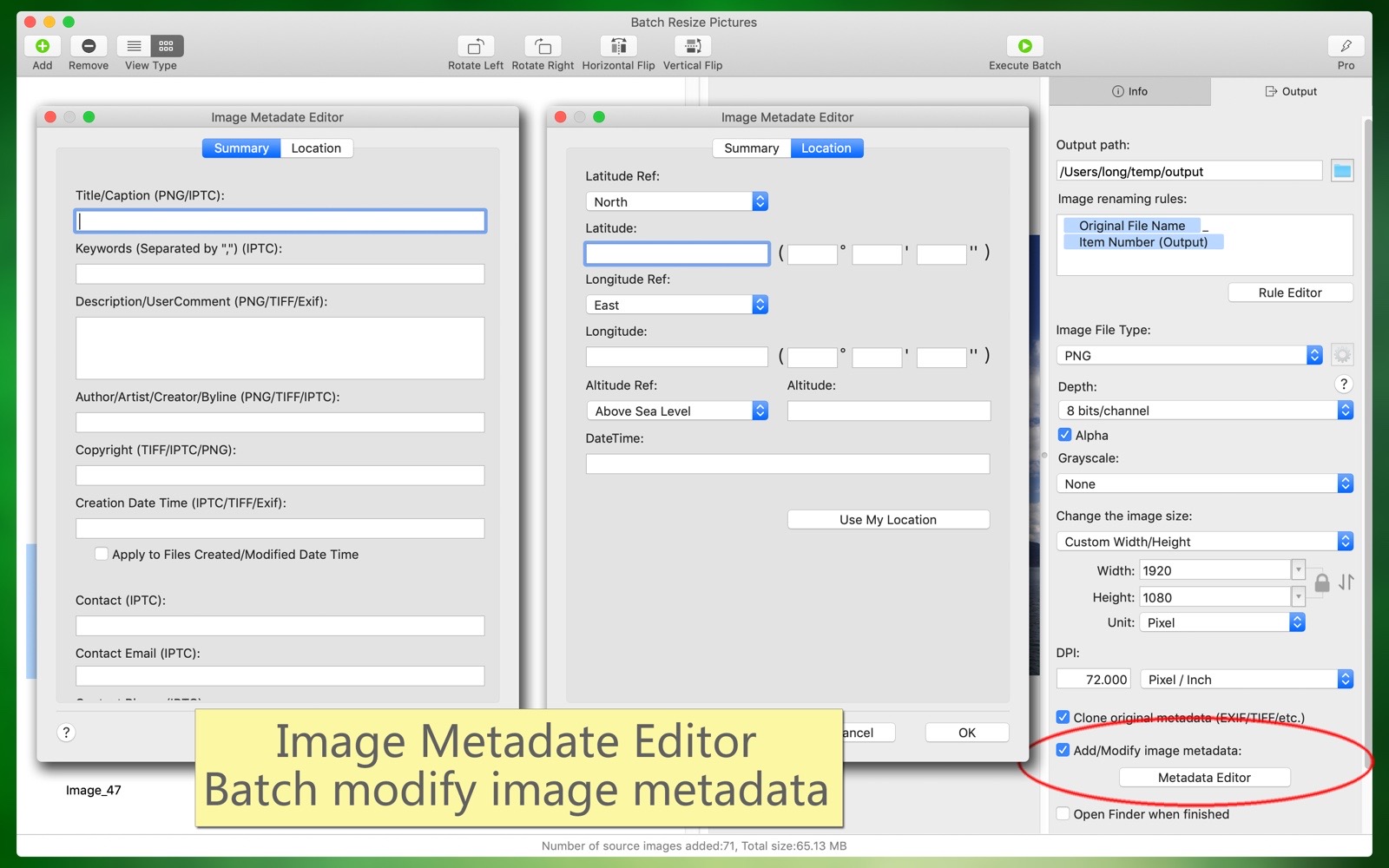
- Batch clone, add, and modify image metadata (EXIF/TIFF/JFIF/GPS/...), such as: author, copyright, description, keywords, creation date and time, contact information, and other tags.
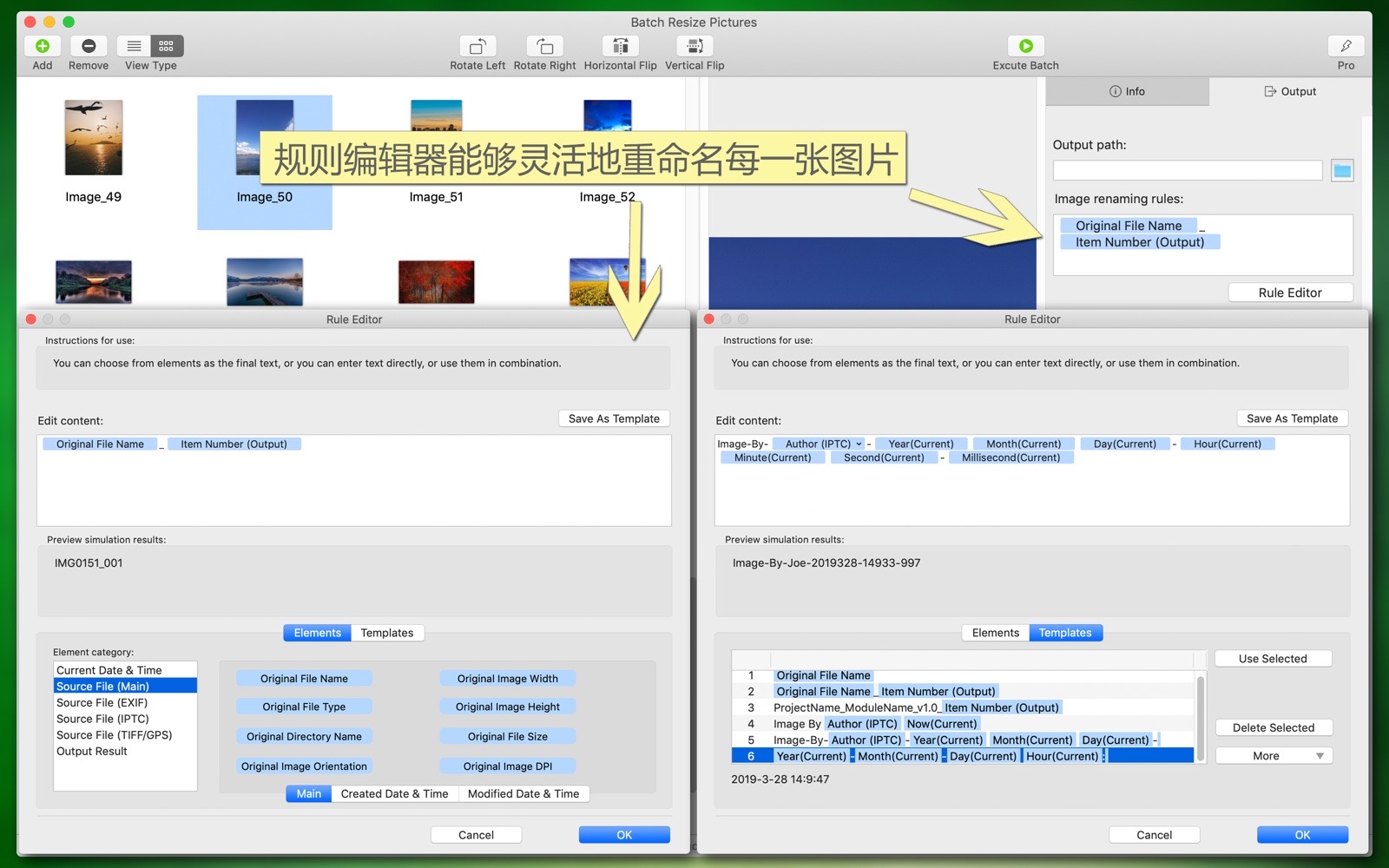
- Batch rename or customize the output image file names, which can be generated dynamically (based on time, EXIF, sequence number, templates, and other information).
- Batch modify the color profile of images, such as: standard RGB, sRGB, Adobe RGB, Display P3, and various other RGB colors, as well as various grayscale colors, and you can also keep the original image's color profile.
- Batch modify the color depth of images (8-bit/channel or 16-bit/channel, i.e., 24-bit, 32-bit, 48-bit, 64-bit), and whether to include an alpha channel.
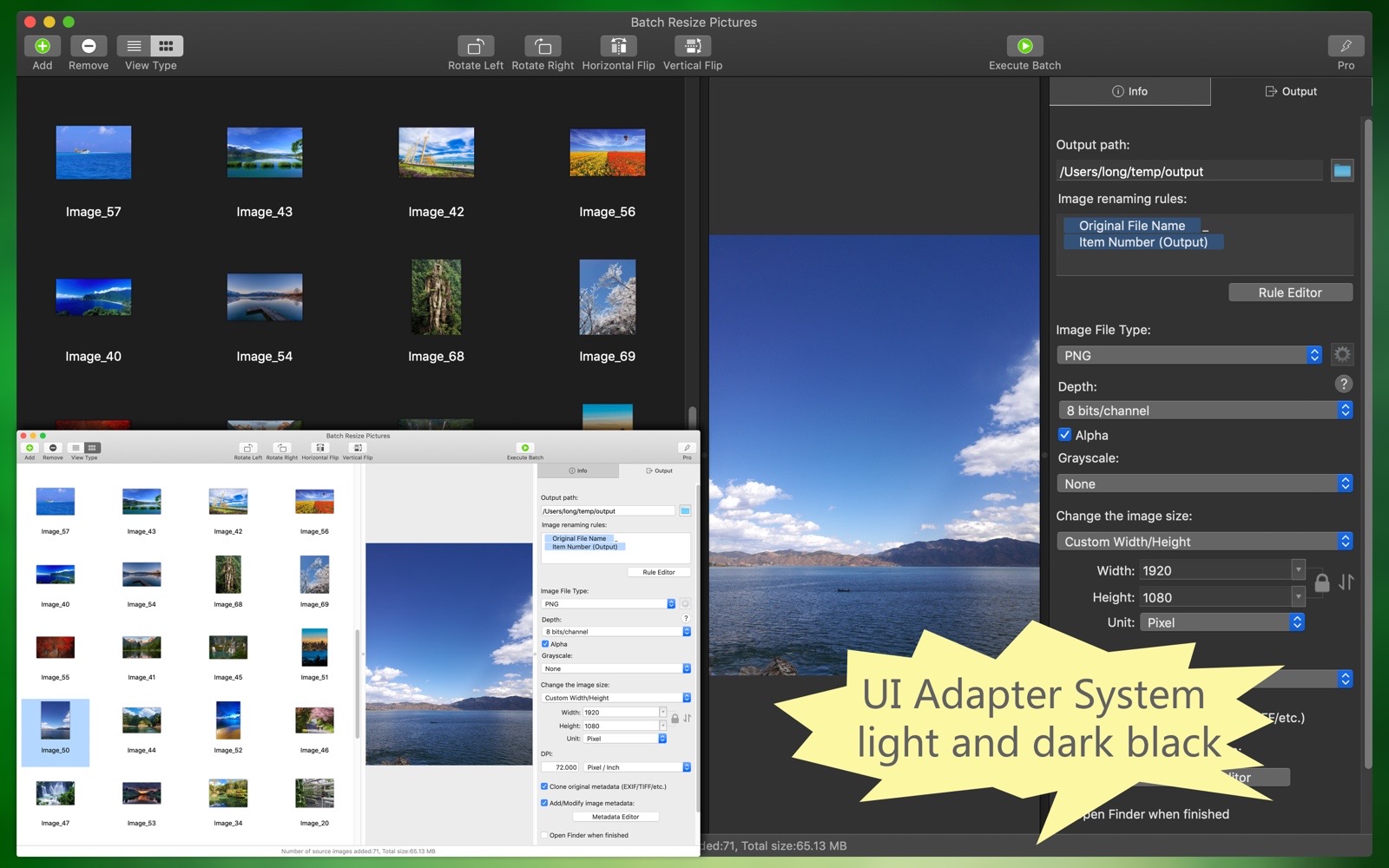
- The software supports both light and dark appearance modes.
- The software supports multiple languages, including: English, Simplified Chinese, Traditional Chinese, Spanish, Portuguese, French, German, Russian, Japanese, Korean.
(The new version will bring more languages)