Batch Resize Pictures
Size, format, color, metadata, renaming, and so on, all easily done in one step!

Platform: macOS 11.0+, Windows 10 version 17763.0 or higher
Languages: English, Simplified Chinese, Traditional Chinese, French. The new version will bring more languages.
Download "Batch Resize Pictures"
Windows Version
Download from Mircosoft Store

Software Introduction (macOS Version | Windows Version)

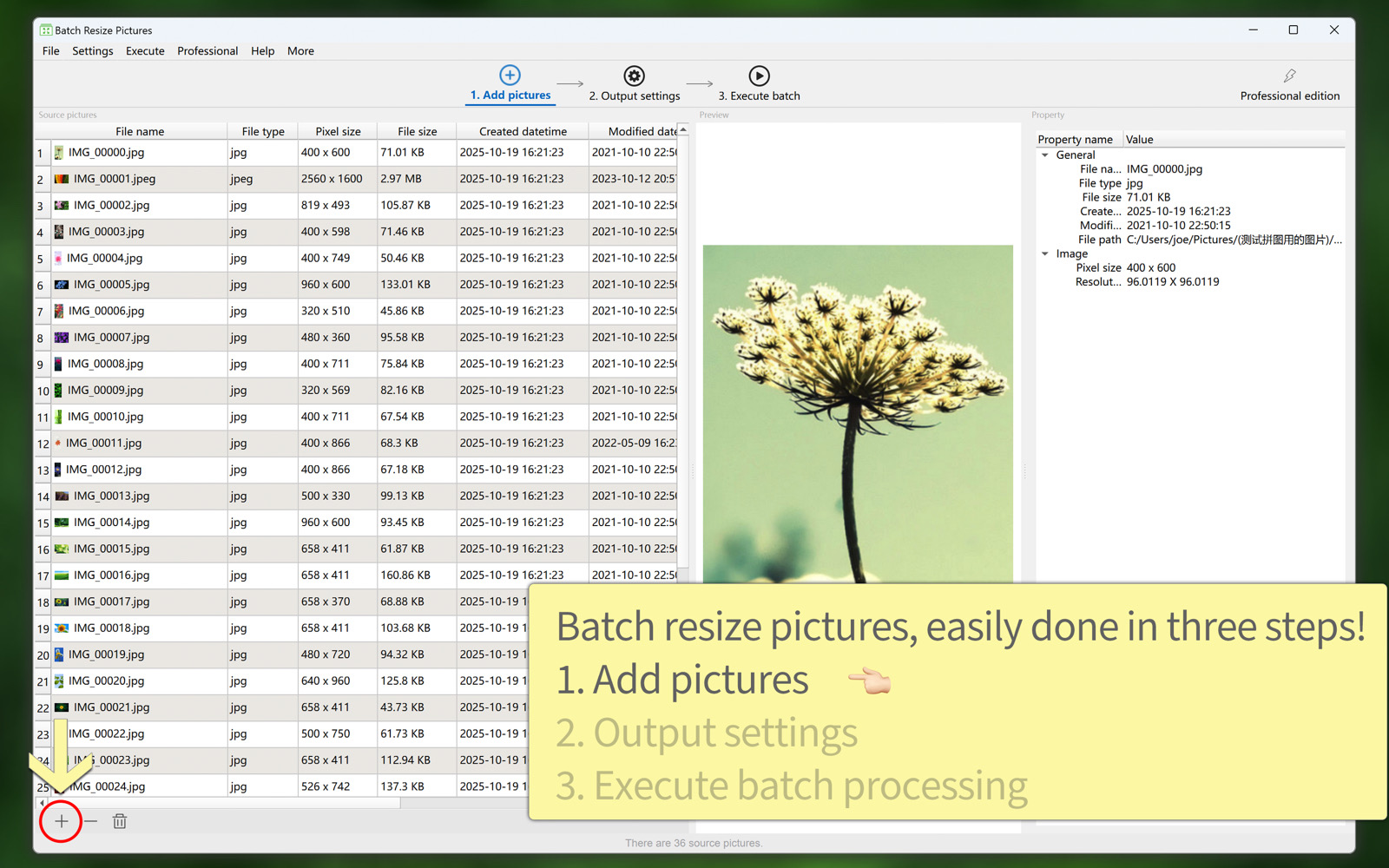
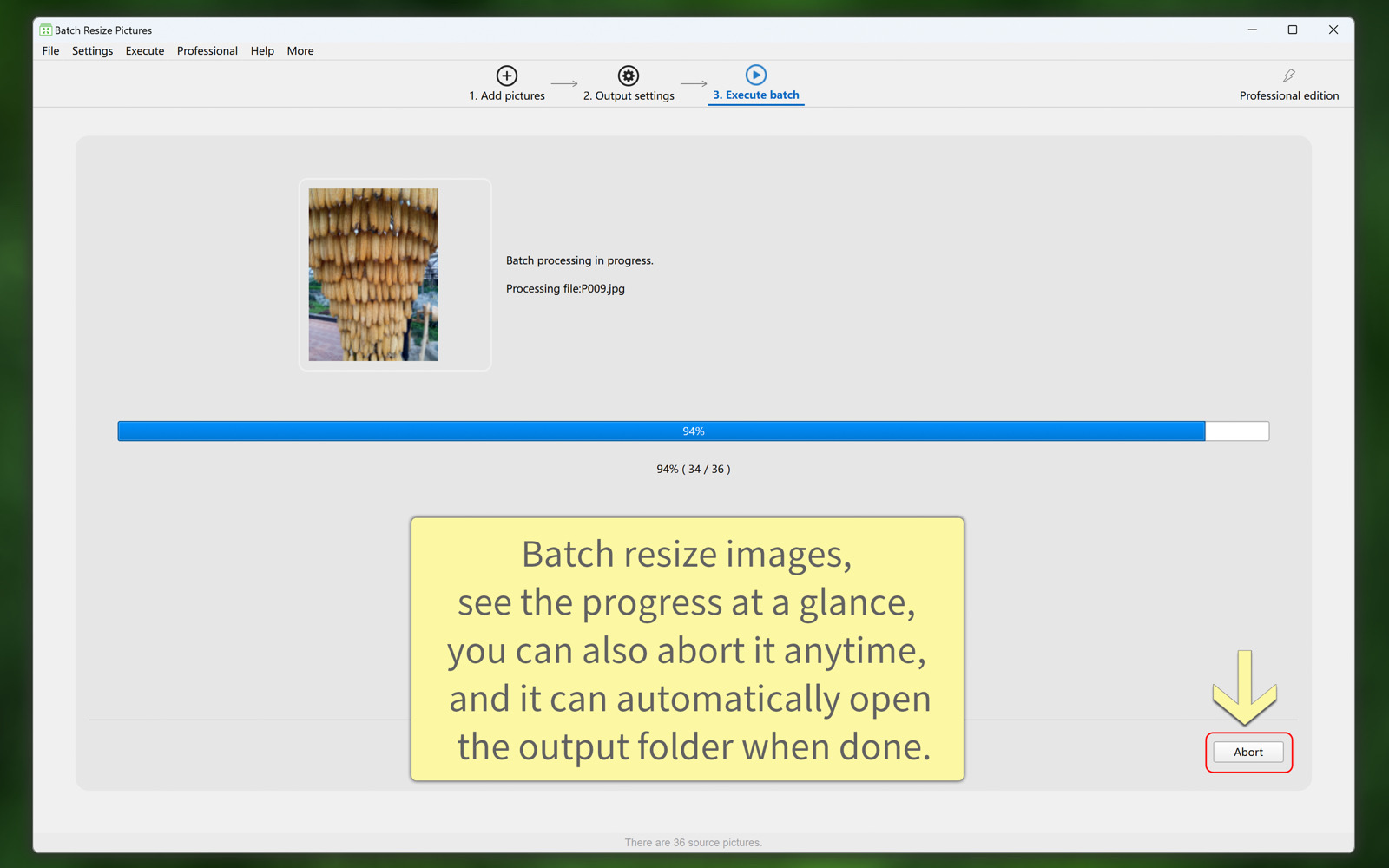
'Batch Resize Pictures' lets you easily and quickly resize a large number of images in various ways, whether you want to enlarge or reduce them.
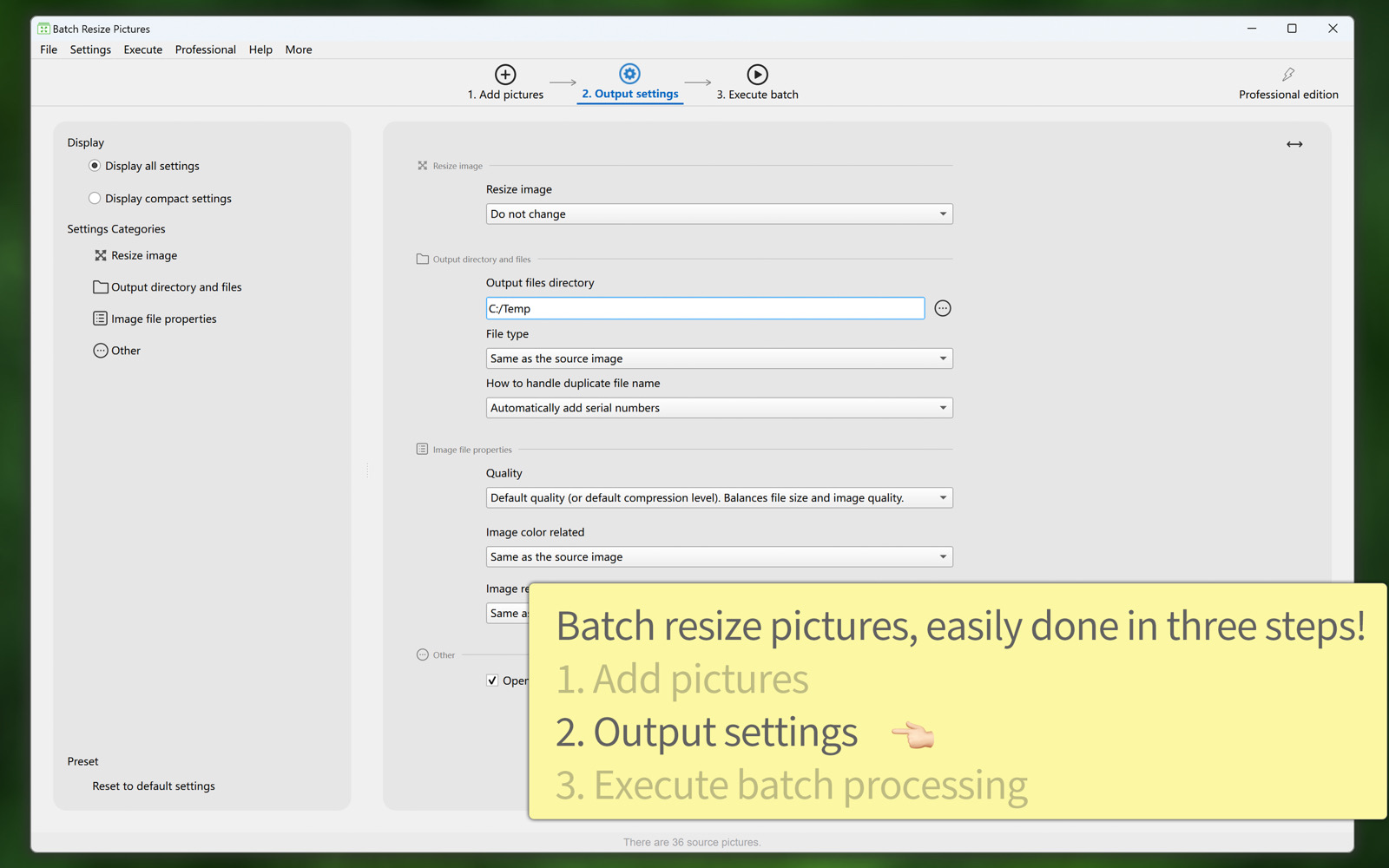
It also enables you to batch convert image file formats, batch adjust image DPI/PPI, batch set image color depth and color profiles, and more.
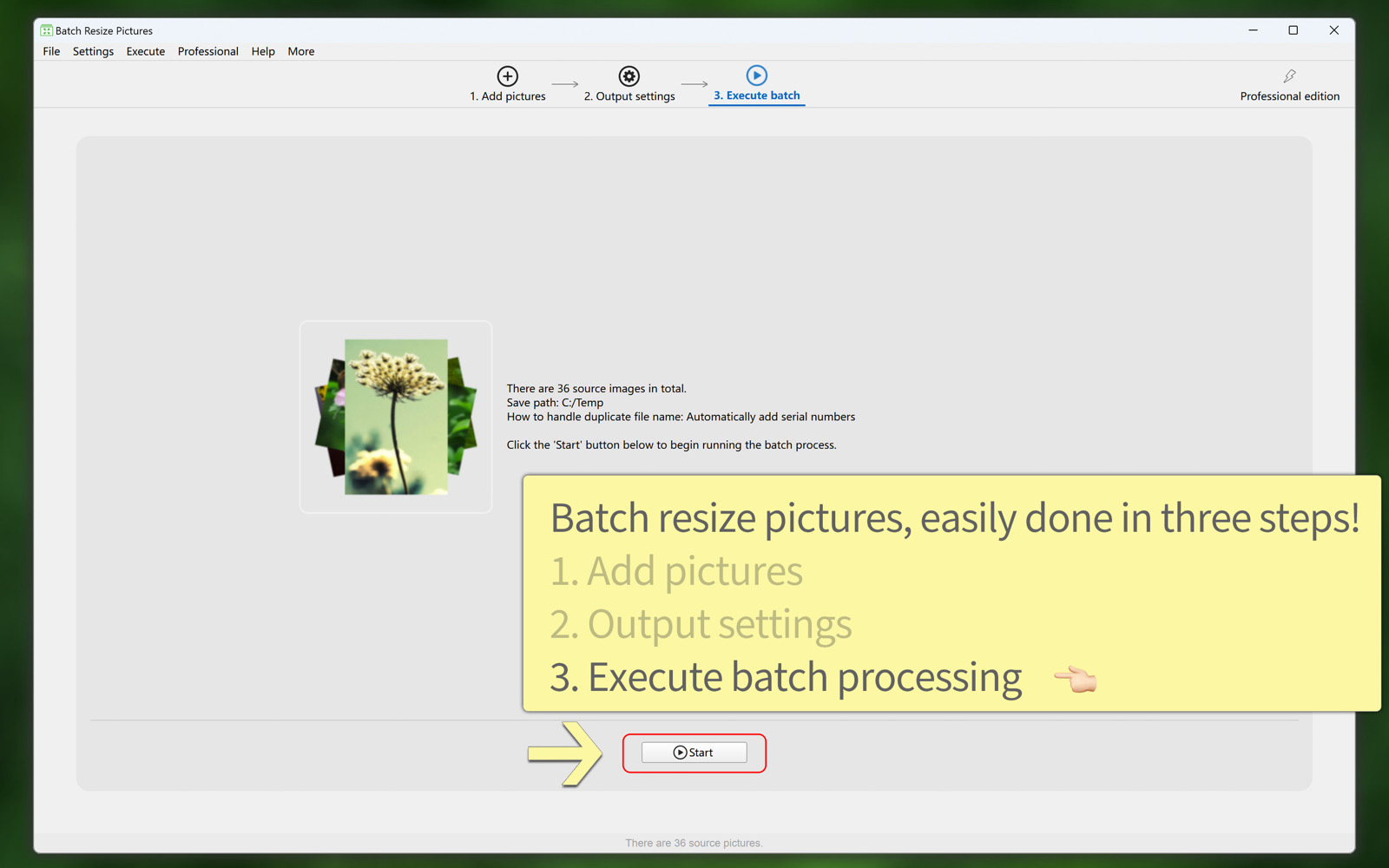
These features can be used individually or in combination, greatly helping you improve your work efficiency—it’s both convenient and powerful.


Overview of key features:
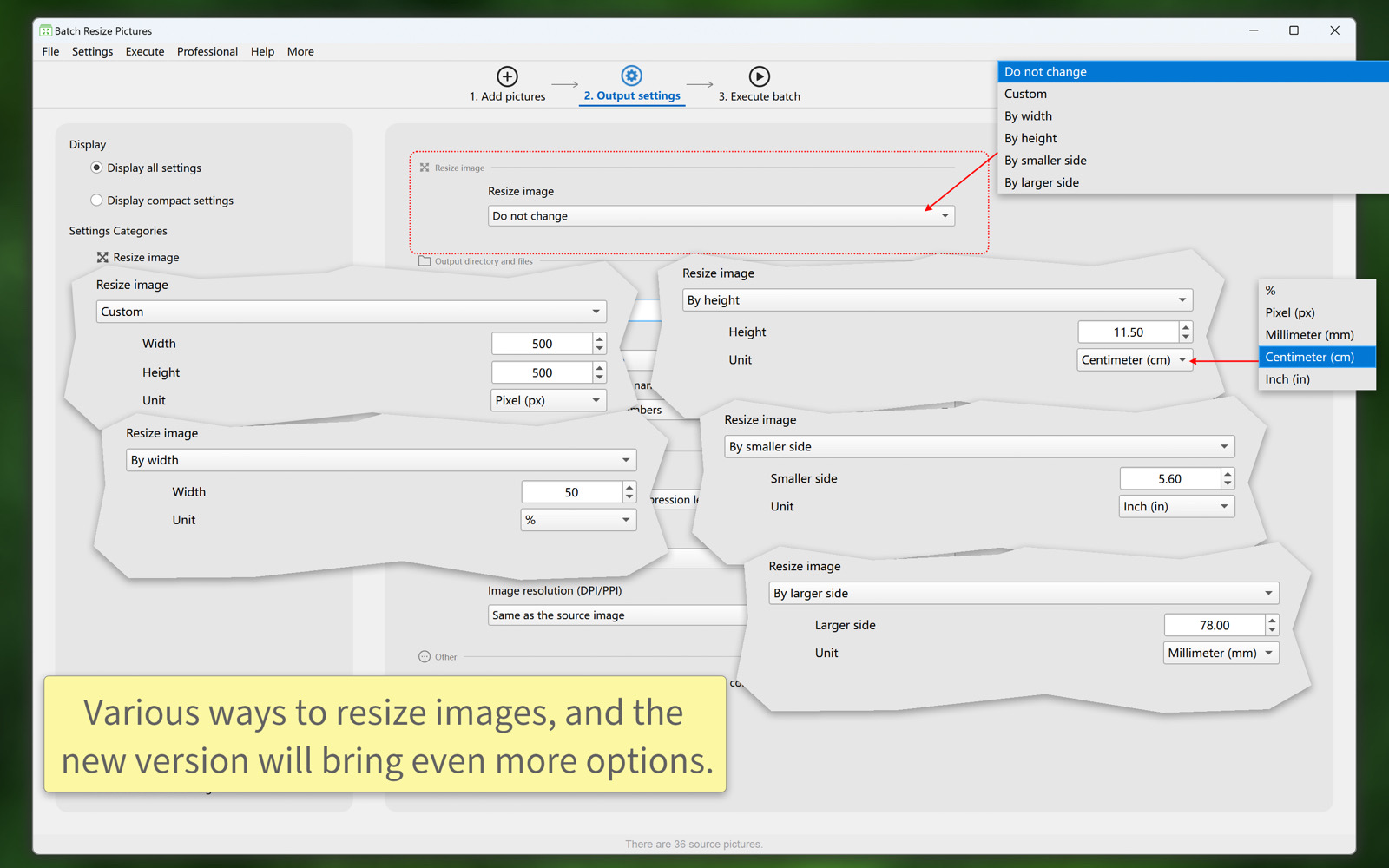
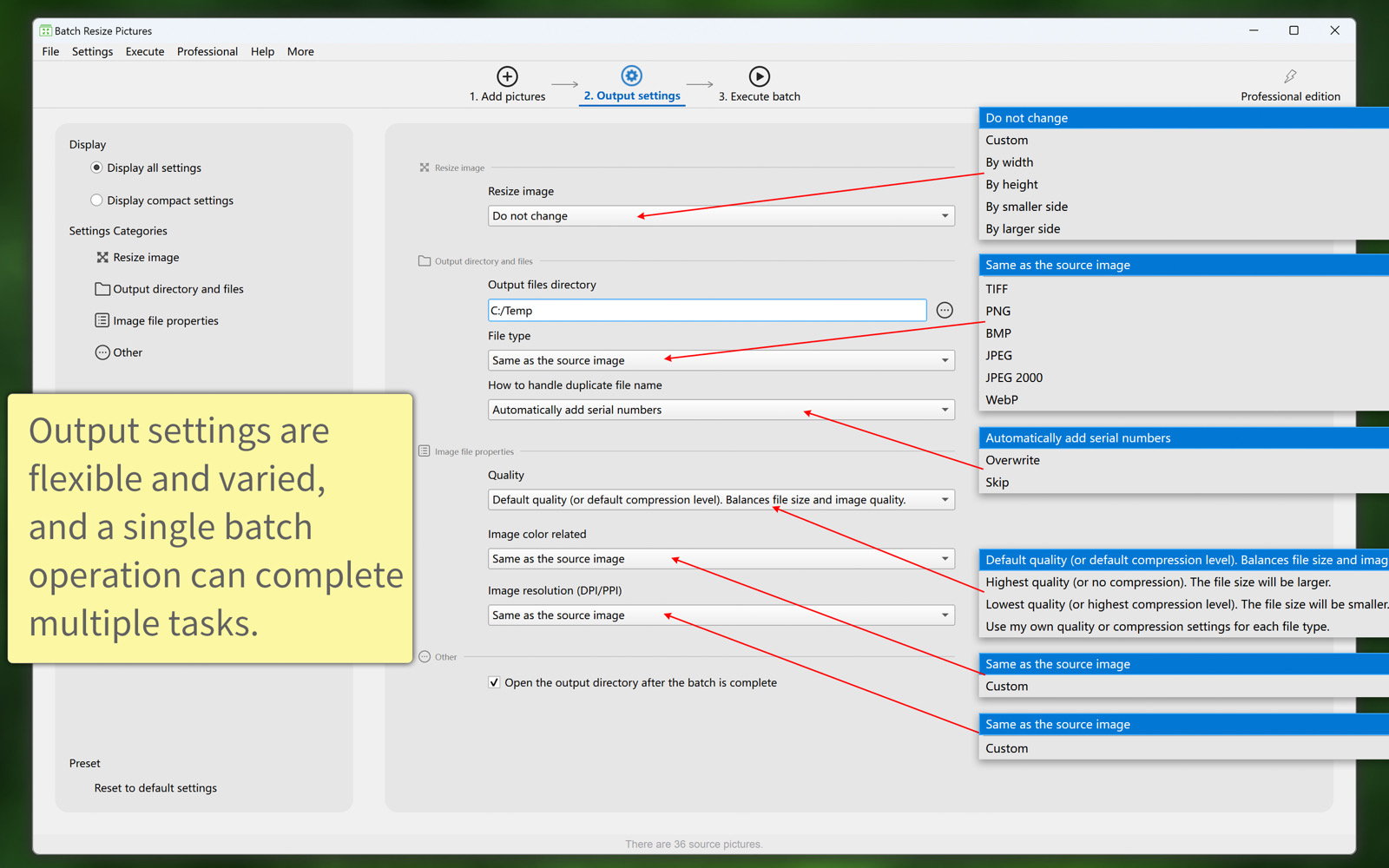
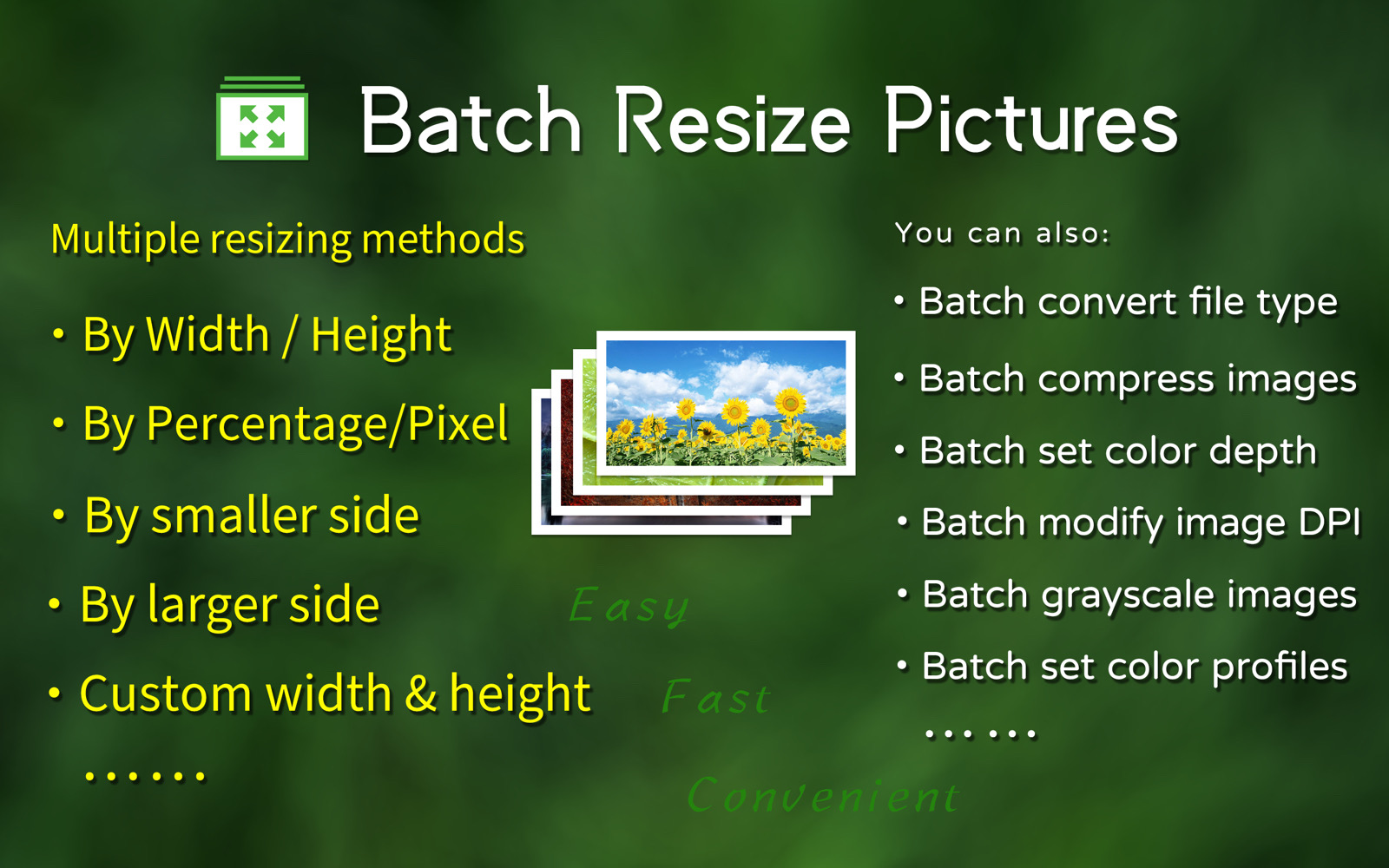
  1. There are various ways to resize images in bulk:
    (1) By width; by height; by the smaller side; by the larger side; custom width and height.
    (2) Can be adjusted by percentage, pixels, centimeters, or inches.
    (3) The new version will introduce more ways to resize images.
  2. Batch conversion image file types, including TIFF, PNG, BMP, JPG, JPG2000, WebP, etc.
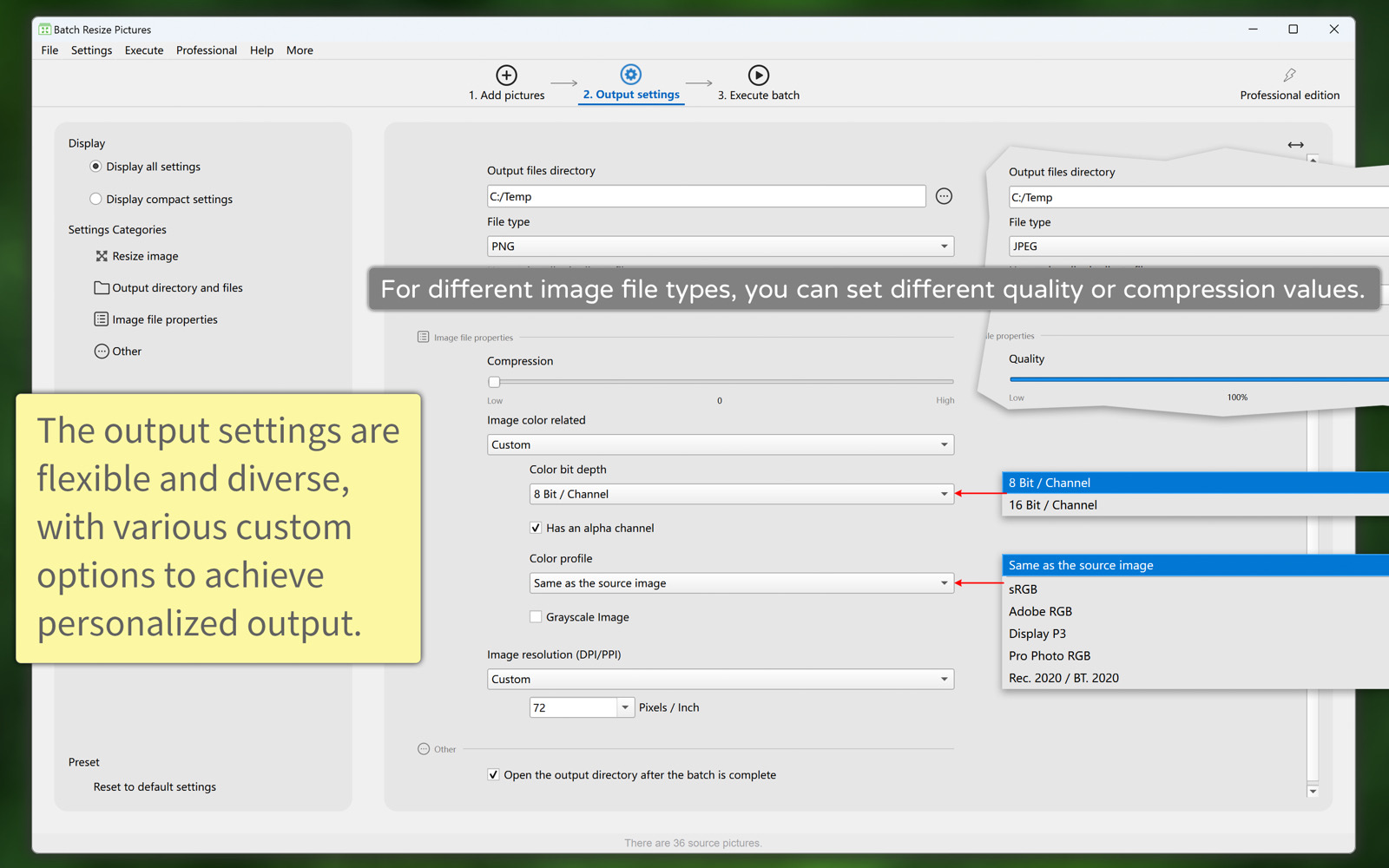
  3. Batch compress images, such as lossy compression for formats like JPG and WebP, and lossless compression for formats like PNG and TIFF.
  4. Batch edit image resolution (DPI/PPI), or keep the original resolution.
  5. Batch set the image color bit depth (8 bits per channel, 16 bits per channel) and whether to enable the transparency channel.
  6. Batch convert image color profiles, such as sRGB, Adobe RGB, Display P3, and other RGB color spaces; you can also preserve the original image's color profile.
  7. Batch convert images to grayscale.
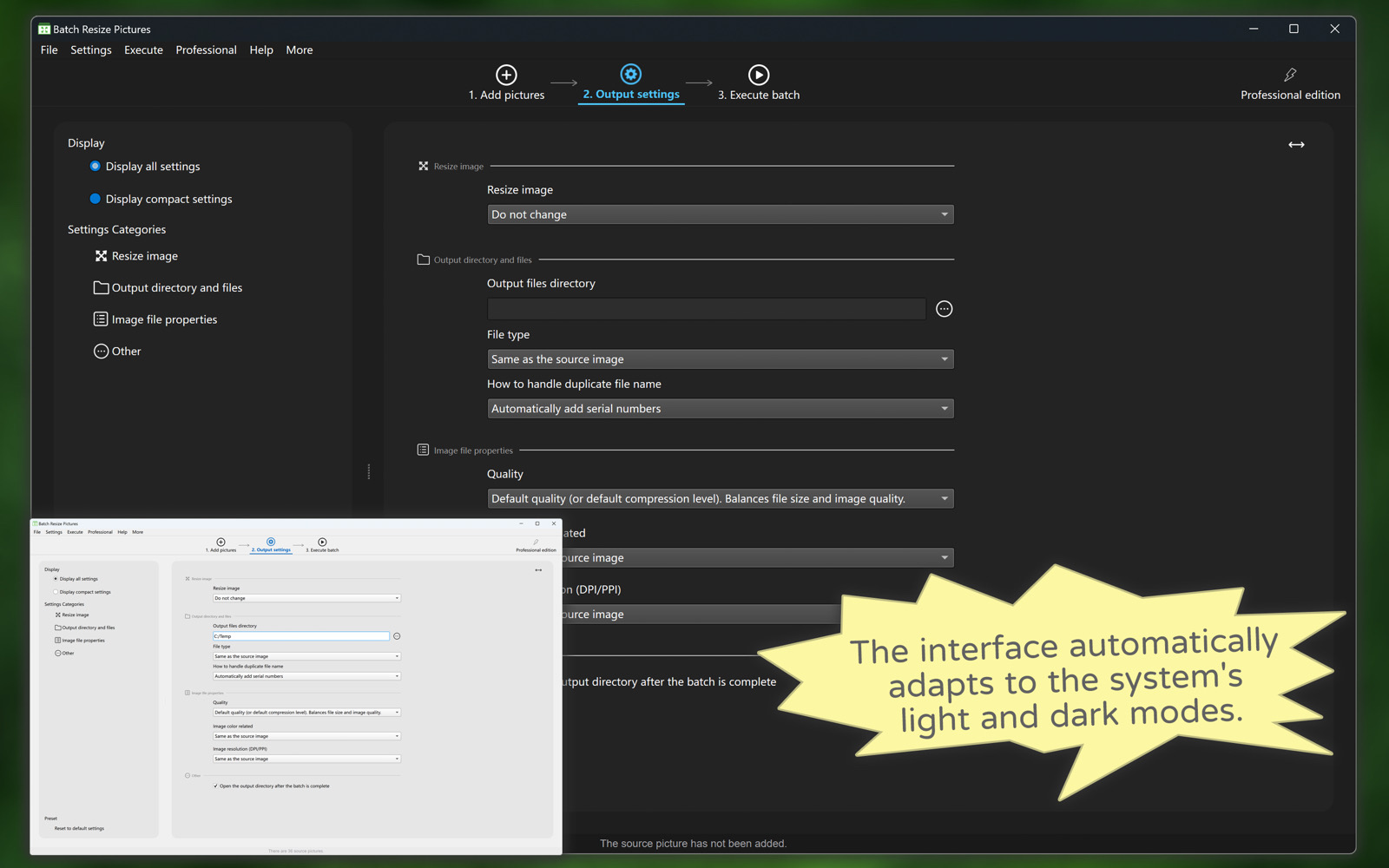
  8. The software supports both light and dark appearance modes.
  9. The software supports multiple languages, including: English, Simplified Chinese, Traditional Chinese, French. The new version will bring more languages.
Summary of resizing methods

Custom width and height.

Resize by width.

Resize by height.

Resize by the smaller side.

Resize by the larger side.

Resize by percent, pixels, centimeters, millimeters, inches.

Summary of batch processing features

Batch scale and adjust image size.

Batch convert image file types.

Batch compress images.

Batch modify image color profile.

Batch modify image color depth.

Batch convert images to grayscale.

Batch change image DPI.
Download "Batch Resize Pictures"
Windows Version
Download from Mircosoft Store