This is a kind of software?
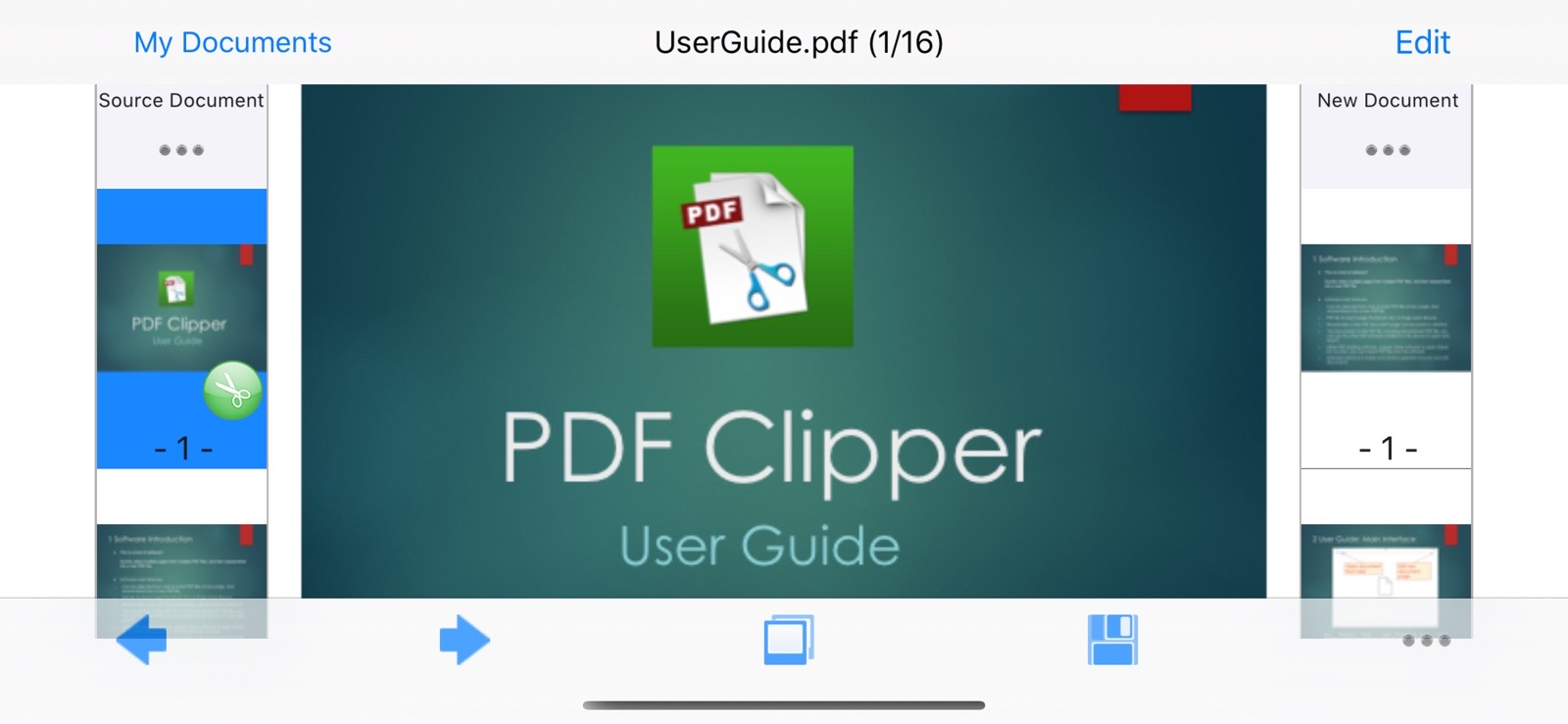
Quickly select multiple pages from multiple PDF files, and then reassembled into a new PDF file.
Main Function:
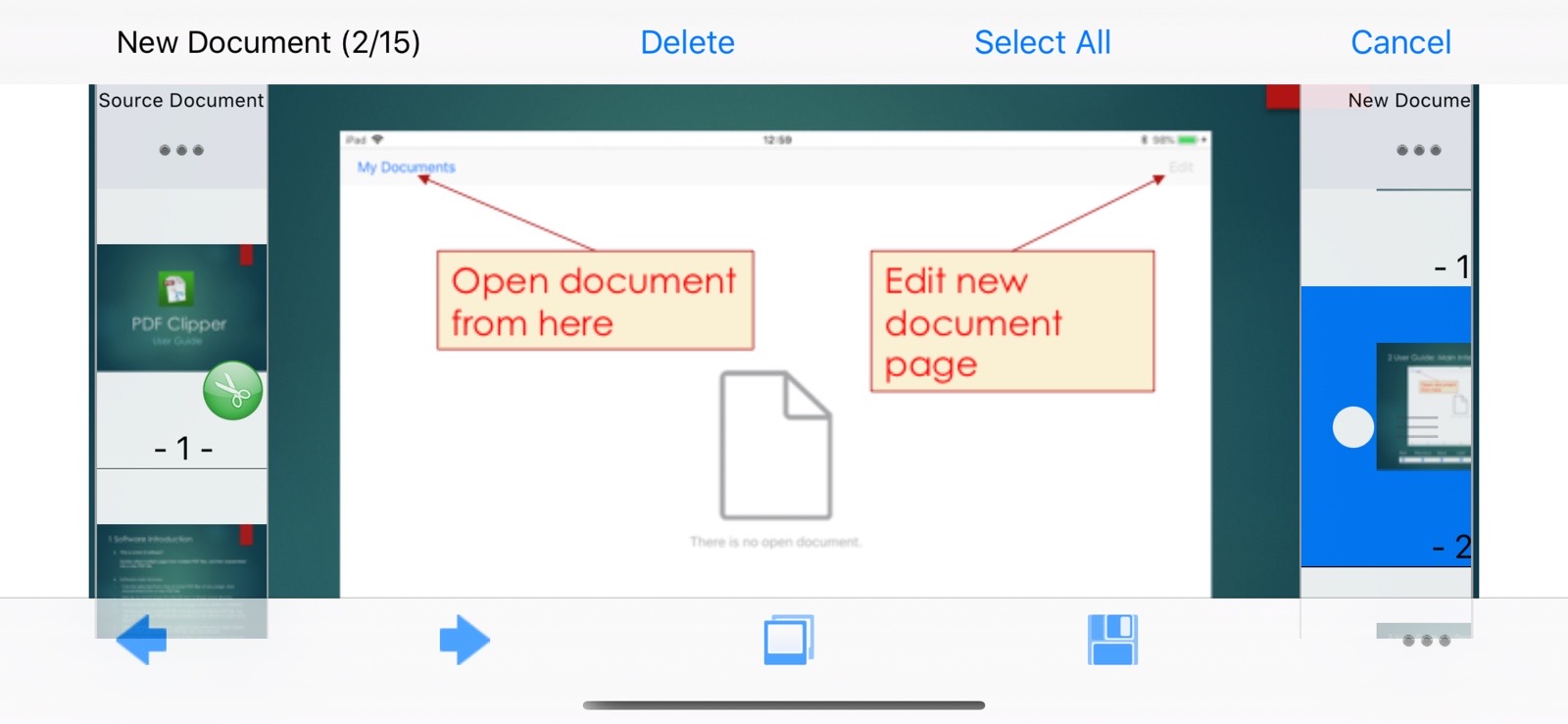
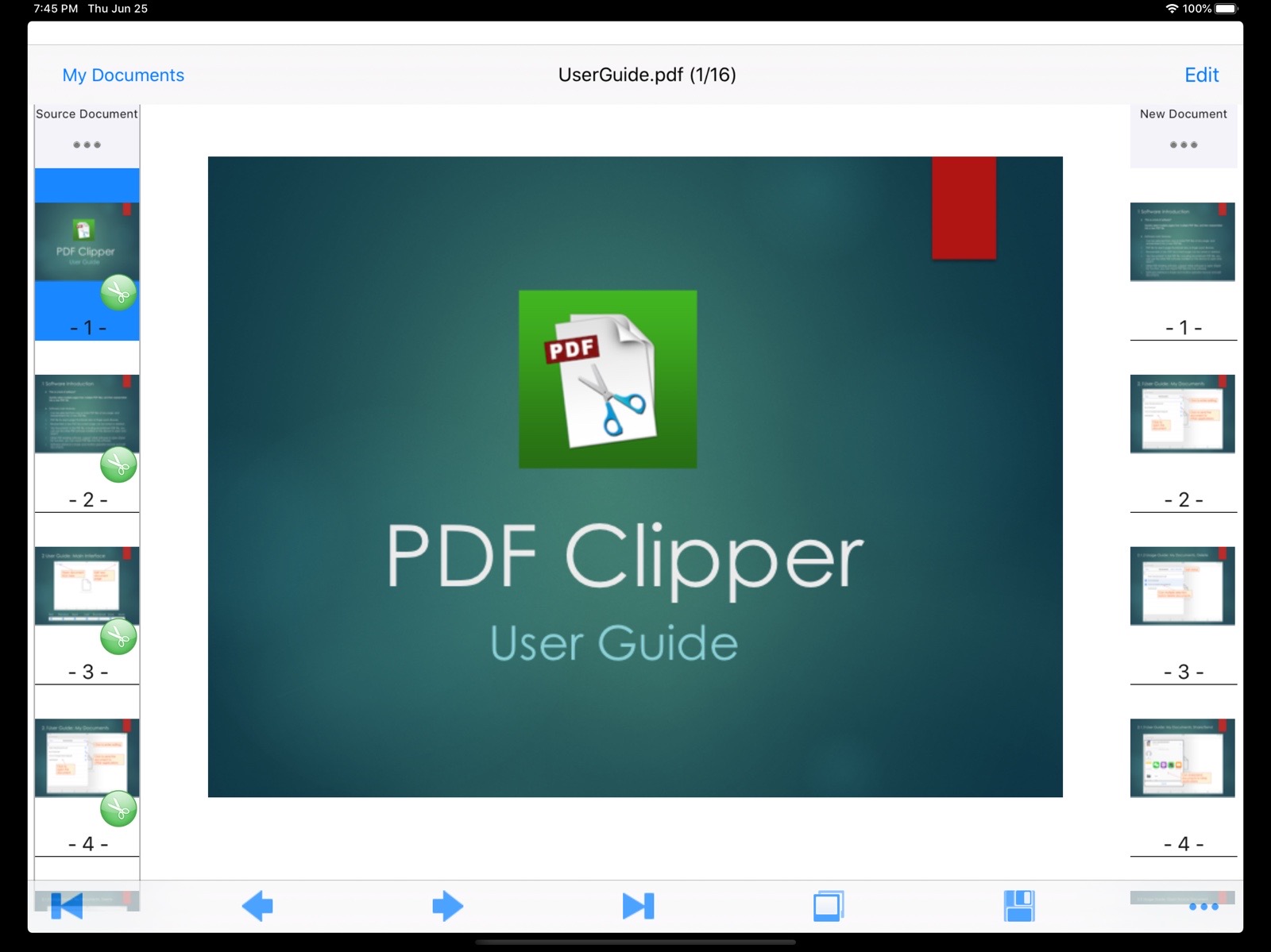
- You can select any pages from one or more PDF files and recombine them into a new PDF file.
- Each page of a PDF file can be viewed via thumbnails or zoomed in/out for browsing.
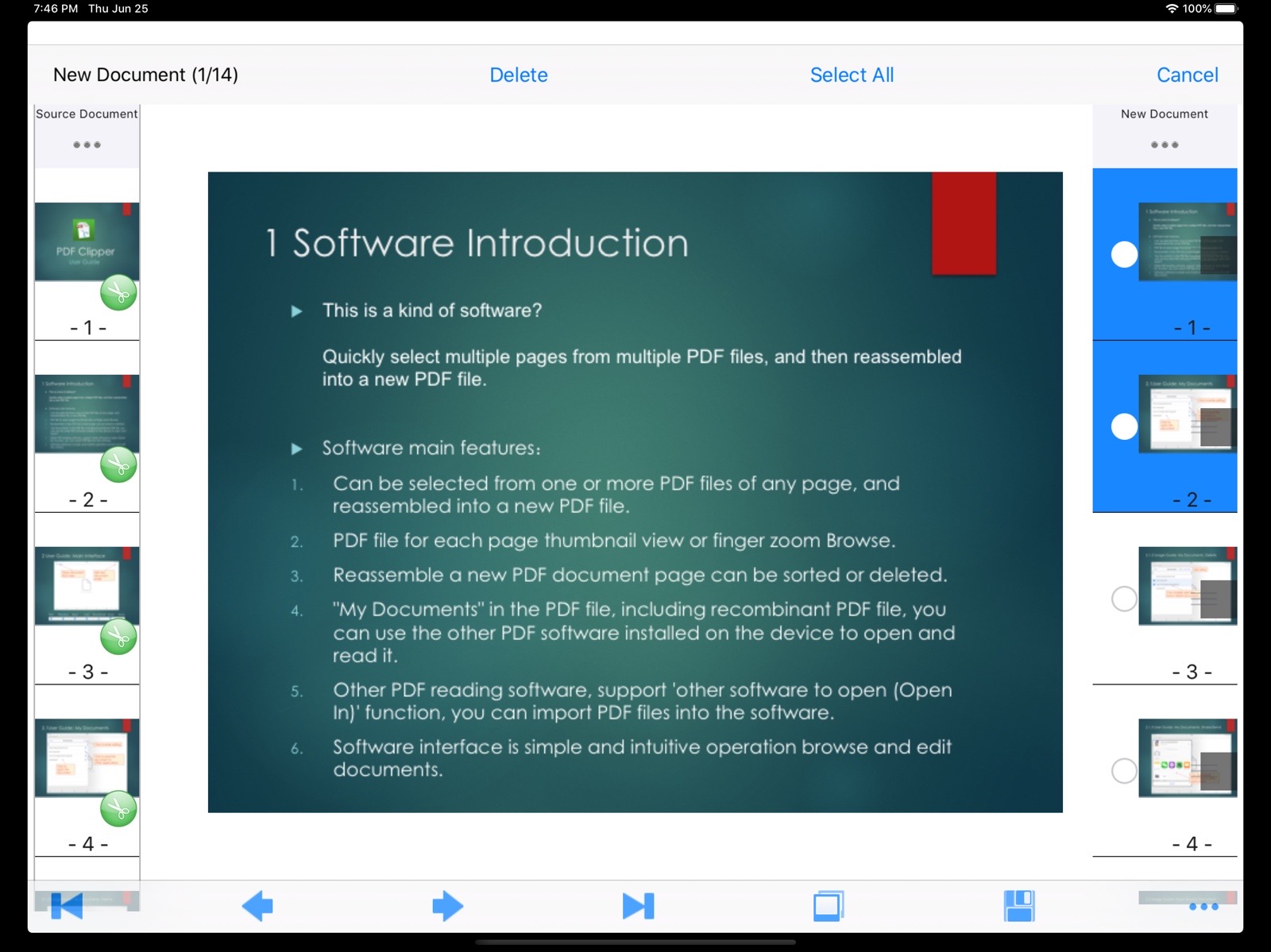
- The pages in the newly recombined PDF document can be freely reordered or deleted.
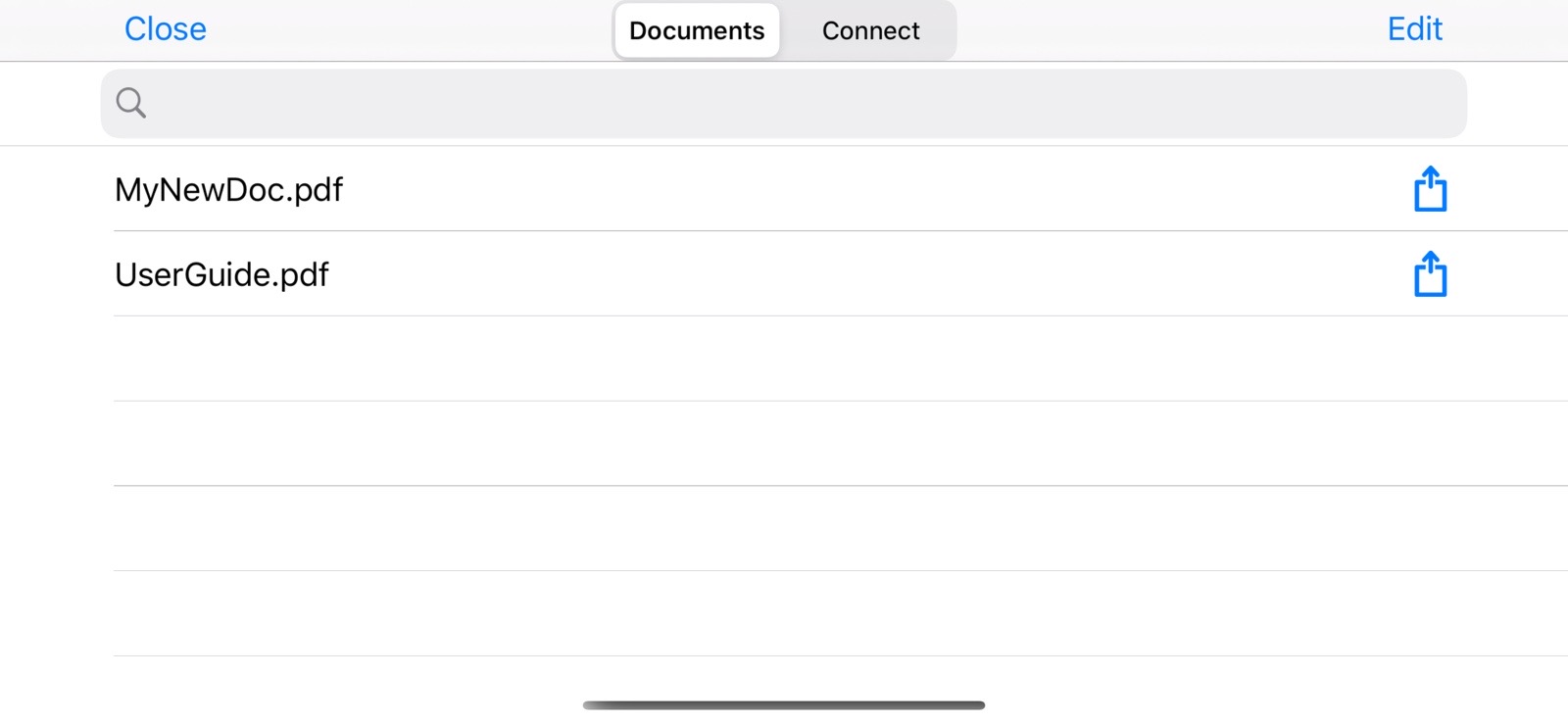
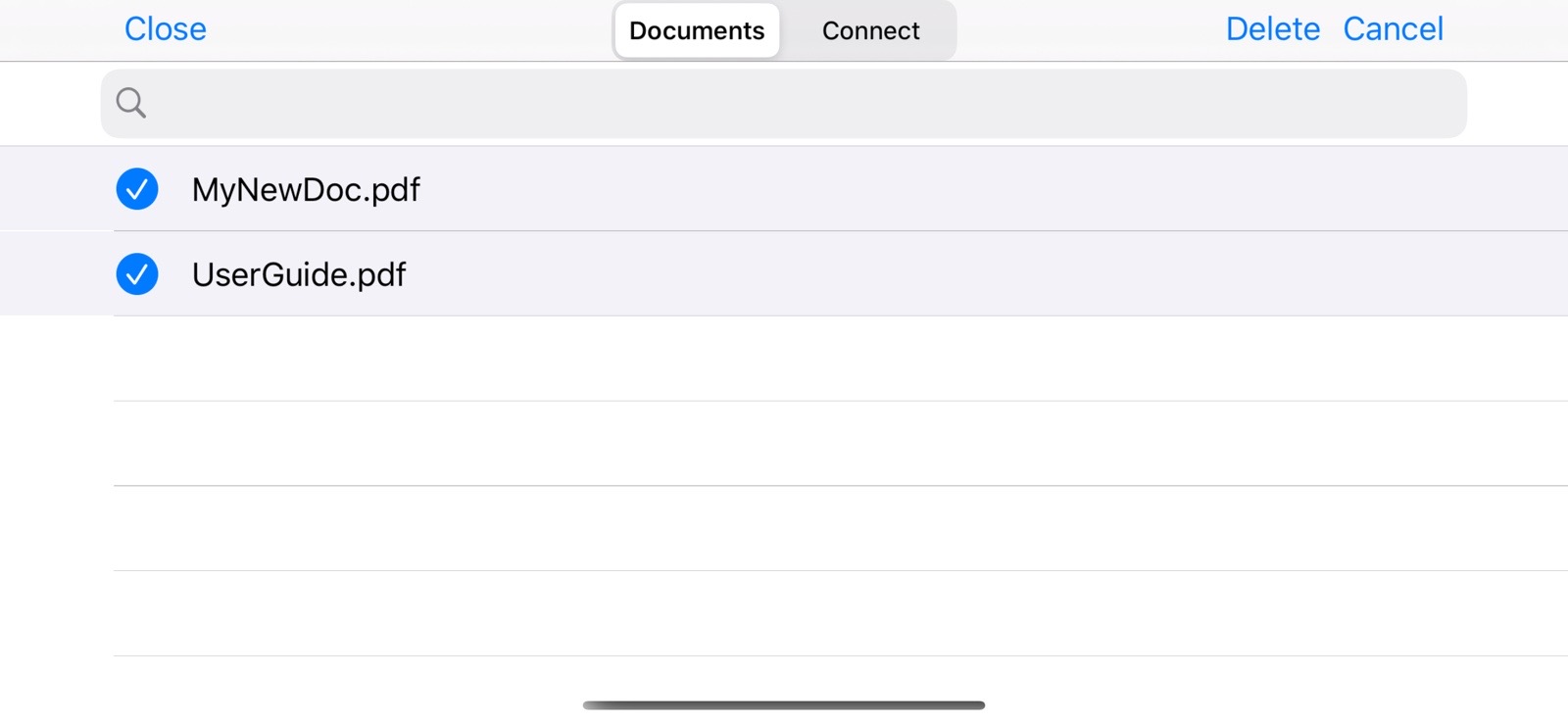
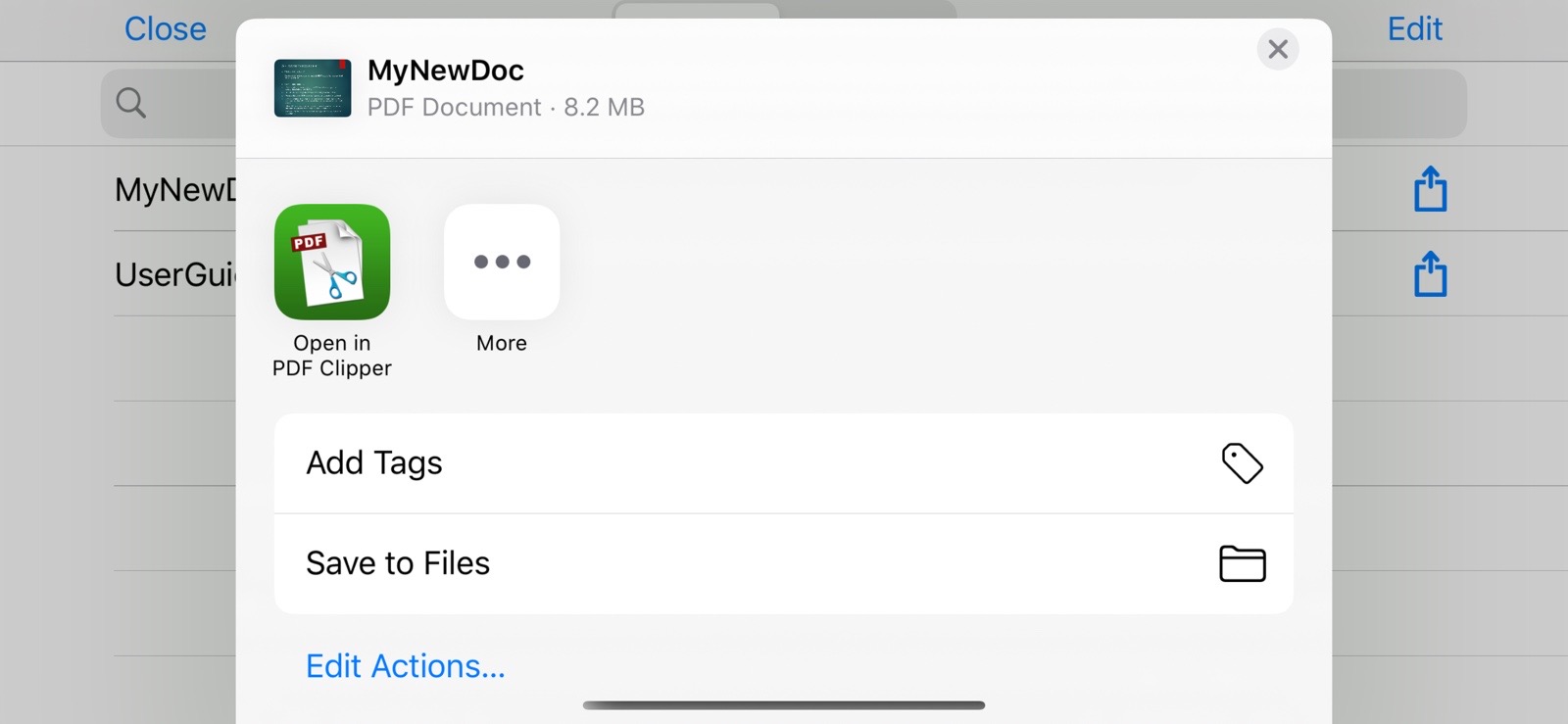
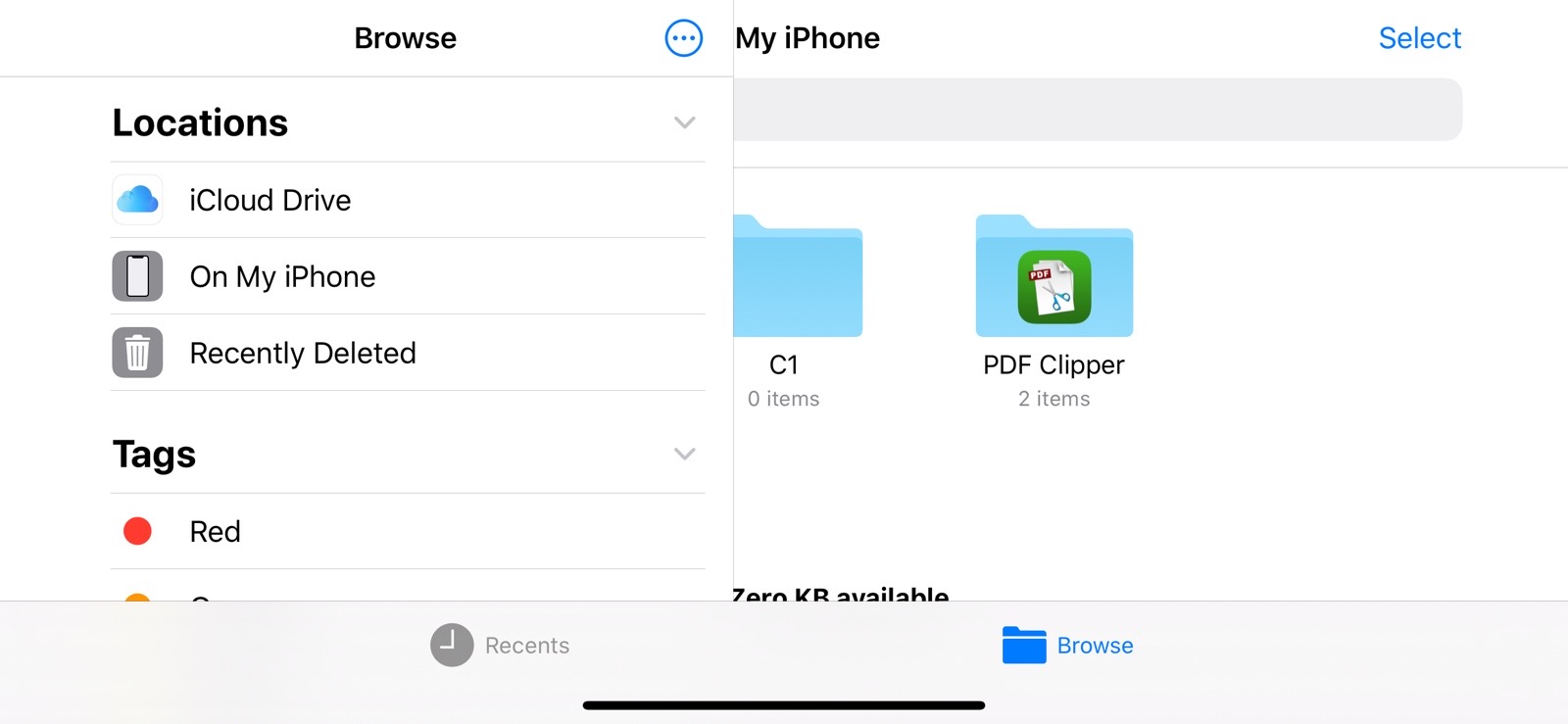
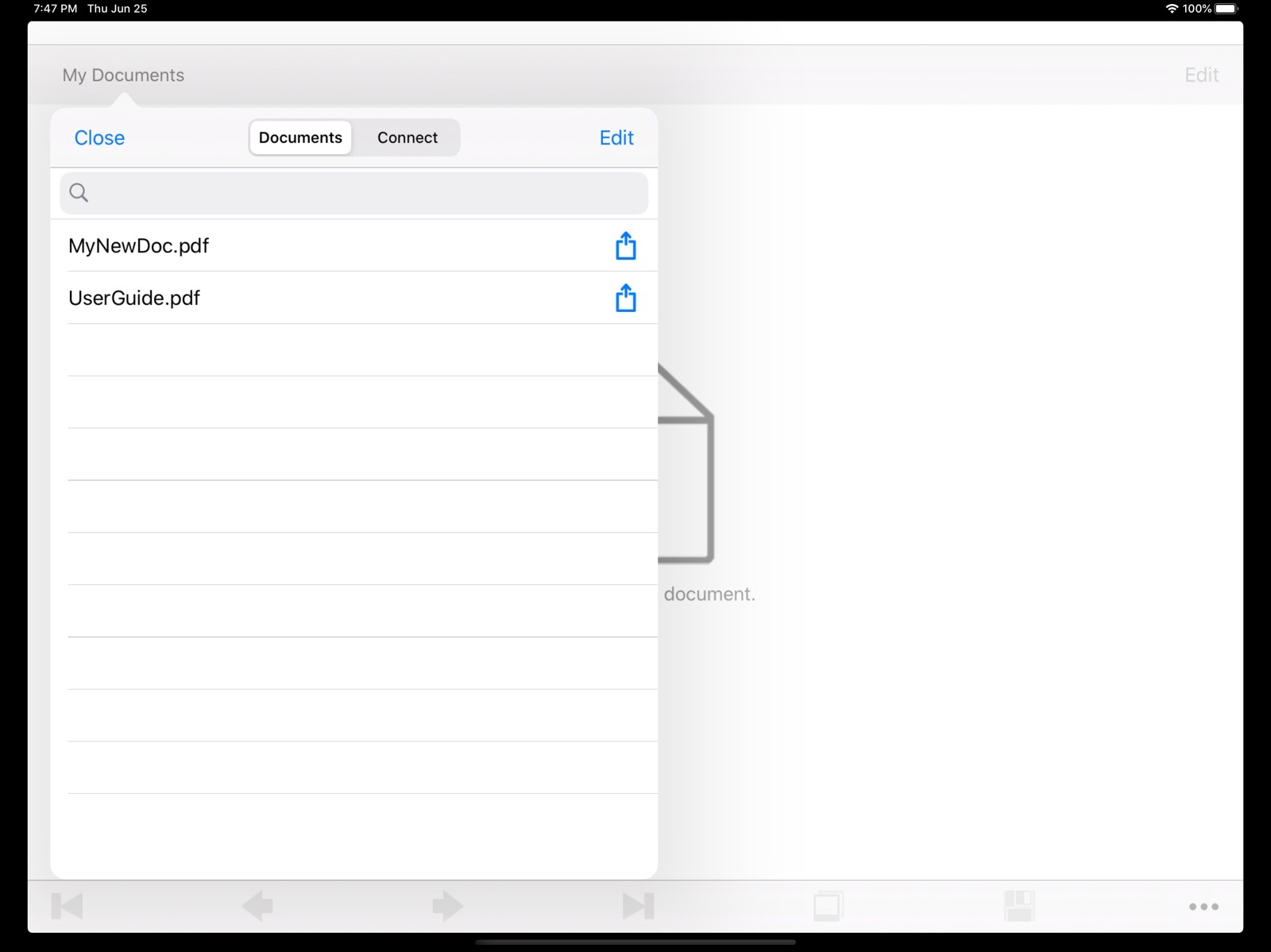
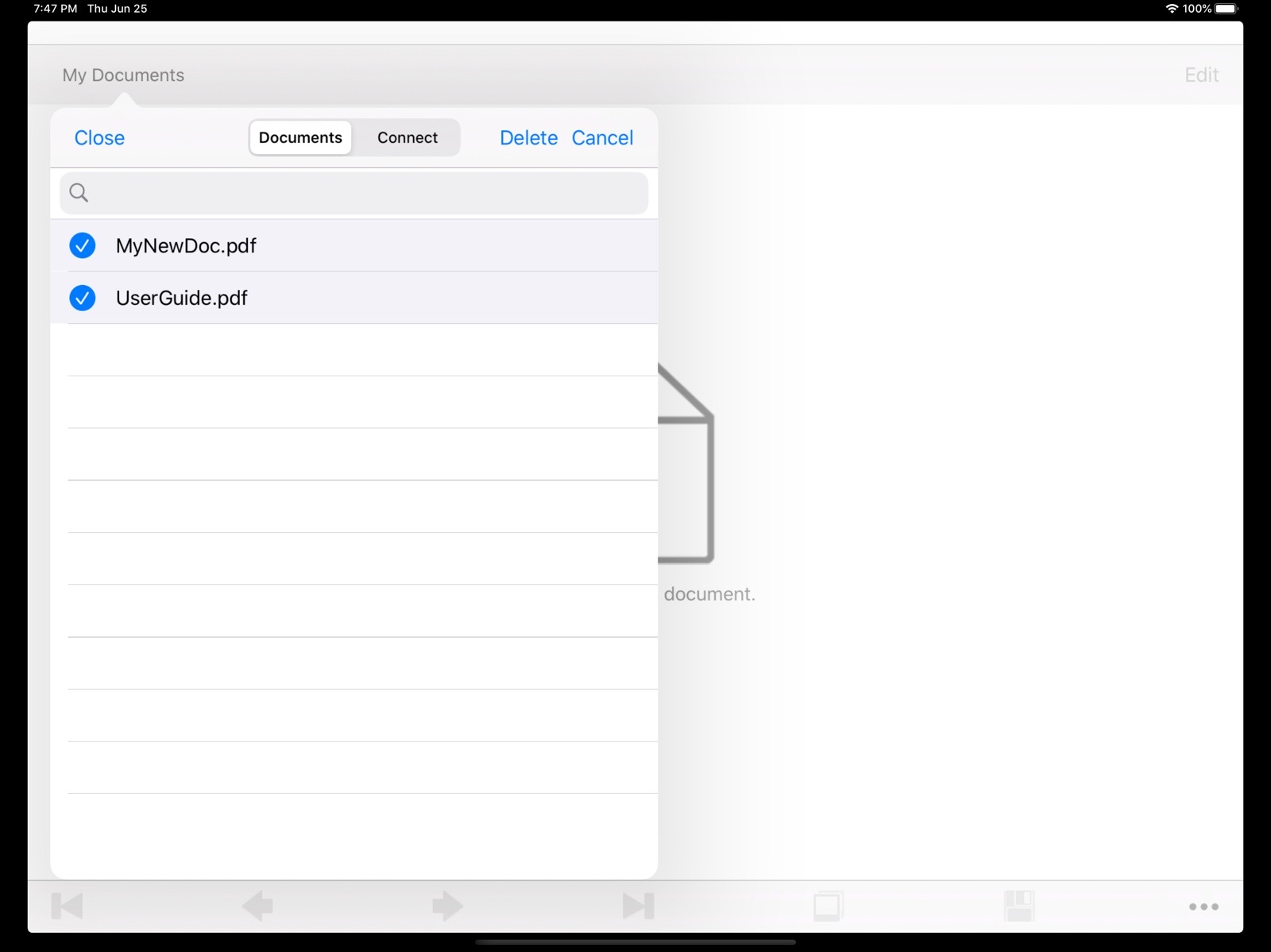
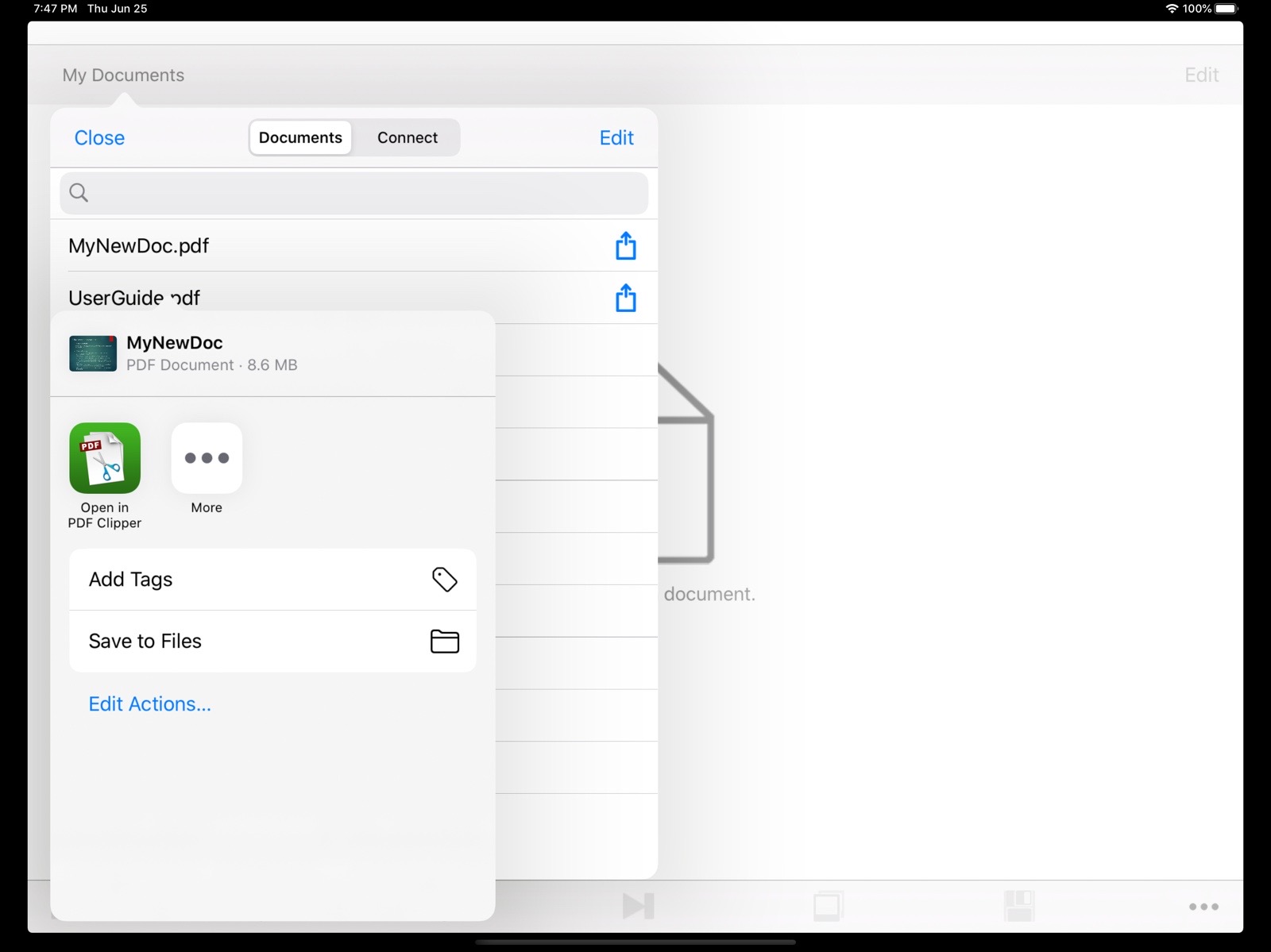
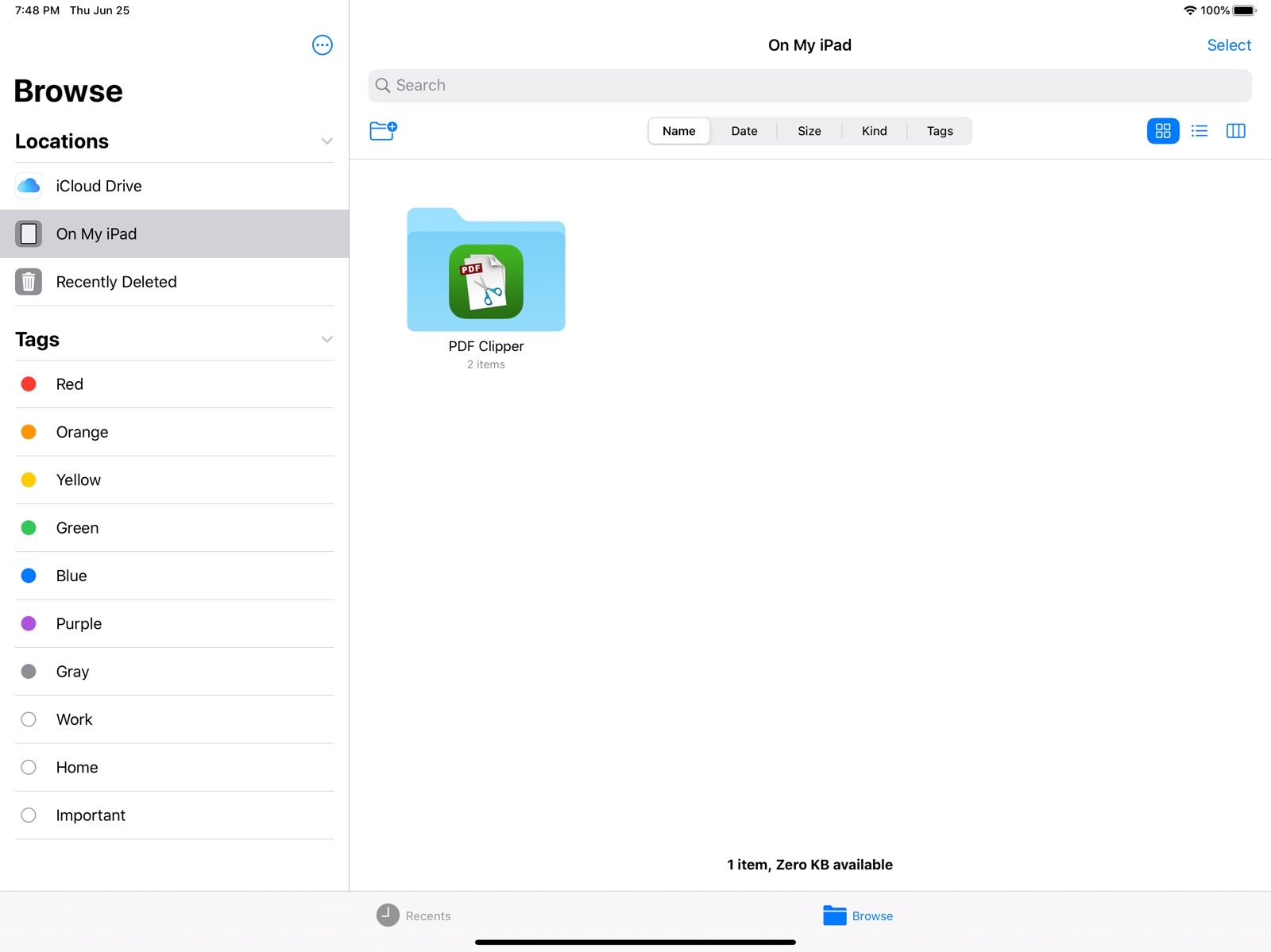
- The PDF files in 'My Documents' can be shared with other applications through the sharing feature, or saved to 'Files', and so on.
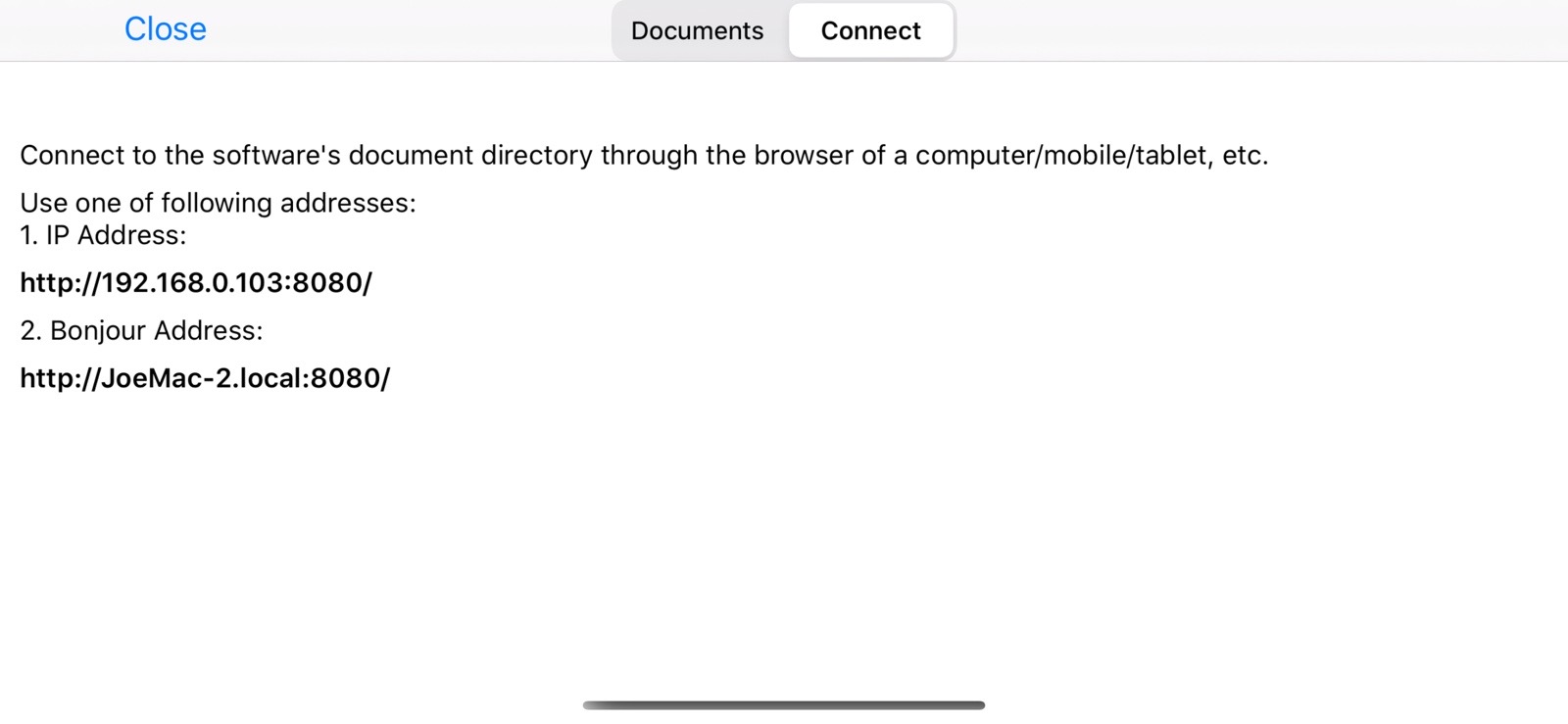
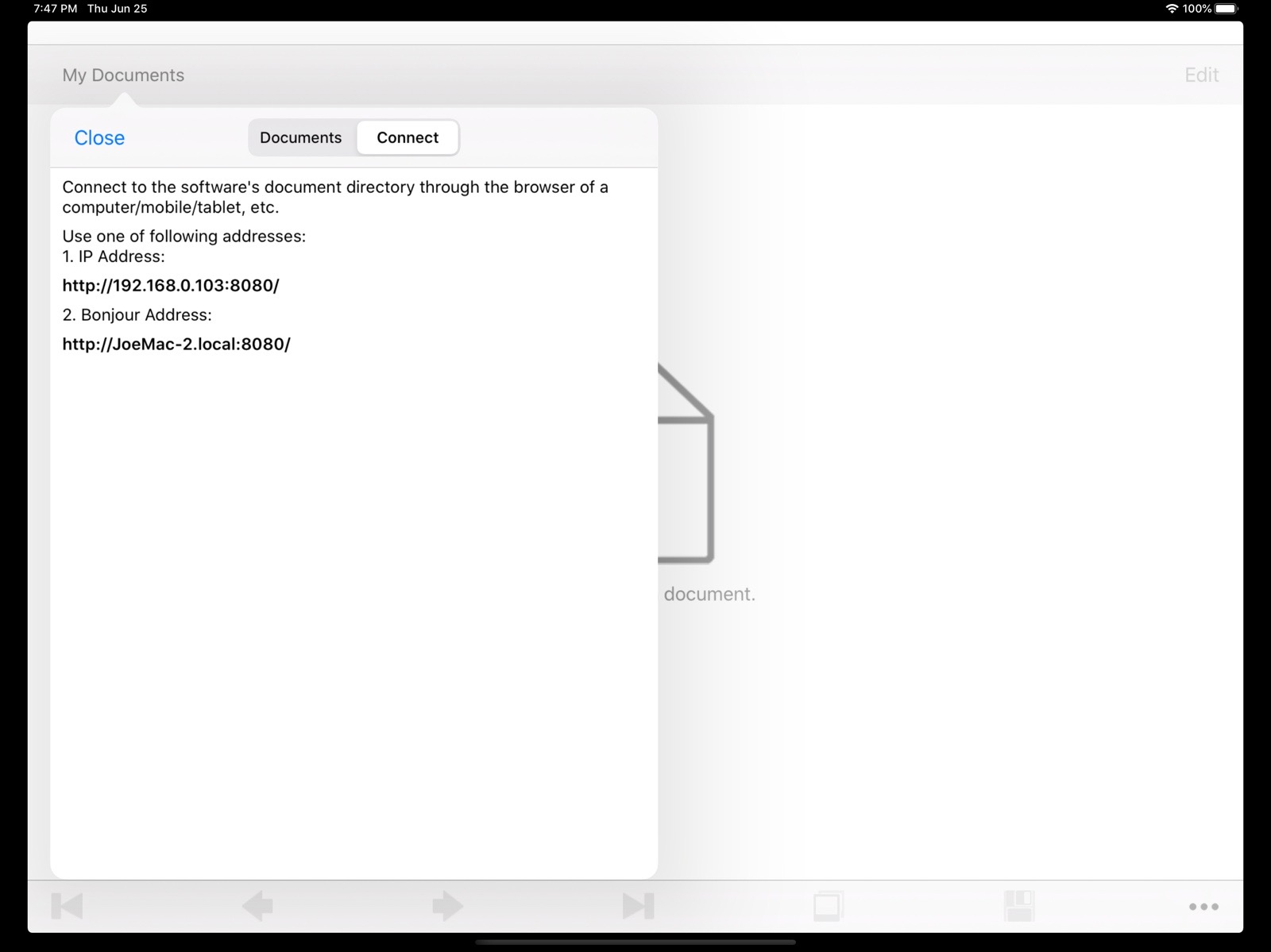
- The "Connect" feature in "My Documents" allows you to access the document directory of this software through the browser on any device and manage PDF files.
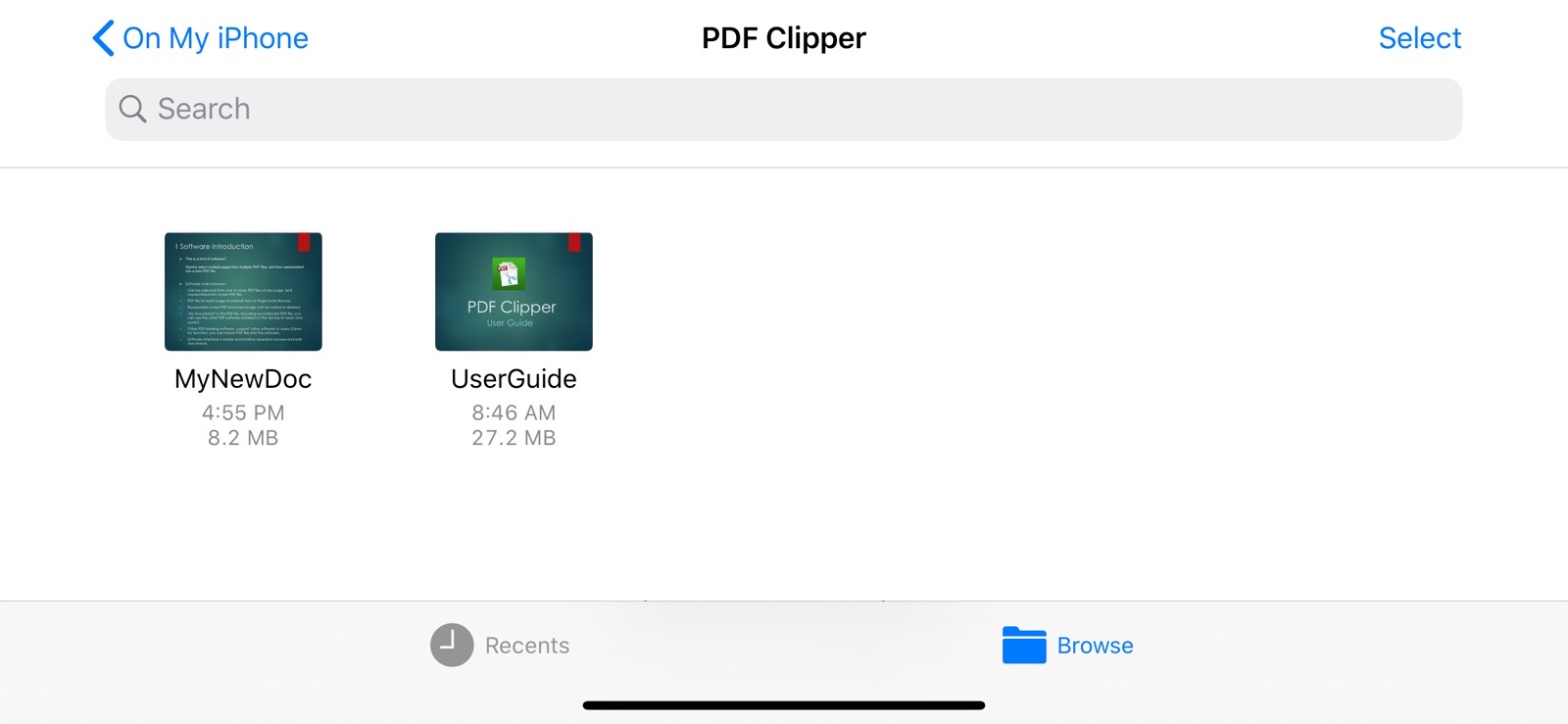
- PDF files can be imported into this software from the system "Files" app or other PDF software.
- The software interface is clean, and operations like browsing and editing documents are intuitive and convenient.
- This software can be used on iOS, iPadOS, and macOS.
- The software supports both light and dark appearance modes.
- The software supports multiple languages, including: English, Simplified Chinese, Traditional Chinese, Spanish, Portuguese, French, German, Russian, Japanese, Korean.
(The new version will bring more languages)