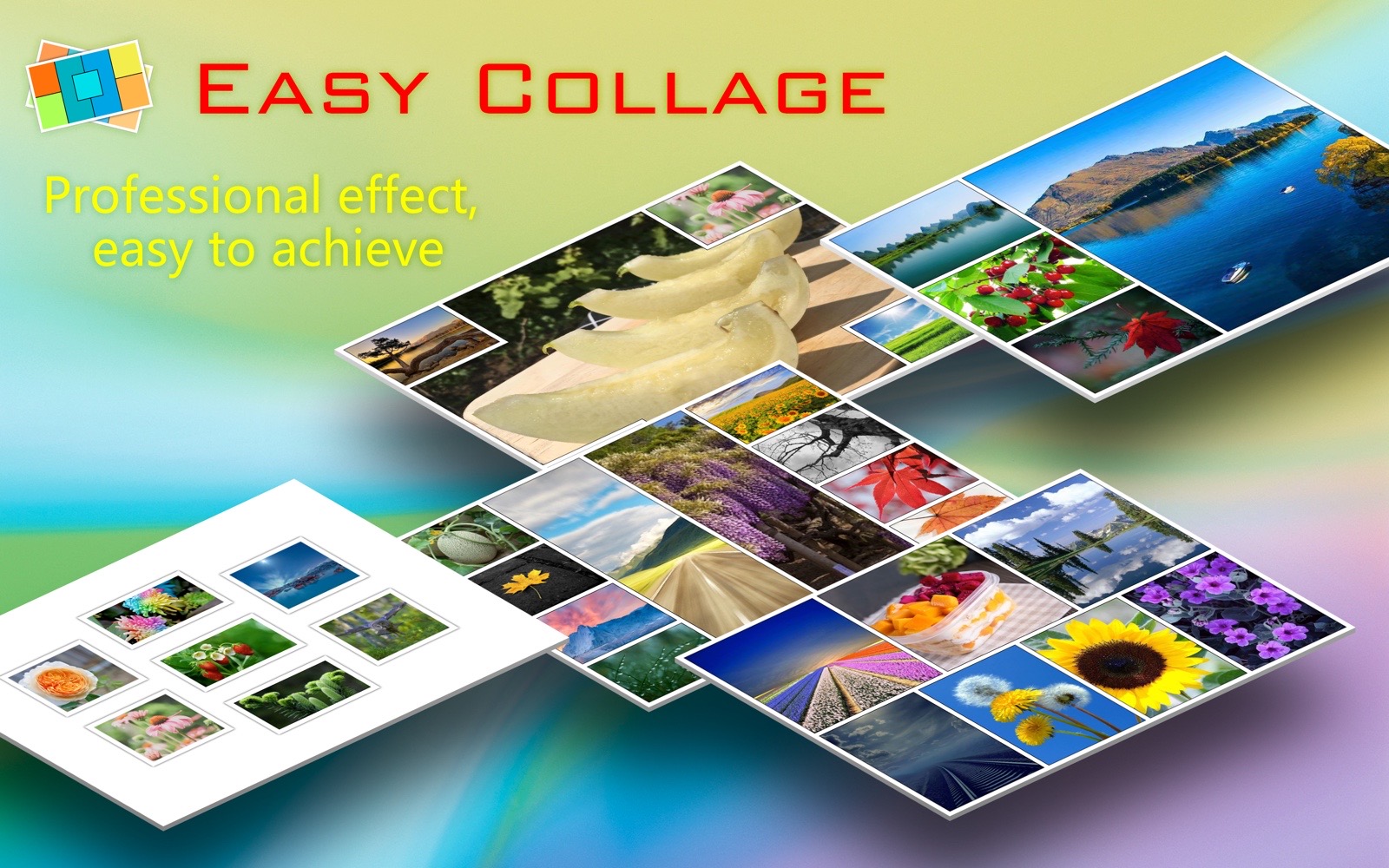
This world is colorful, beautiful and wonderful. How can we let it pass away? "Easy Collage" can help you retain the beautiful moments and gather the beauty of this world.
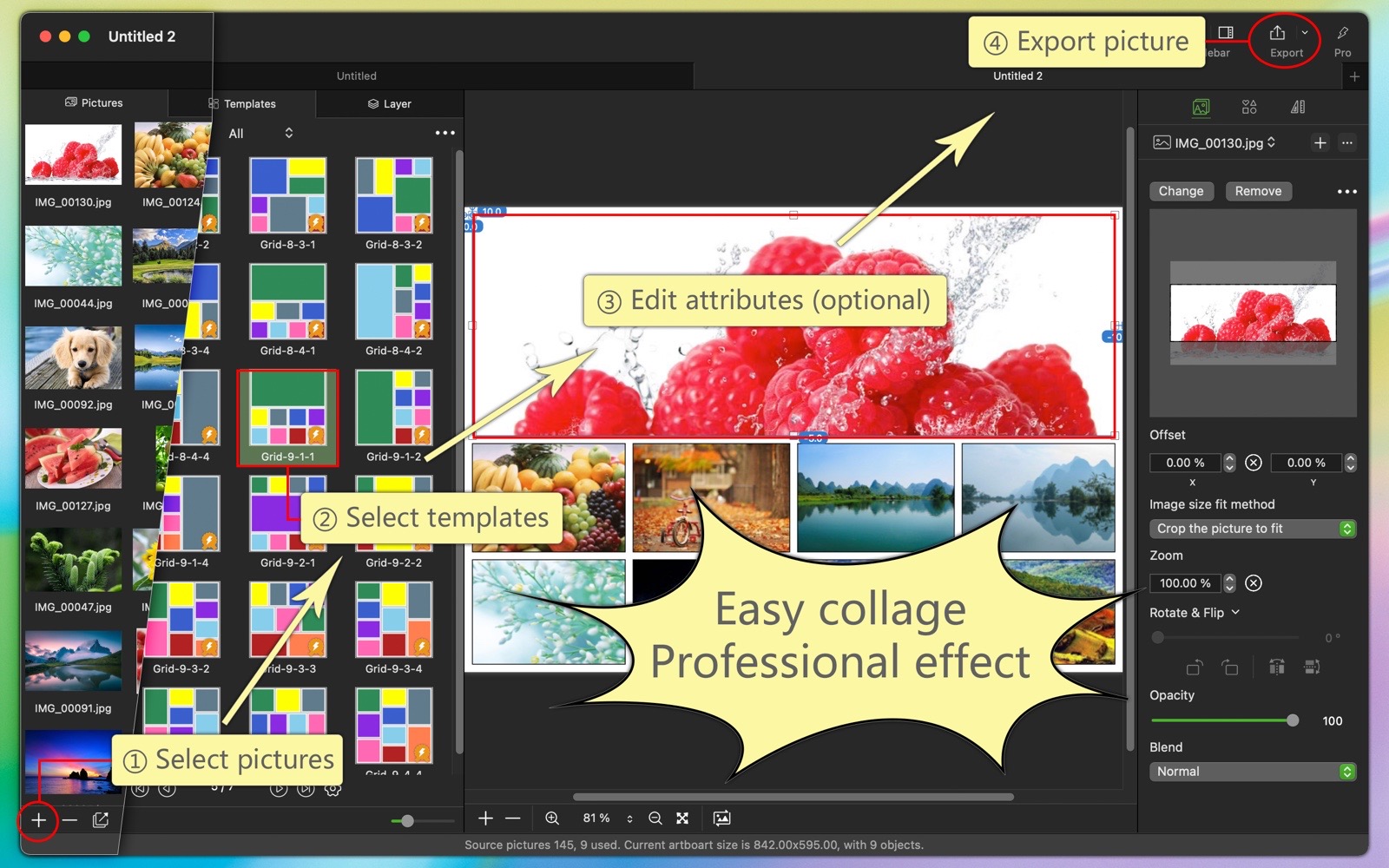
"Easy Collage" software is a professional collage software that is easy to use, powerful, rich in templates, and excellent in effect.
Main Function:
- Rich and easy-to-use templates:
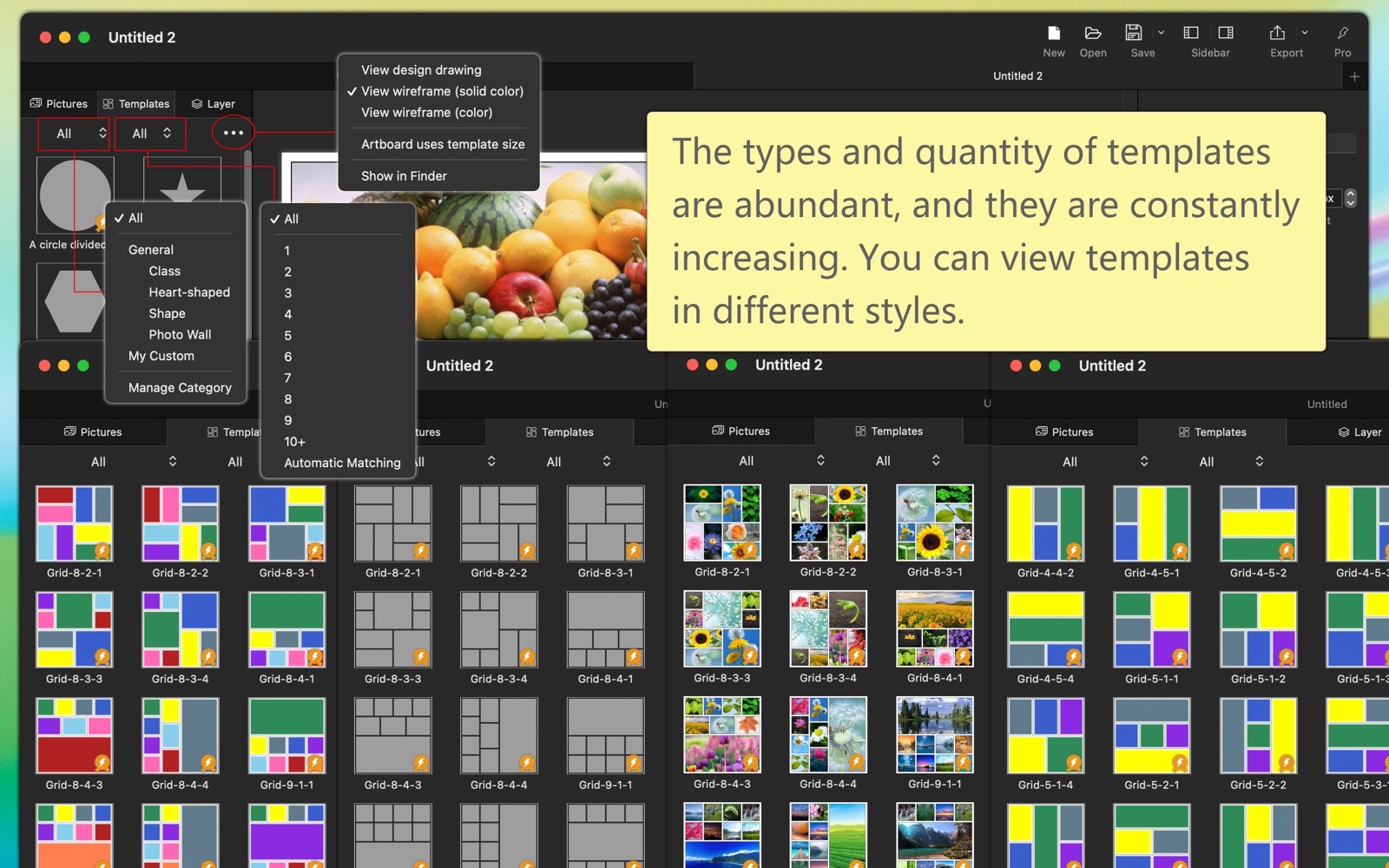
(1) There are various types of templates, including: standard (classic, heart-shaped, shaped, photo wall, geometric), long images (horizontal, vertical), my custom, etc.
(2) The number of templates is extremely abundant; there are currently hundreds and will continue to increase.
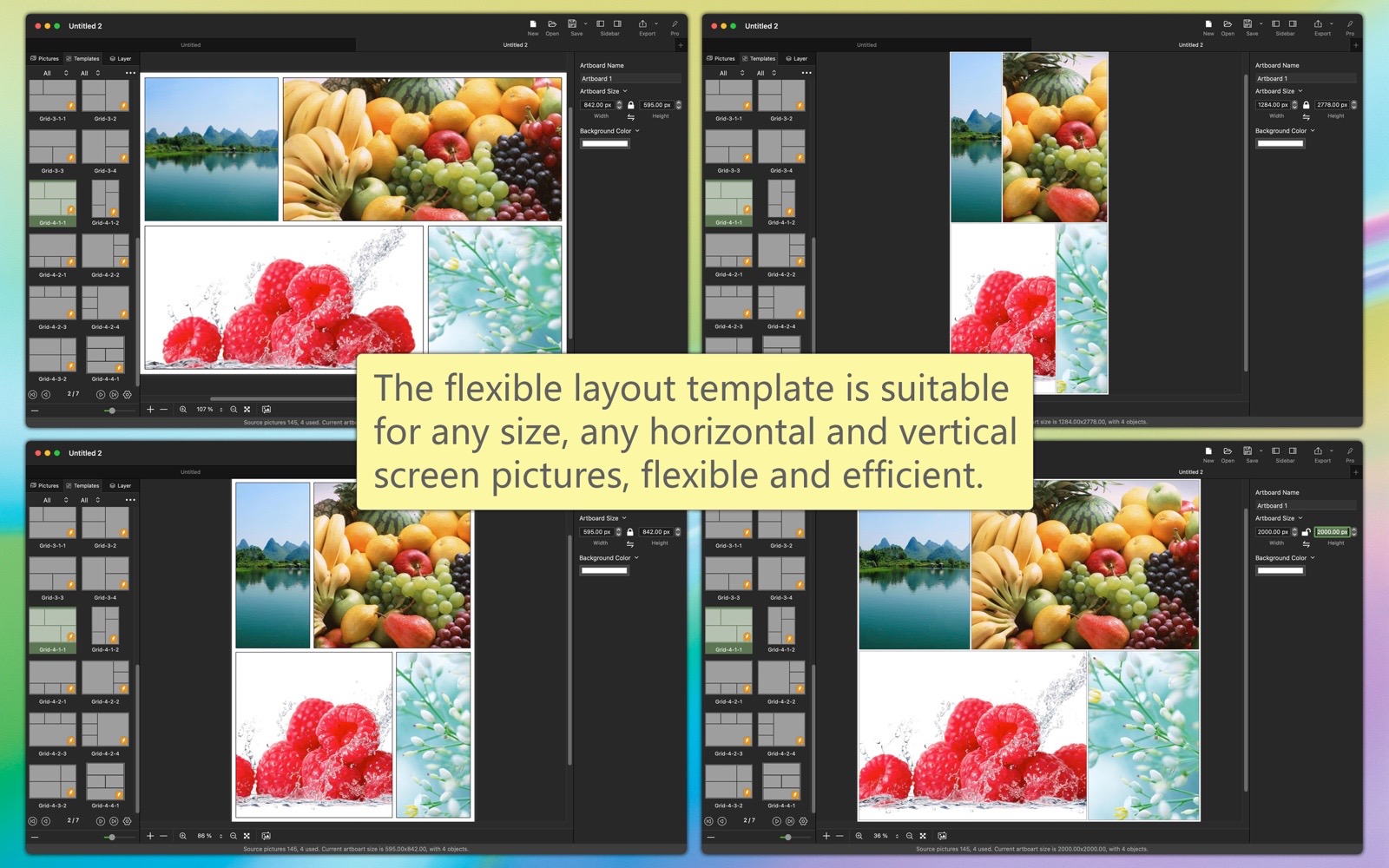
(3) Templates with flexible layouts are suitable for images of any size and any orientation (horizontal or vertical).
(4) Automatically match templates that correspond to the number of photos.
(5) Template search and sorting functions can quickly locate the target template.
(6) The way to apply templates can be customized, with flexible options.
(7) Template previews can be viewed in different ways: design drawings, monochrome wireframes, and colored wireframes.
- Powerful editing features:
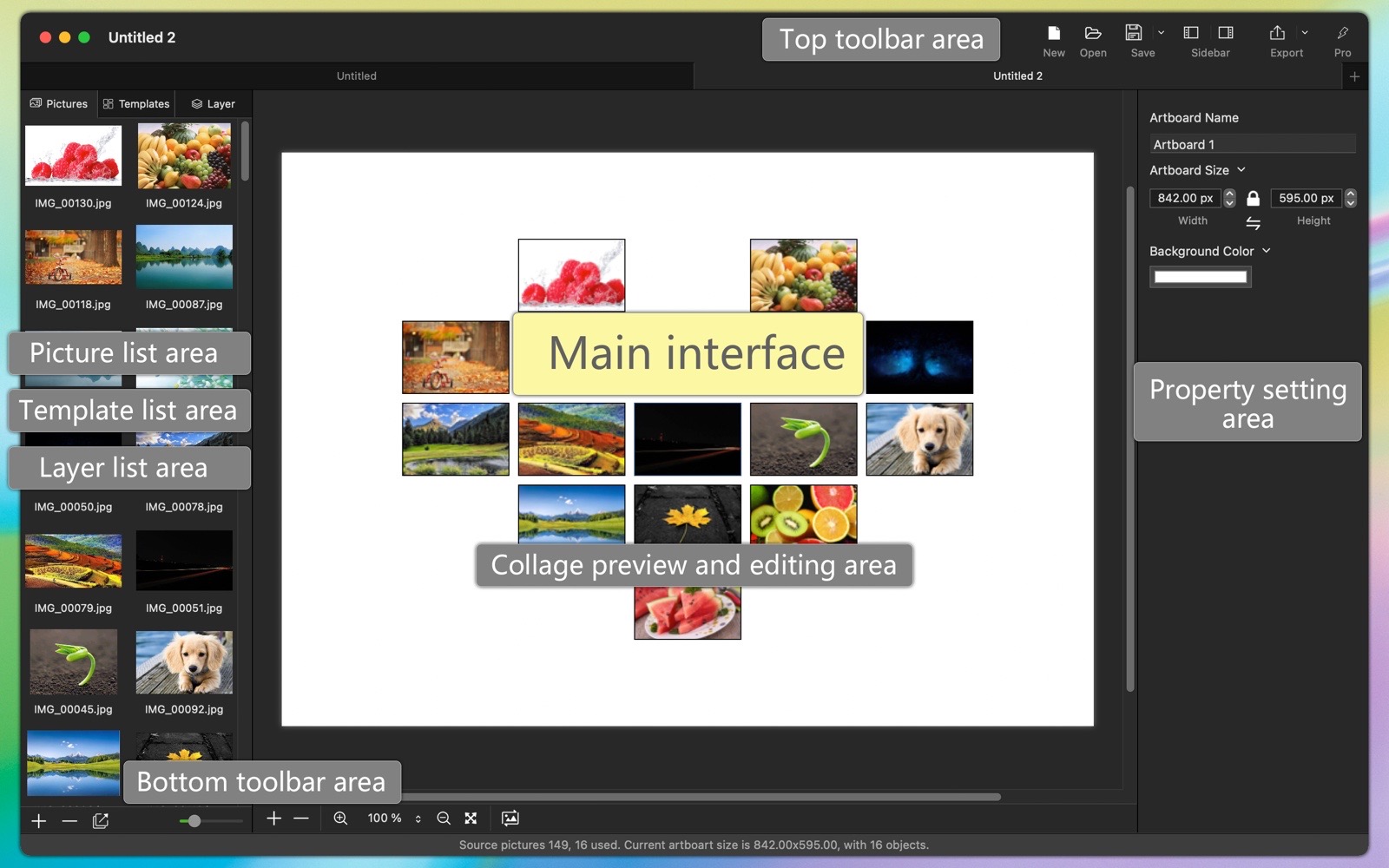
(1) Ruler, drafting board reference lines, alignment reference lines, layout reference lines, magnetic alignment, zoom in, zoom out, undo, redo, swap object images, lock, hide, group, and other operations, flexible and comprehensive.
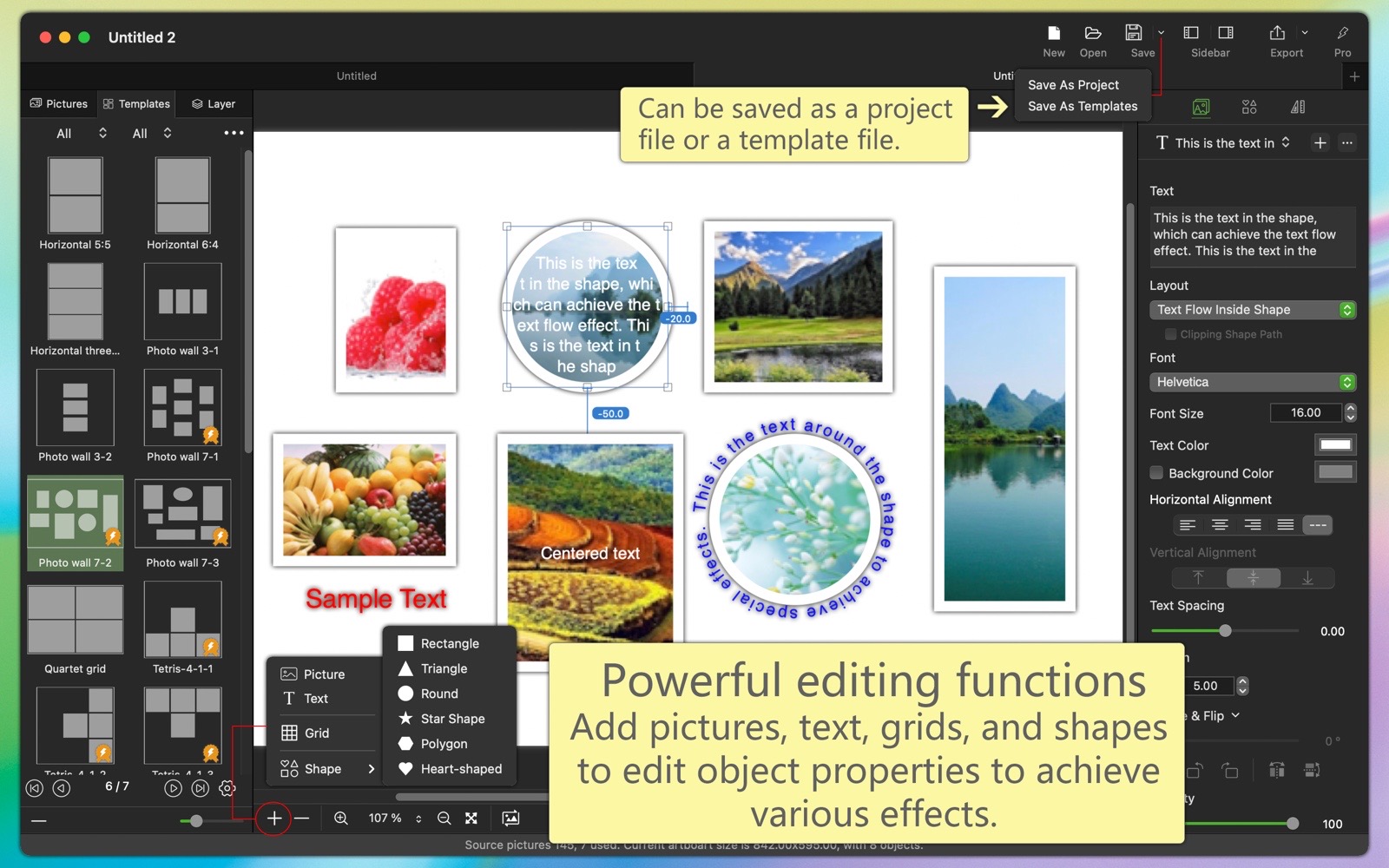
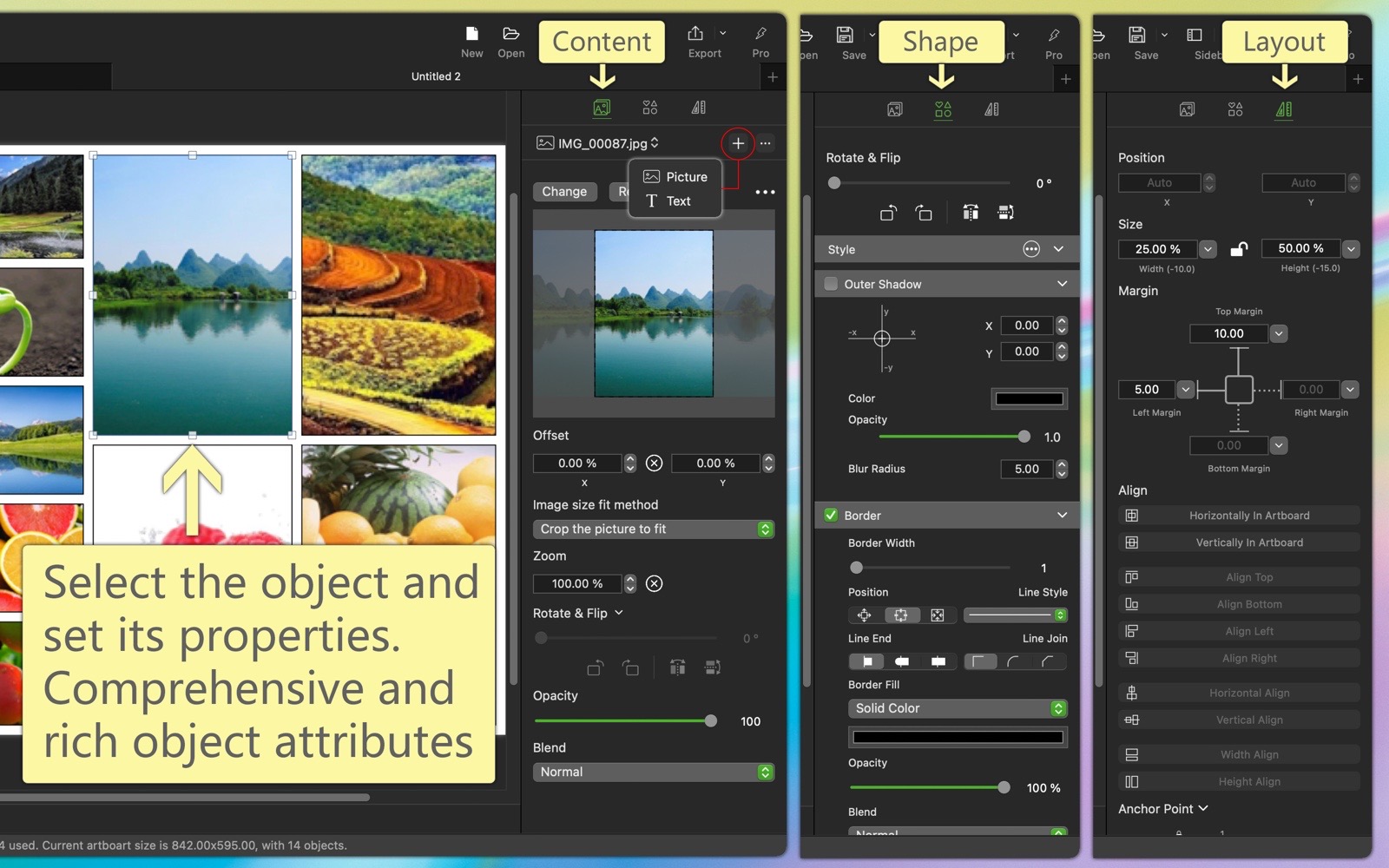
(2) You can add various drawing objects such as images, text, shapes, etc. You can set various properties of the drawing objects including content, style, shape, layout, and more.
(3) Generate a grid collage with specified rows and columns with one click, and automatically layout to fit any image size.
(4) Powerful Boolean operations: merge shapes, subtract top shapes, intersect shapes, exclude overlapping shapes.
(5) Powerful flexible layout features: you can complete complex constraints between any objects using simple visual operations to achieve flexible layout effects.
(6) Quick overall adjustments: quickly adjust spacing and margins between objects.
(7) You can edit and modify collages based on existing templates, or create collages from scratch. You can save them as custom templates at any time.
- Easily design collages visually, preview the collage effects between different templates in real time, what you see is what you get.
- In addition to regular collages, you can also create long collages, horizontal long collages, and vertical long collages, with automatic and manual stitching, making it flexible and convenient.
- The image export function is feature-rich:
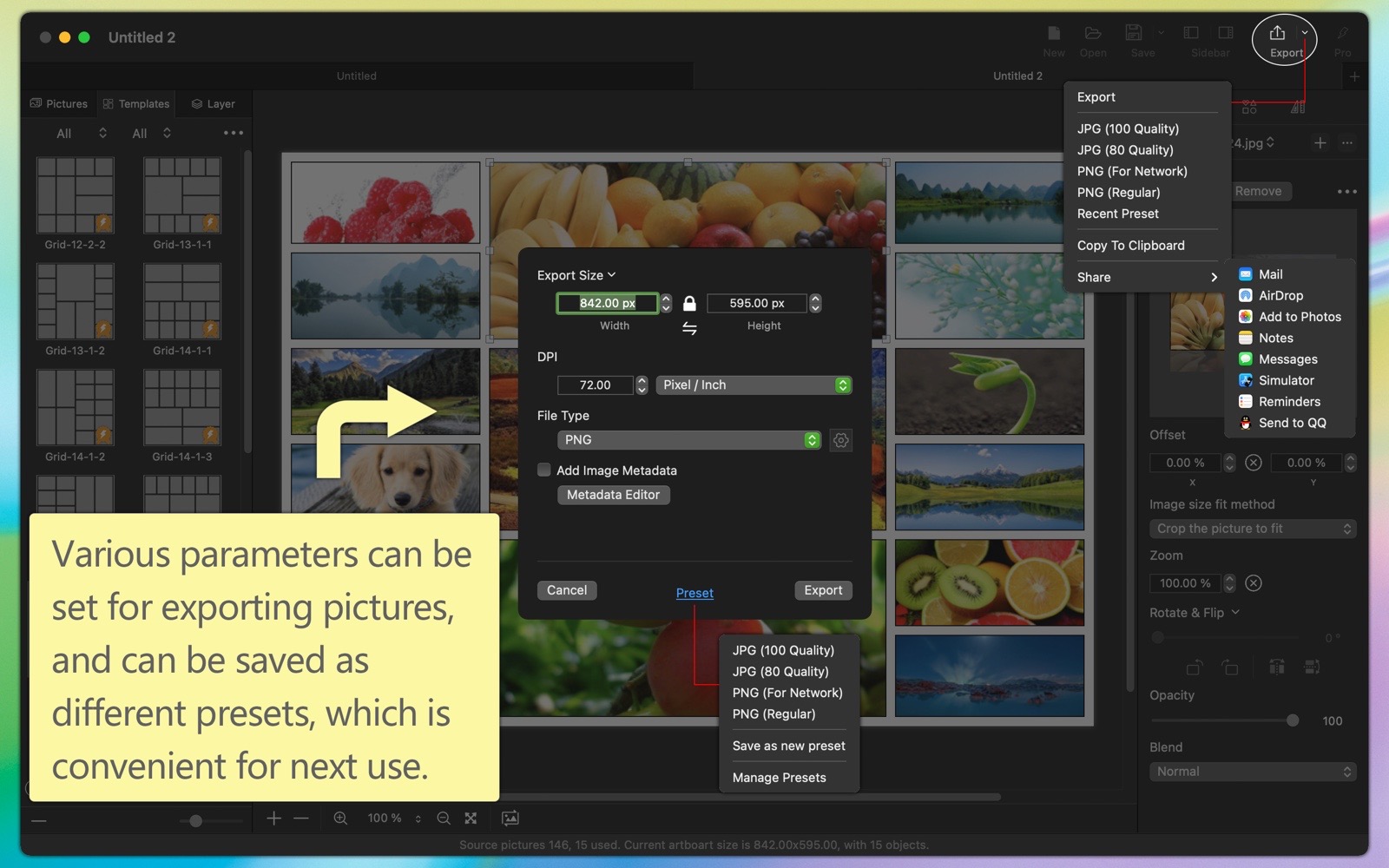
(1) You can export images of any size, in various image formats, with custom image DPI resolution, color profile, and add copyright information and other metadata (EXIF/TIFF/JFIF/GPS/...).
(2) You can save different export settings as custom presets, making it quick to use when exporting images next time.
(3) You can share exported images via email, Photos, AirDrop, Notes, Messages, Reminders, and various installed social media apps.
- The project file function allows you to save the current working environment as a project file so that you can continue working the next time you open the project.
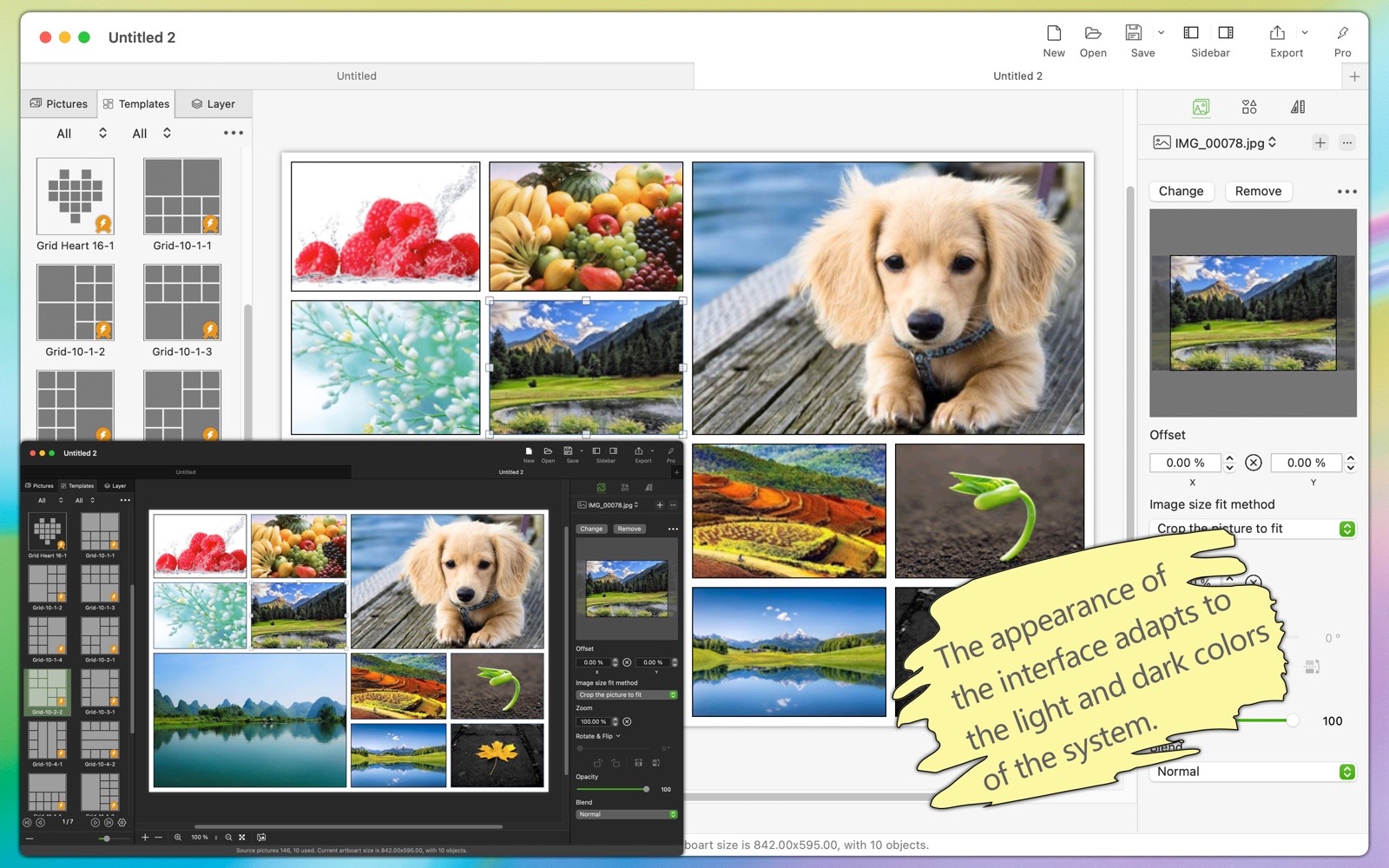
- The software supports both light and dark appearance modes.
- The software supports multiple languages, including: English, Simplified Chinese, Traditional Chinese, Spanish, Portuguese, French, German, Finnish, Russian, Japanese, Korean.
(The new version will bring more languages)